
Essential UX Design for SaaS: Expert Tips to Boost User Engagement
Discover essential UX design strategies for SaaS to boost engagement and growth. Get expert tips from ANODA UX Agency. Contact us today for a consultation!
Design the parts of a SaaS product that decide whether an account stays — the first session, the work people come back for, and the moments a plan, a seat or a role changes.

A SaaS product people activate in, come back to and grow with.
How an organisation works: approvals, departments, procurement.
SaaS UX Design
How one account activates, returns and grows.
Not included
Where your product is today decides where we start.
Roles, workflows and the first-run journey designed from the ground up, with a prototype to test before build.
UI/UX & Product DesignAn evidence-based review of onboarding, activation and the recurring flows, with fixes in priority order.
UX AuditA redesign that keeps the workflows and terms customers rely on while navigation, dashboards and states change.
UI RedesignComponents, patterns and rules, so every new feature looks and behaves like the rest of the product.
Design SystemsWhichever you start with, your engineers get the workflow and role model, the rules for states, data and permissions, and the design files.
A SaaS product earns its place when people come back to it. The design follows an account from trial to renewal, role by role.
Sign-up, setup and the first useful result, with empty states that teach instead of blocking.
Who can see, edit, invite and pay — and what the product looks like for each of them.
The daily or weekly job, made fast for people who already know the product.
What each role needs to see first, with filters, density, and data that arrives late or not at all.
Trials, plan limits, upgrades, seats, renewals and cancellation, designed as part of the product rather than a billing page.
Engineering handoff. Flows with their roles and states, a permission matrix, data and edge-case notes, and a rollout note for every change existing customers will notice.
From first releases to redesigns of platforms customers work in every day.
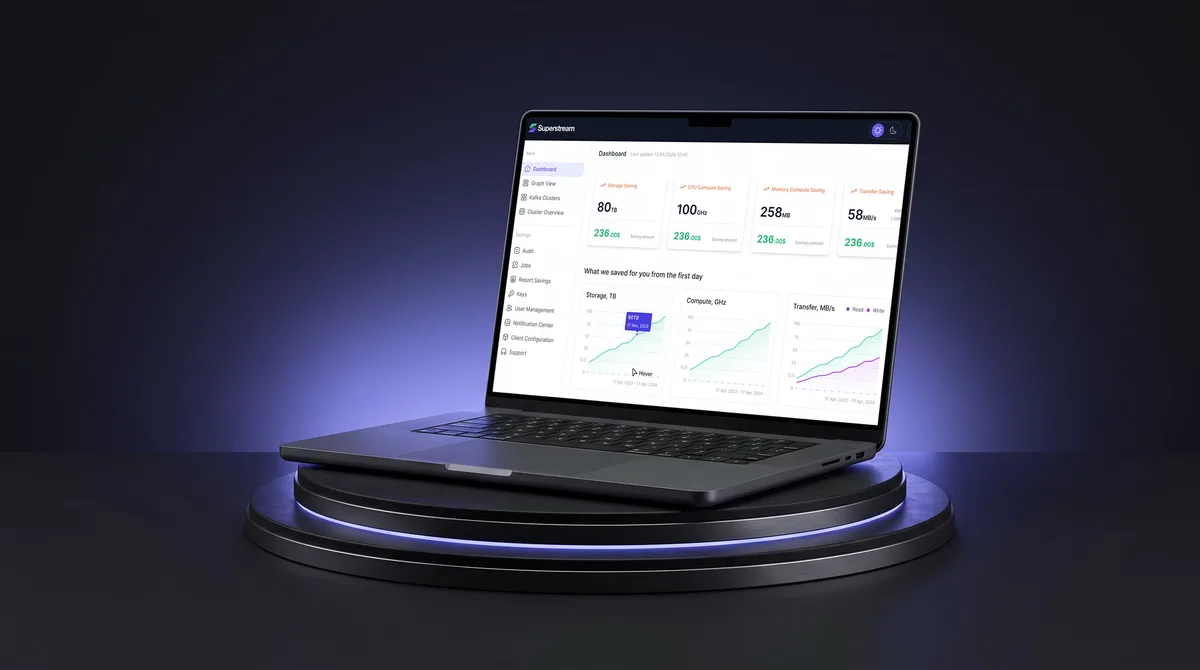
AI Hi-Tech · SaaS
Turned a Kafka management platform's dense technical data into one calm, consistent interface for DevOps teams.
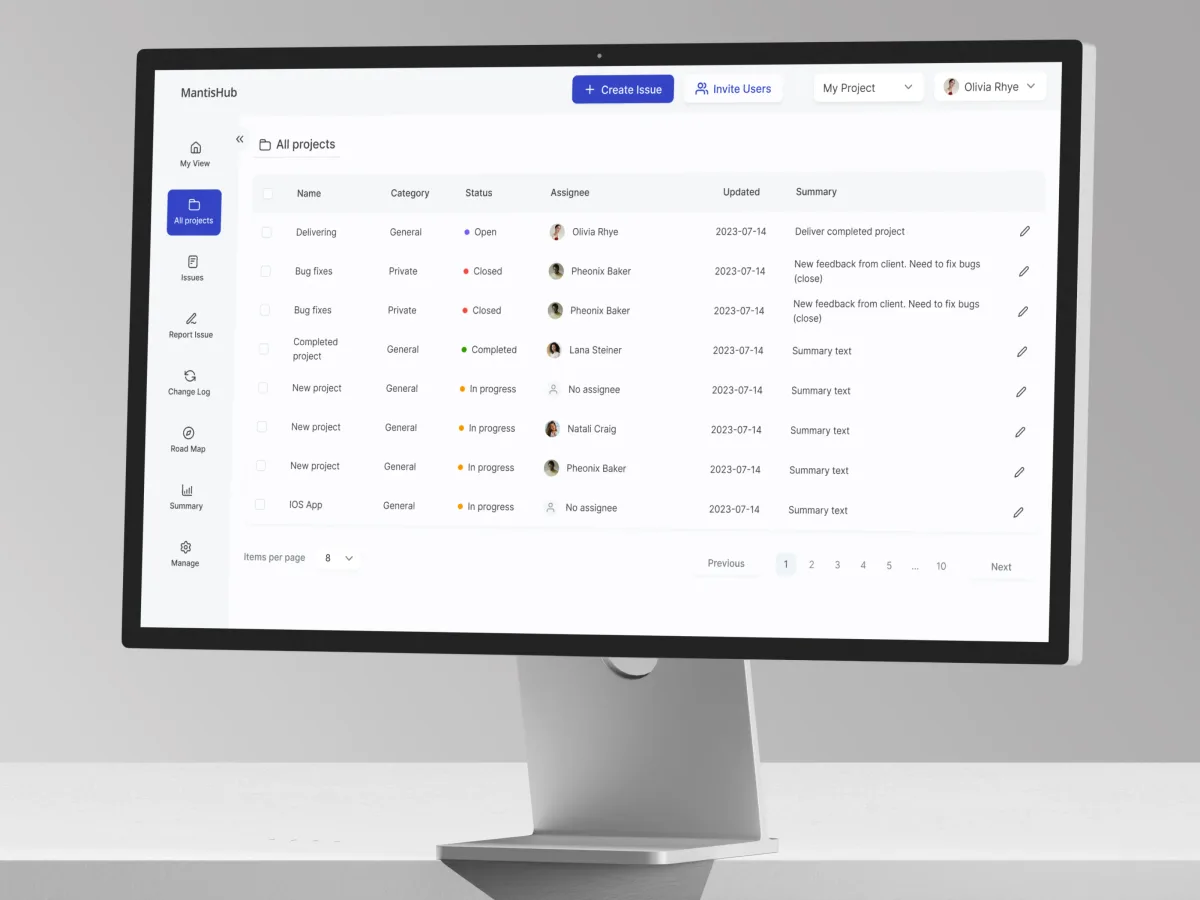
DevTools · Bug tracking · Web SaaS
Redesigned selected issue workflows in a hosted bug tracker — lists, filters, issue details and notes — for people who use it all day.
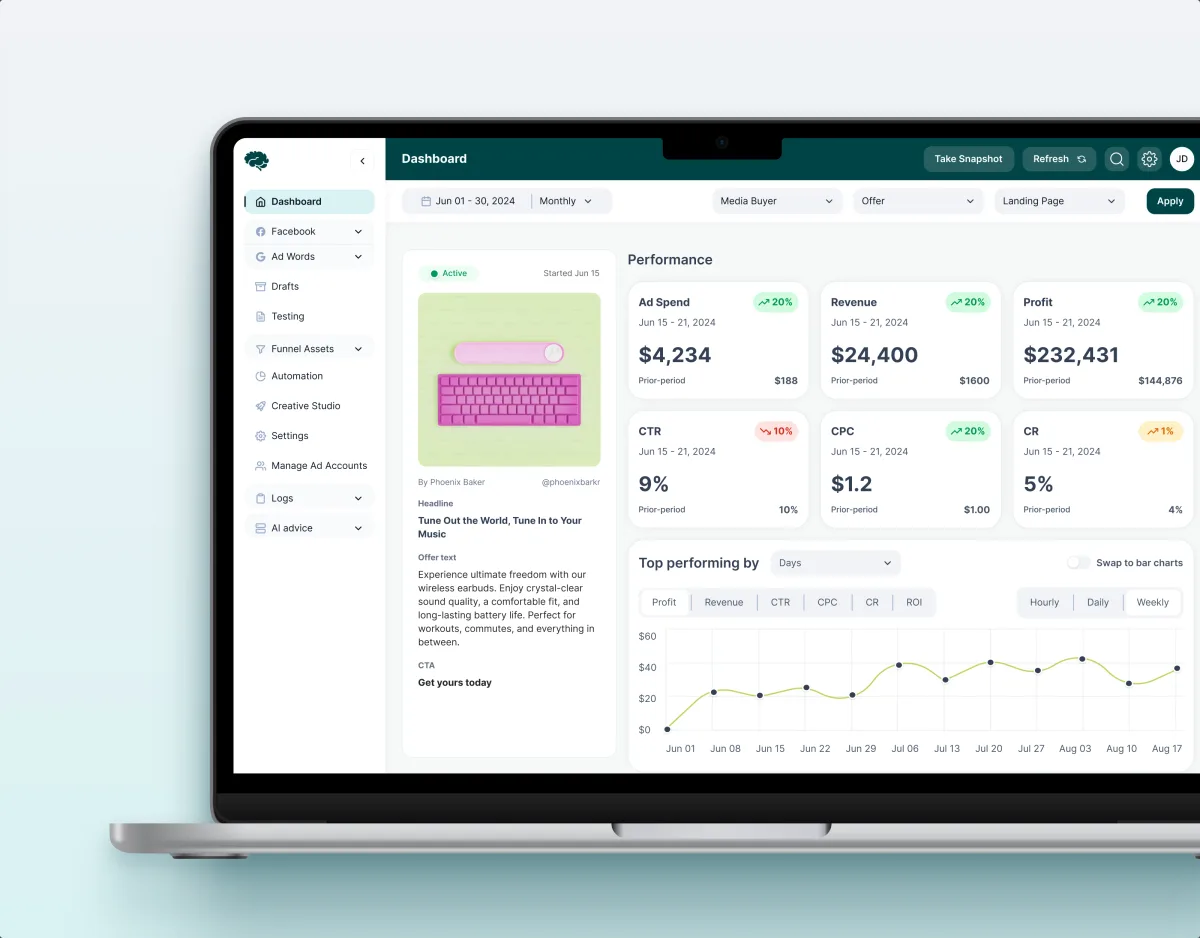
MarTech · Ads analytics · Web SaaS
Redesigned a paid-traffic SaaS across 11 modules — performance, funnels, lead disposition, automation rules and creative approval.
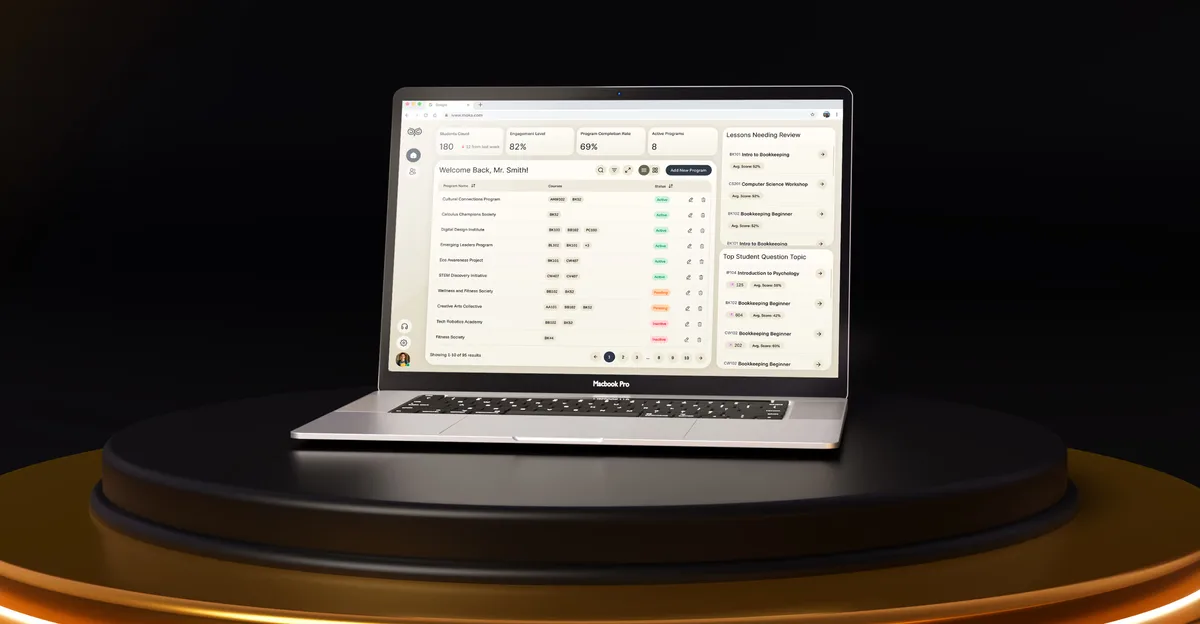
EdTech · SaaS
Designed an AI-powered learning platform from a blank canvas for four audiences, with progress tracking and AI help.
It fits when the product lives on accounts that activate, return and grow.
The product lives on recurring use, and drop-off or churn is the problem.
Admins, members and billing contacts need different views and rights.
Changes have to land without breaking the workflows people rely on.
A product owner can review flows and settle trade-offs with engineering.

Share where the product is and what has to change. We will come back with a useful scope and a realistic next step.
What we need from your team, who does what, and what happens after the handoff.
Scope and price Scope, price and timing are set in the proposal for the service you start with. Development, analytics setup and pricing strategy are outside design and scoped separately.
This was a large design project in which these guys excelled. Their expertise as a UX agency was evident throughout — especially in the attention to detail in user testing and seamless user flows. Will definitely be hiring again.
Tell us what the product does, who uses it, and where people stall or leave.
Message received.
Within 15 minutes, we’ll email you initial feedback and follow-up questions.
Discover essential UX design strategies for SaaS to boost engagement and growth. Get expert tips from ANODA UX Agency. Contact us today for a consultation!
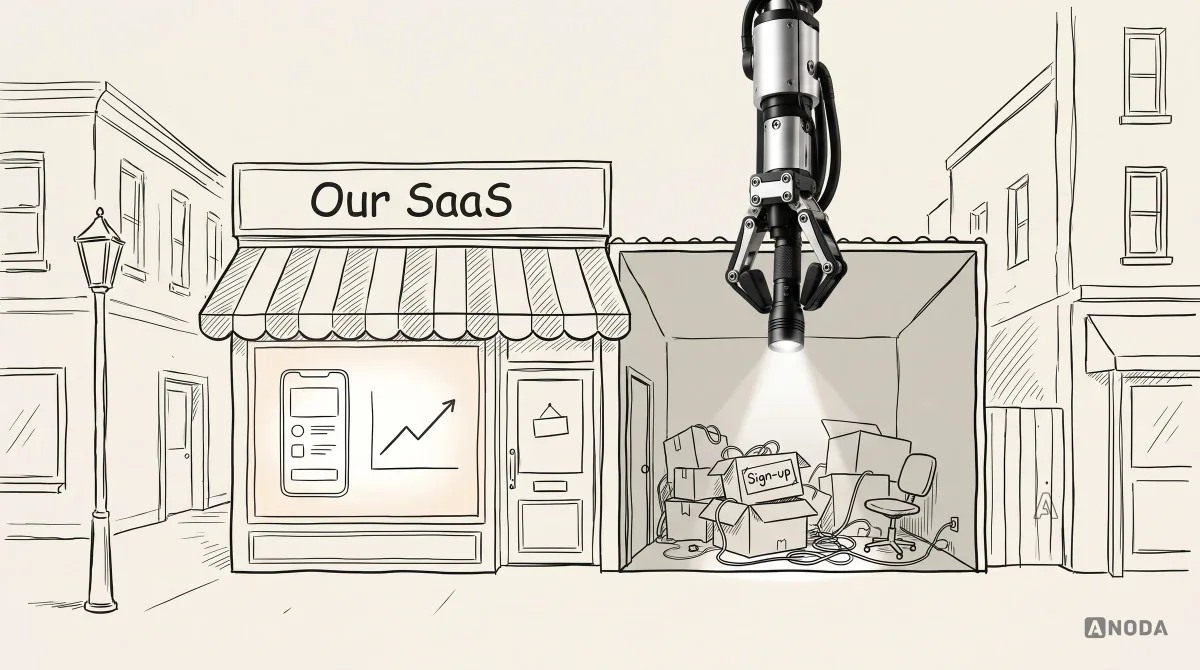
Choose a SaaS web design agency by clarifying positioning, proof, conversion paths, CMS, analytics, delivery scope and ownership before design begins.
Look for one that shows redesigns of live products and explains what it kept. On MantisHub we redesigned selected issue workflows and kept the information density its experienced users rely on. We map what customers rely on first, and plan with your team how each change reaches them.
Onboarding and activation, roles and permissions, the recurring workflows, dashboards and their data states, and the account moments — trials, limits, upgrades and cancellation. A new look over the same structure rarely changes how the product is used.
Sign-up and setup, the first useful result, the recurring job people log in for, team invitations and sharing, and plan and billing changes. Roles usually include trial users, account owners and admins, everyday members, billing contacts and invited guests.
It depends on the product's stage: UI/UX & Product Design before the first customers, a UX Audit when people stall after sign-up, UI Redesign when customers have outgrown the product, and Design Systems when it scales to more teams.
With the flows, not after them. Each screen is drawn for no data, partial data, loading, errors, limits and denied access; permissions are set out in a matrix engineering can check the build against.
Access to the product or staging with a test account for each role, the analytics and support themes you have, a product owner who can decide, and contact with engineering so constraints shape the design early.
Published case studies of SaaS platforms we designed or redesigned — Superstream, MantisHub, Concussion Media, Moka, SEOSpace, Xensam and others — each with its own figures.
Yes. Most SaaS work starts from a product in use. We work in your design files and system where they exist, alongside your designers and engineers, and hand over everything we make.