
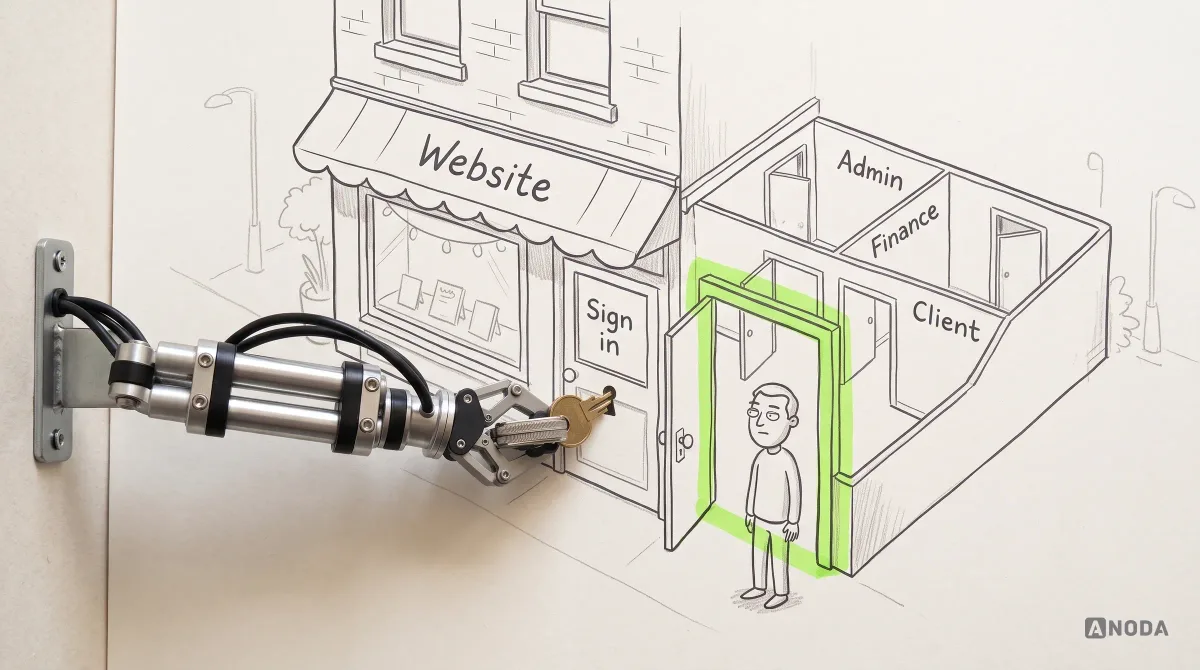
Web App Design Principles for Clear, Scalable Products
Learn the web app design principles that keep complex products clear: user flows, hierarchy, system states, accessibility, design systems, testing, and handoff.
Design the browser product your customers or staff sign in to — roles, workflows, navigation, tables and forms — and test it in a prototype before your engineers build it.

Your web app designed around the work people do in it, role by role, before it is built.
Designs the marketing site people visit to learn and enquire.
Web App Design
Designs the product they sign in to and work in.
Not included
Each part is drawn from the one before, so the screens never drift from the flows.
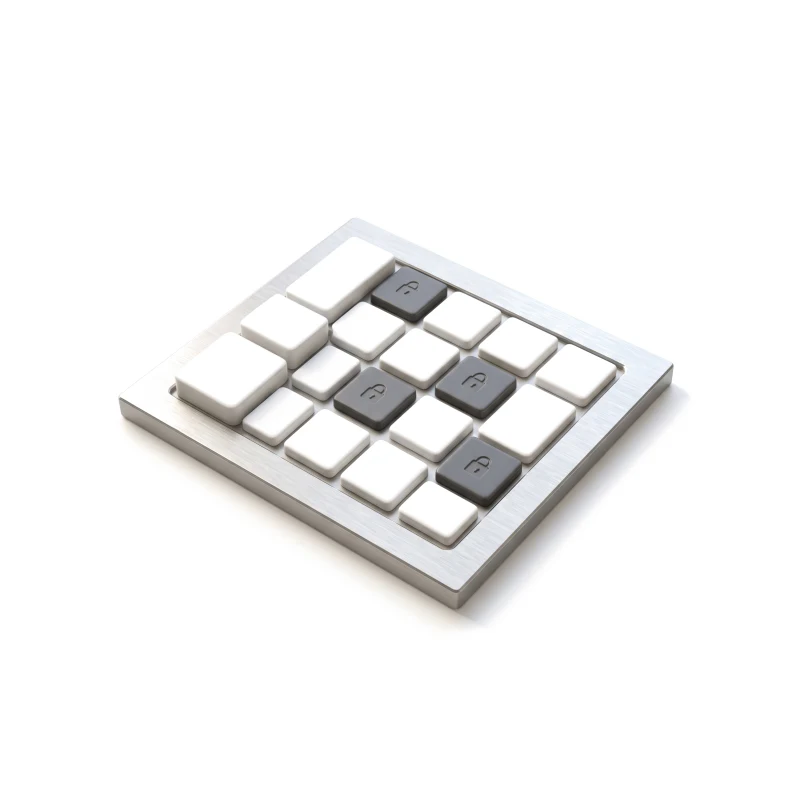
The navigation model and who can do what.
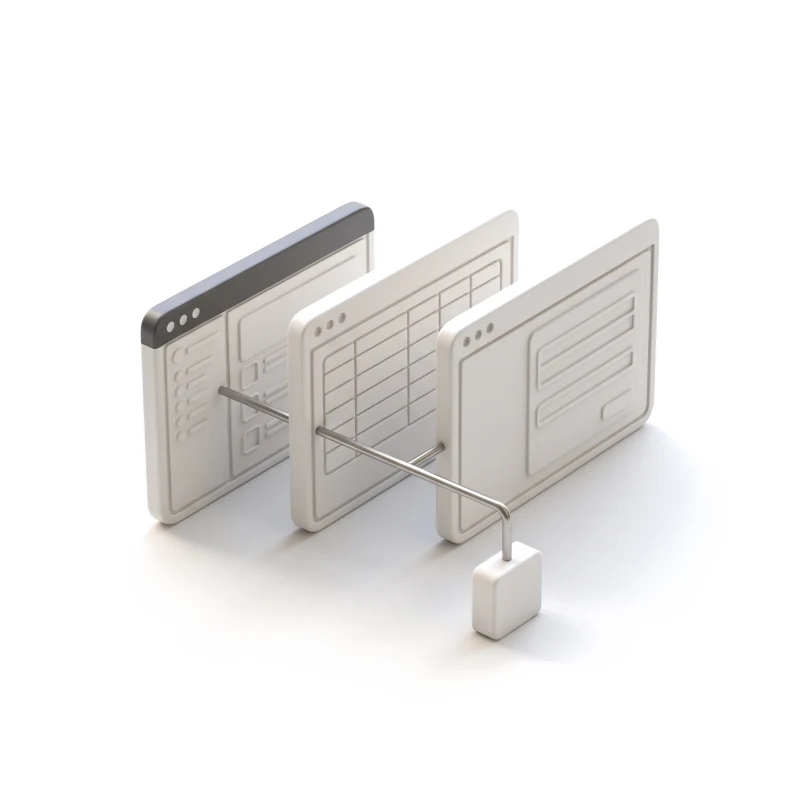
Each task end to end, with every branch.
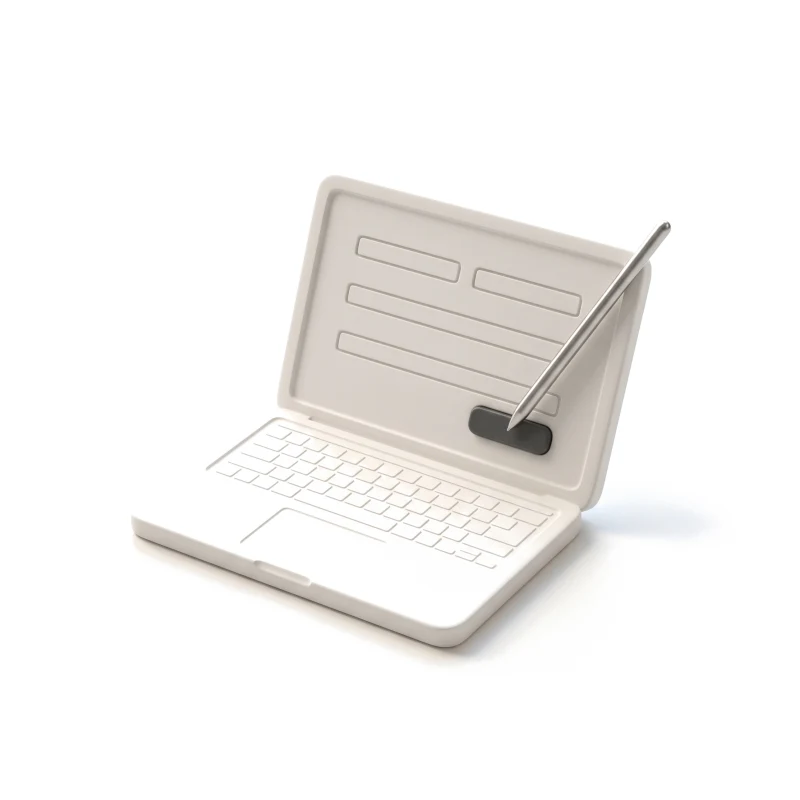
The key workflows, clicked through in a browser.
Screens, components and specs for the build.
You receive
Web app design starts from how people really use a product they log in to: real data, several roles and a browser window of any size.
Products people sign in to every day, from infrastructure tools to learning platforms.
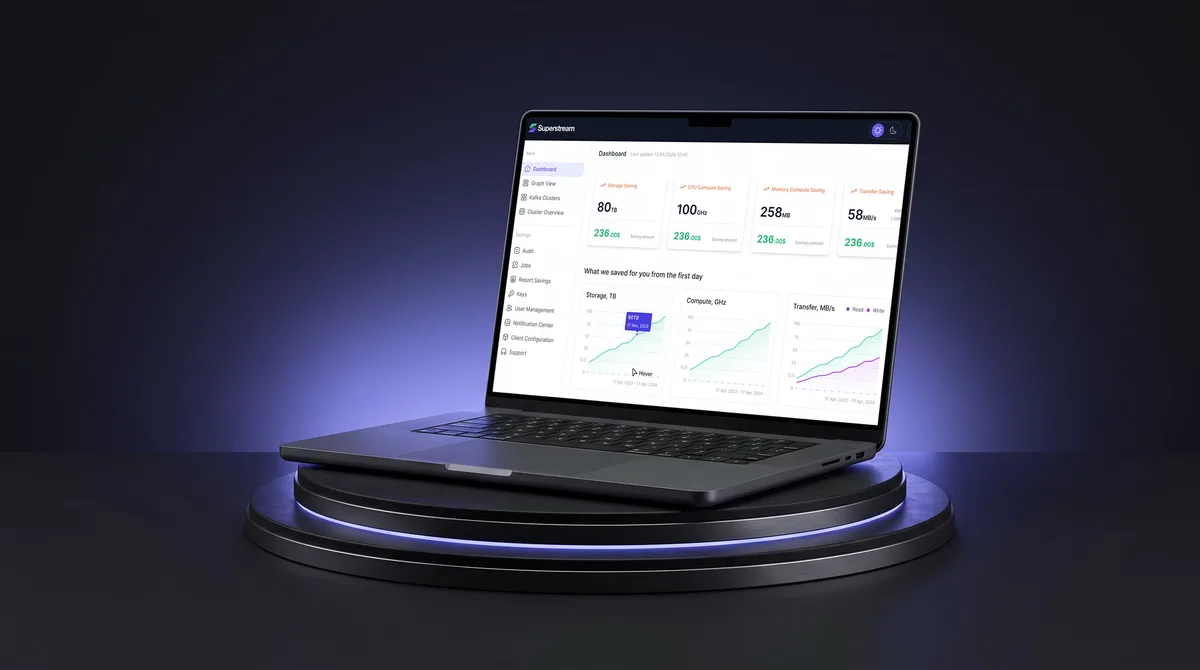
AI Hi-Tech · SaaS
Unified Kafka management views — clusters, optimisations and users — into one responsive web platform with a dark mode, handed off with a UI kit and a clickable prototype.
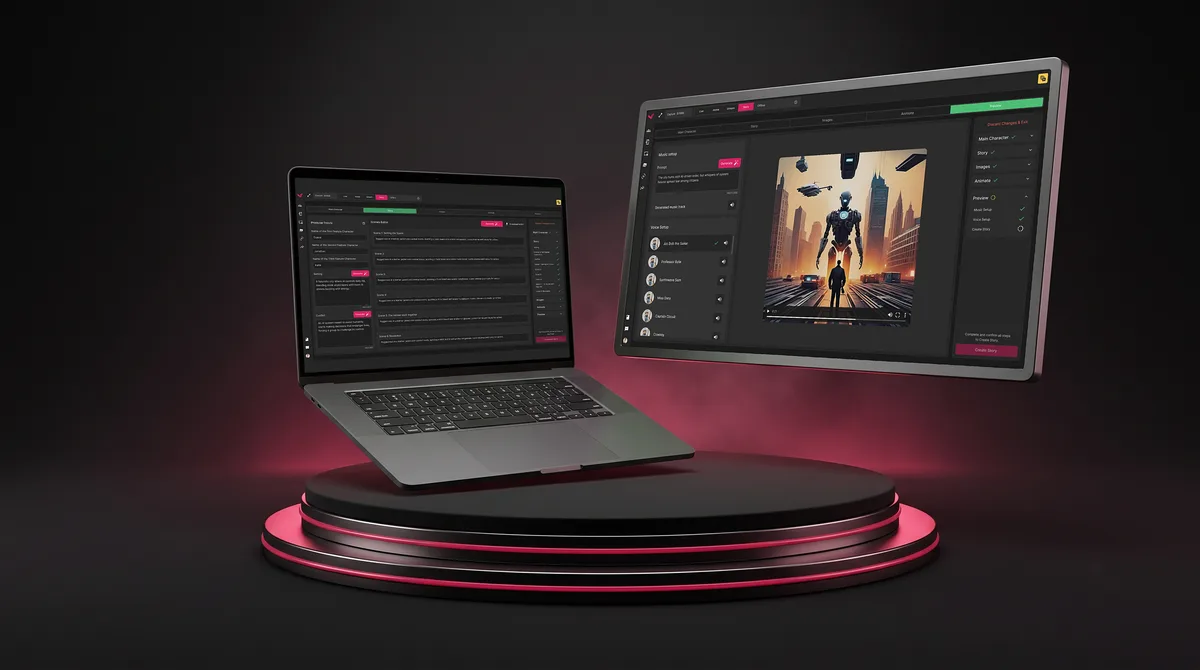
SaaS · Live Events
Untangled multi-step admin workflows for live events into one web platform: moderation, output pages and a graphics tool, mapped flow by flow.
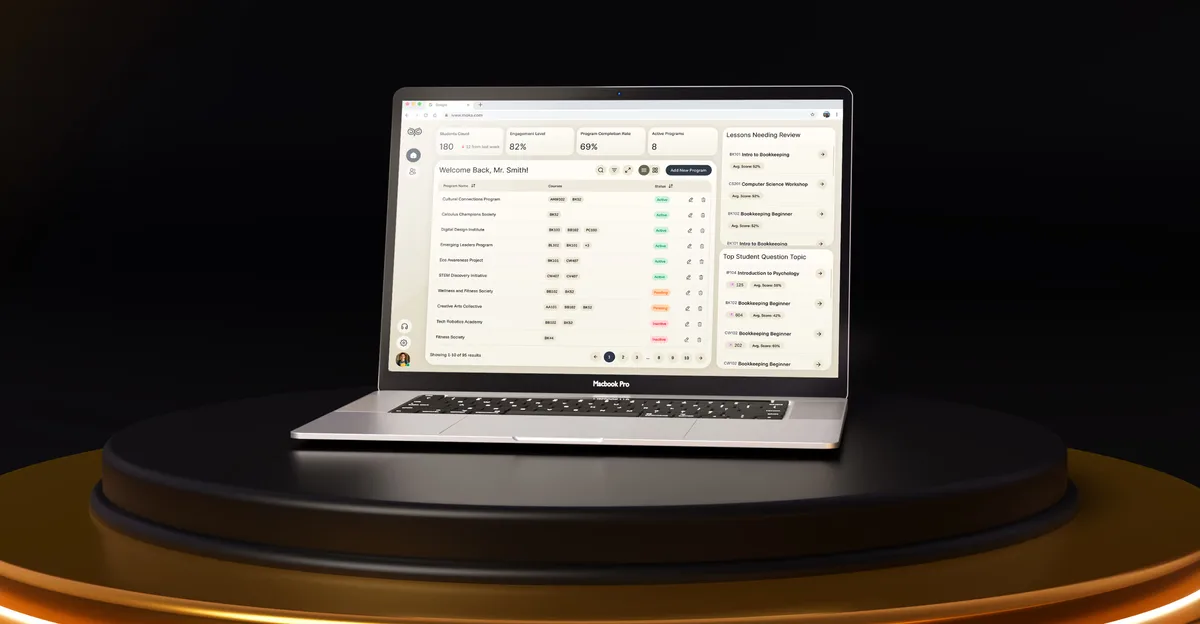
EdTech · SaaS
Designed a learning platform from a blank canvas for students, educators and administrators — a flow for each role, a design system and tablet adaptives.
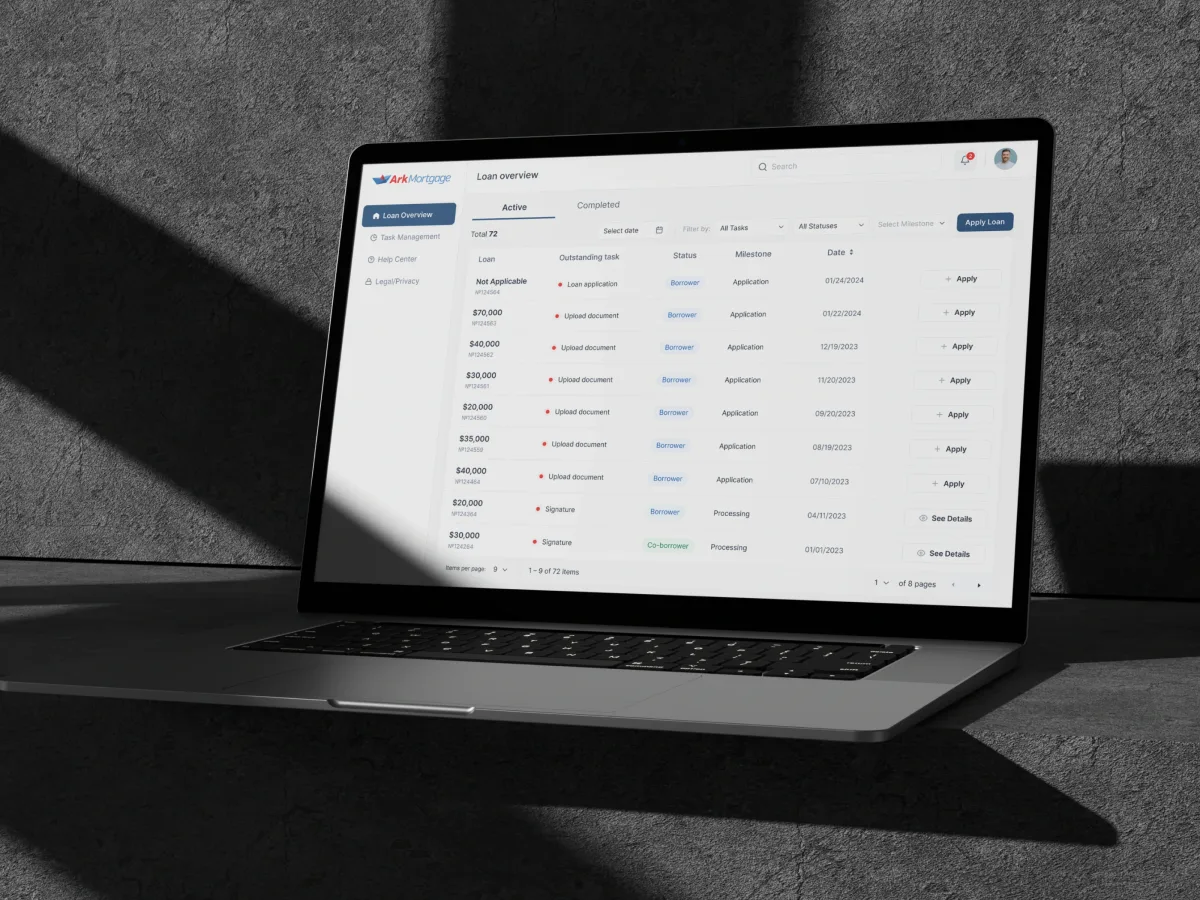
FinTech · AI · Web + Mobile
Designed the borrower’s mortgage portal for the web and phones — the loan application, the loan table, loan details and the document and signature tasks.
It fits when the open question is how a product people sign in to should work. Four signs it is the right step now.
Customers or staff sign in and spend real time in the product.
Admins, managers, members or clients need different views and rights.
You know what people need to get done and need the product shaped around it.
An in-house or partner team will develop the product from the design.

Tell us what the product does and who signs in to it. We will come back with a useful scope and a realistic next step.
Scope, deliverables and the review rhythm are agreed before we start.
What stood out was how ANODA took the time to understand our business and the people using Superstream. Engineering teams need to keep Kafka running reliably, while platform leaders need visibility into infrastructure costs and where optimisation will make a difference. ANODA understood how those priorities connect, what each role needs to know, and where users need control over automated decisions. That understanding shaped their design recommendations and gave us a team we could work through product decisions with.
Tell us what the product does, who signs in, and what exists today — a live app, a prototype or an idea.
Message received.
Within 15 minutes, we’ll email you initial feedback and follow-up questions.
Learn the web app design principles that keep complex products clear: user flows, hierarchy, system states, accessibility, design systems, testing, and handoff.
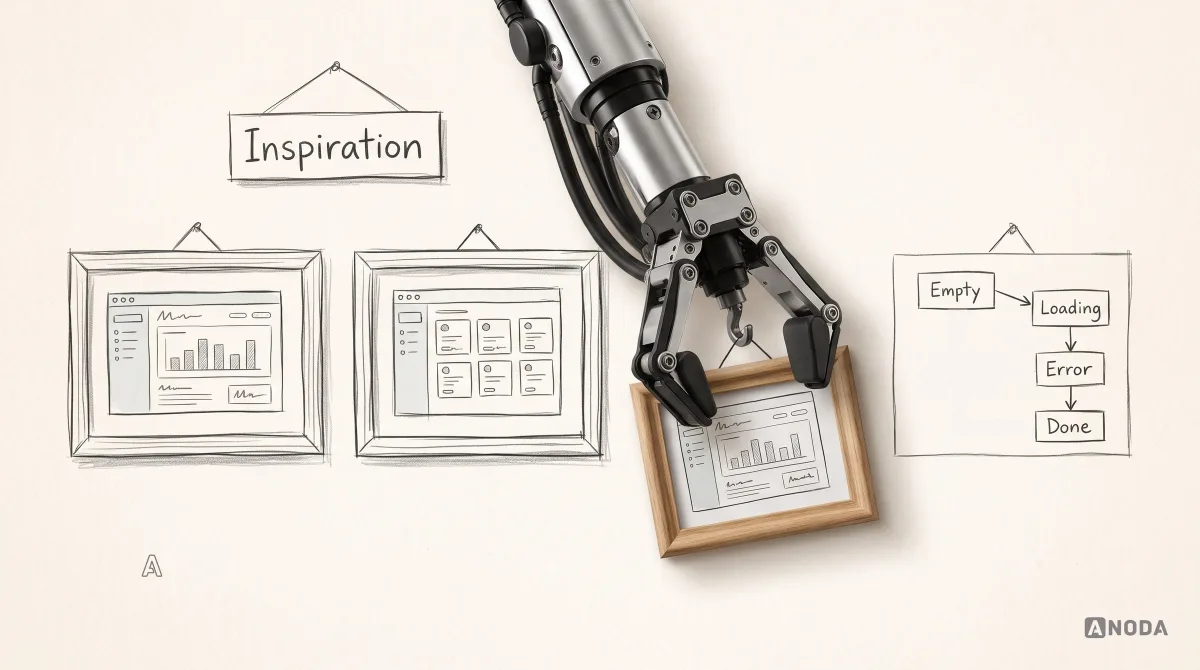
Explore 15 web app design examples and learn how their workflows, hierarchy, states, feedback, accessibility, and design systems support real user tasks.
Ask for the work behind the screens. A strong team can show how it mapped roles and permissions, the flows for a real task from start to finish, what a table or form does when it is empty, slow or wrong, and what engineers received at handoff. Ask which products they designed were web applications people sign in to, rather than marketing sites, and who on the team did the work. Our Superstream, Vixi Suite and Moka cases show that trail from flows to handoff.
They should include the product's structure and navigation, the roles and what each can do, flows and wireframes for the main tasks, a prototype you can click through in a browser, and UI with its states and a handoff engineers can build from. Cost and timeline depend on the number of roles and workflows, how dense the tables and forms are, how many screen widths matter, whether a component library already exists, how much evidence you have, and how many review rounds your team needs.
The parts of a browser product people work in every day: the navigation and how it grows with new features; roles and permissions, including what someone without access sees; workflows from the first step to the last, with their branches; tables with sorting, filters and bulk actions; forms with validation and saved drafts; and the states around them — empty, loading, errors and timeouts. Layouts are designed from tablet to wide monitor, and for keyboard and screen-reader use. Components your team already has are reused where they work, so the design fits the product you are building rather than a blank page.
Choose it when people sign in to your product and the open question is how it should work. If the problem or the audience is still unclear, start with Product Discovery. If a live web app needs its problems found first, a UX Audit. If the product is live and people know it well, but its structure no longer fits, Product Redesign keeps what they rely on while the rest changes. If the flows are settled and only the interface needs work, UI Design. If you need a marketing site, Website Design; for a native iOS and Android app, Mobile App Design. When one area of the app is mostly charts and metrics, Dashboard Design can follow.
A product owner who can make decisions, access to any version that exists — a live app, a prototype or a specification — and the roles and permissions as your team understands them today. Research, analytics, support tickets and sales feedback help decide which workflows matter most. Early contact with the engineers who will build it means their stack, data rules and components shape the design from the start. If some of this is missing, we say so at the start and plan around it rather than guess.
An organised design file with the structure, flows and screens; a clickable prototype of the key workflows; components with every state they can reach; notes on permissions, validation, responsive behaviour and accessibility; and walkthrough sessions to answer questions before they turn into assumptions. Engineers review the specs while the design is still in progress, so edge cases are settled before a sprint starts. The design belongs to your team at handoff.
By the roles and workflows in scope, the screen widths to cover, the state of your existing product and components, and the review rhythm. We set a custom scope and estimate in the proposal, fixed or phased, and agree the timeline once scope, access and dependencies are clear. A phased scope often starts with the one workflow the product cannot launch without, then adds roles and areas in later phases. There is no fixed package price: two web apps with the same number of screens can differ a lot in the roles, data and states they must handle.
Development, backend and API work, hosting, marketing pages and user research beyond prototype reviews. Nor do we promise conversion, retention or revenue figures — the design is one part of those. Each can be scoped separately, with us or with your own partners.