
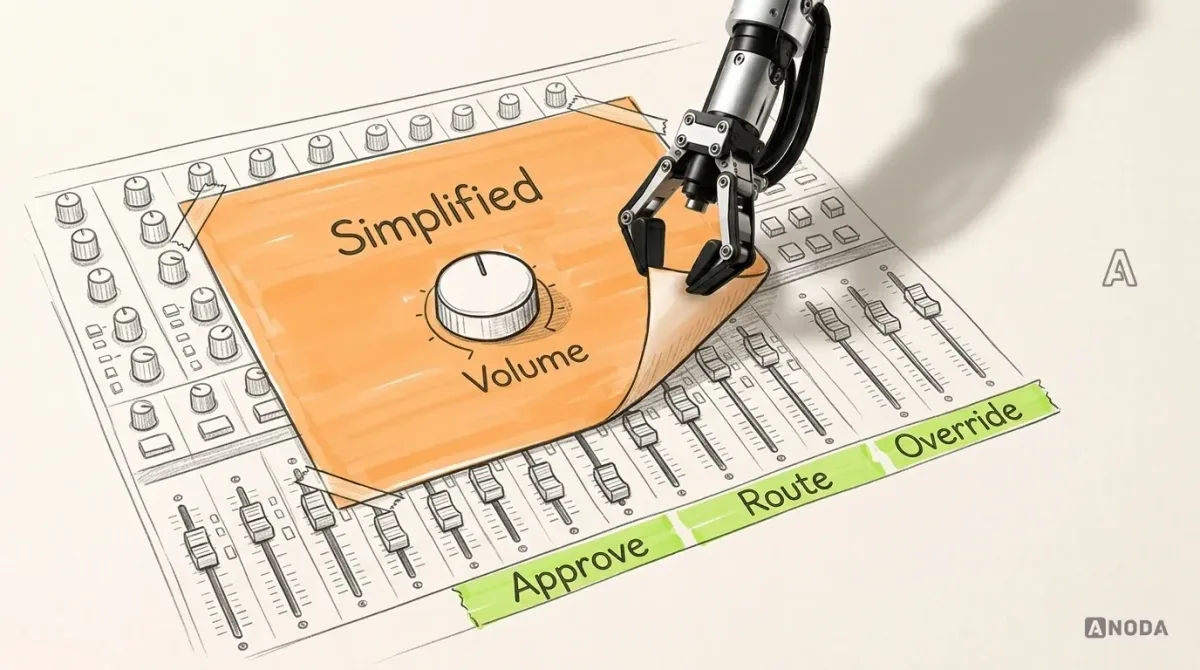
Enterprise UX Design for Complex Software
Design enterprise software around real roles, workflows and constraints. Learn how to simplify complexity, drive adoption and measure meaningful UX outcomes.
Design enterprise software around how a large organisation really works — one navigation across many modules, access that follows the org chart, and a way off legacy screens that no department has to stop working for.

One enterprise product instead of ten modules, modernised without stopping the work it runs.
The screens where staff do one operational job fast.
Enterprise UX Design
The structure that holds many modules and departments together.
Not included
Enterprise products fail at the joins: between modules, between departments, between the old version and the new. The work designs those joins first.
Every module, who uses it, and one navigation model across them.
Roles, groups, delegation and approvals, mapped to what each person sees.
Which legacy screens move when, and what stays the same for people.
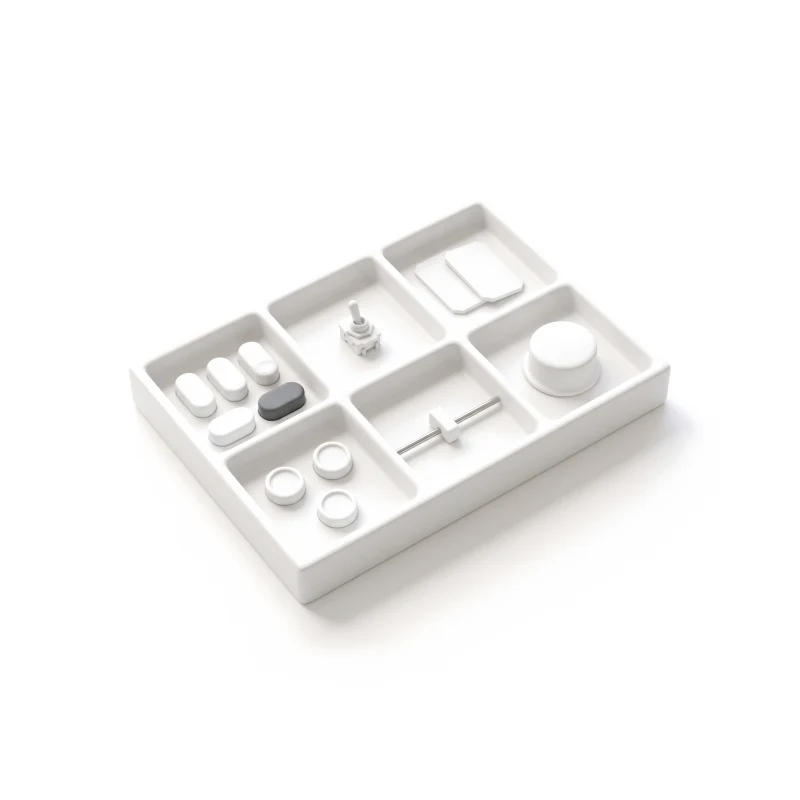
Tables, forms, filters and states every module team builds from.
You receive
Enterprise work runs at scale: thousands of people, dozens of modules, years of habits and an audit trail behind every change. So the states that matter are organisational ones.
What stays
What changes
Large, data-dense platforms rebuilt for many roles without stopping the work they run.
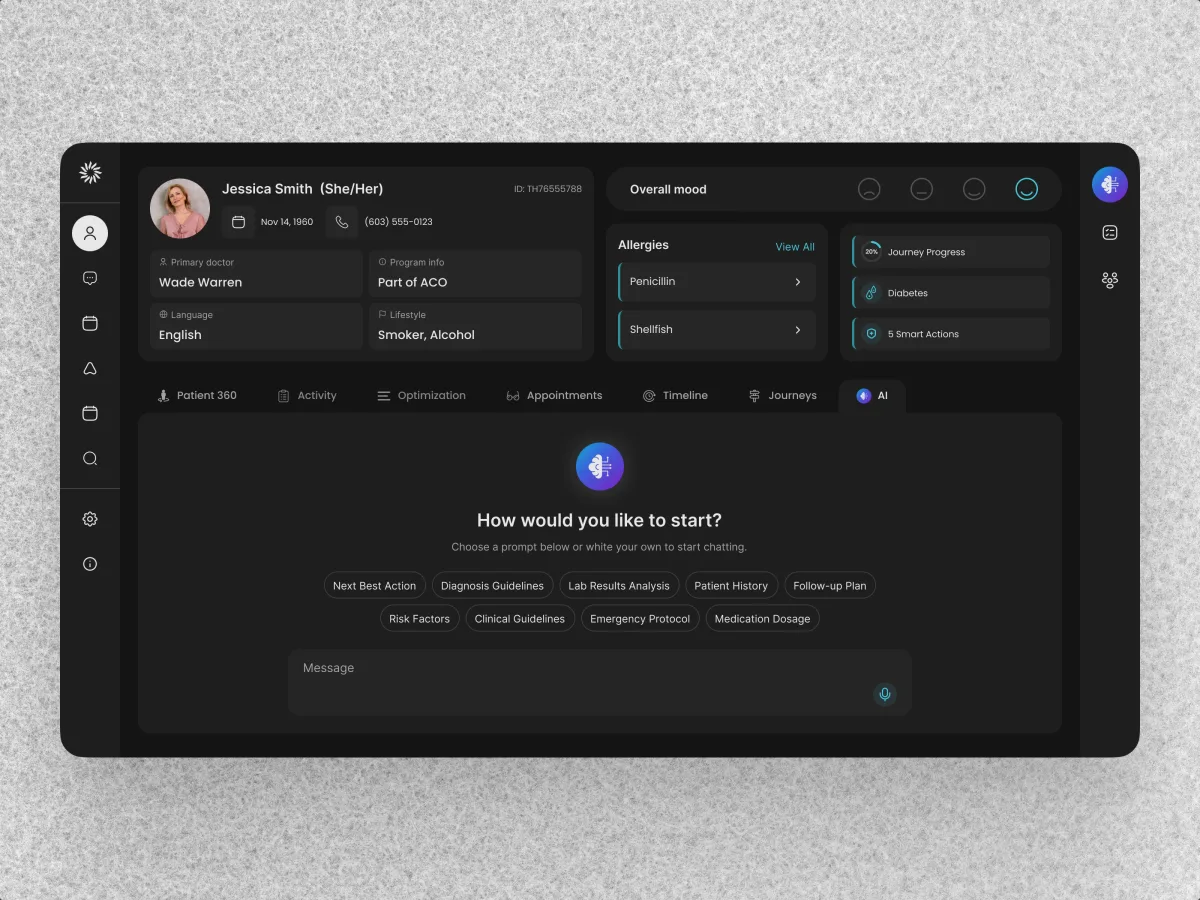
HealthCare · AI SaaS · Web + Mobile
Audited and redesigned a running care-team CRM, then carried its design system into the patient app.
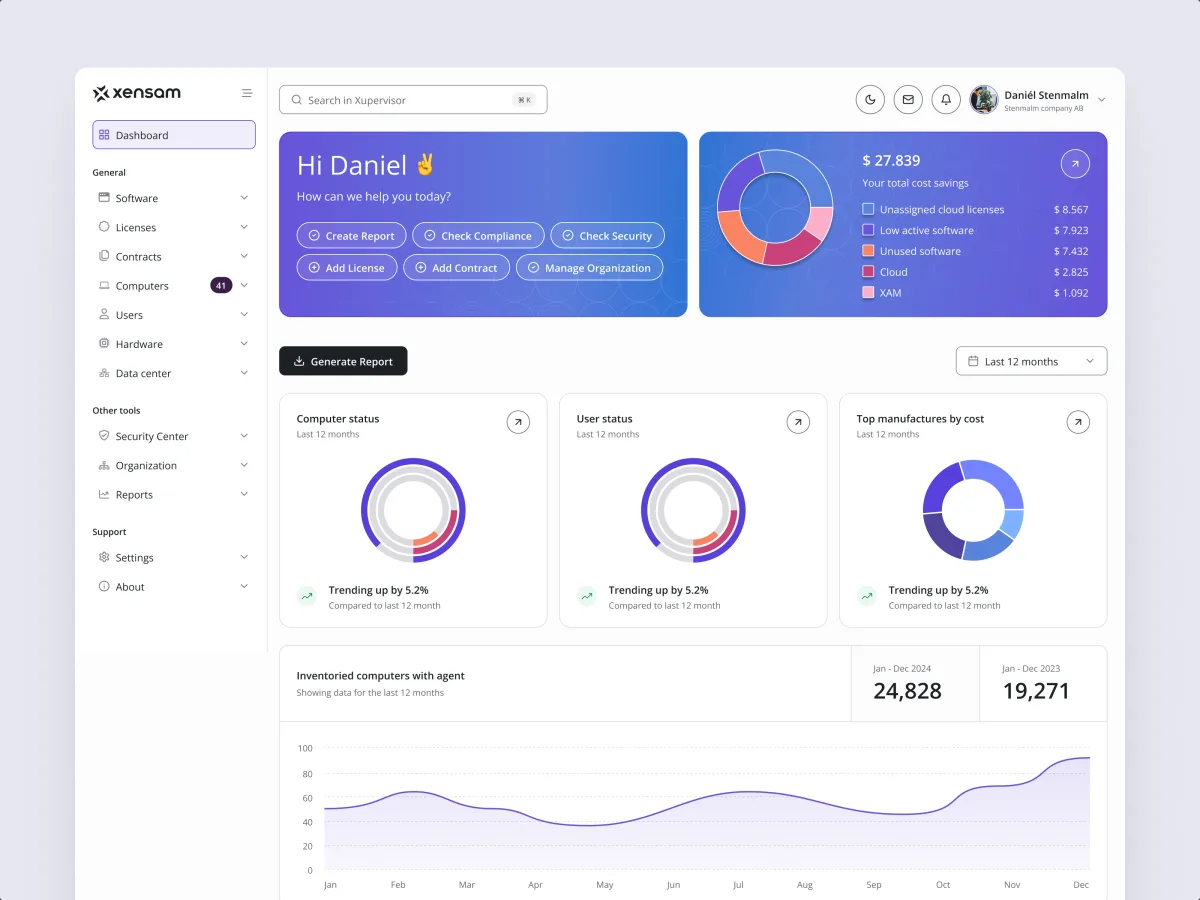
AI · SAM · Web SaaS
Redesigned a software asset platform for Viewer and Admin, with one navigation across software, licenses, contracts, hardware and reports.
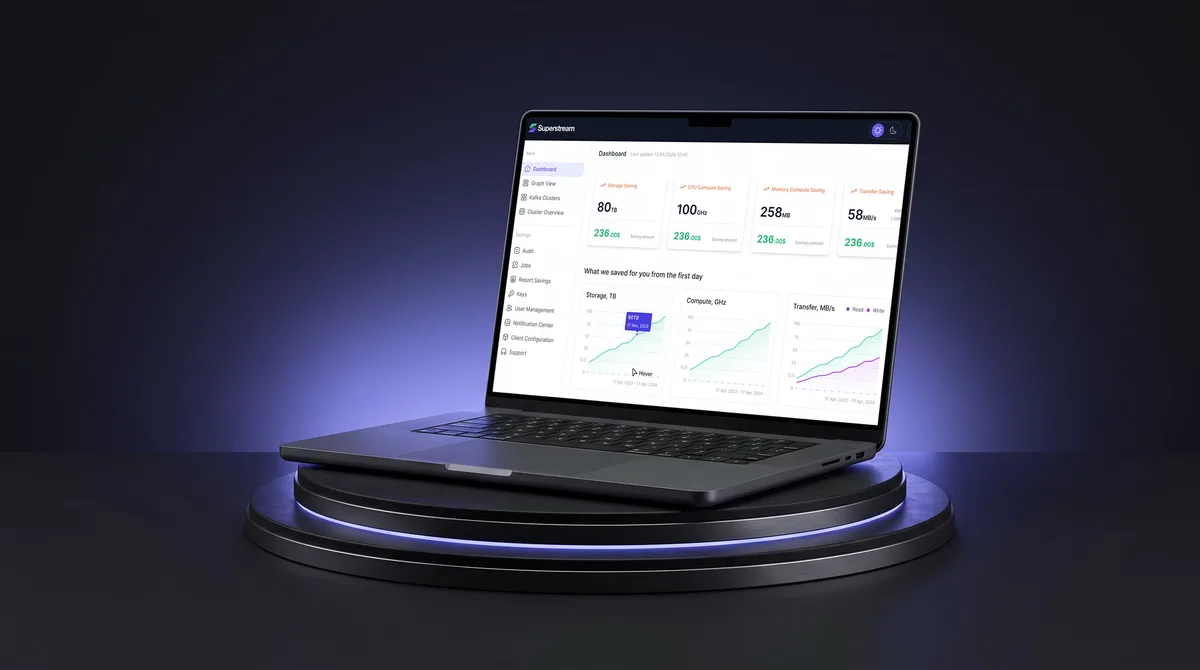
AI Hi-Tech · SaaS
Unified a Kafka platform's separate management views — optimisations, clusters, users — into one navigation and one design system, in light and dark.
It fits when the product is large, has history and is used across departments — and cannot stop while it changes.
Departments work in different parts of the same platform.
People rely on today's screens while the new ones arrive.
Roles, groups, approvals and an audit trail decide who sees what.
A product or IT lead can plan how each change reaches people.
A different starting point

Tell us which modules people work in and what has to change first. We will come back with the service that fits and a realistic next step.
Enterprise work runs as one of our services, usually in phases. Its proposal sets the terms for each.
ANODA took the time to understand how we coordinate care for VIP patients and what each person involved needs from the product. Our care team needs to stay aligned on each patient’s care, while patients need a personal, discreet and straightforward experience. They understood how the CRM supports the work behind the scenes and how the mobile experience carries that service through to the patient. That understanding gave us confidence in their recommendations throughout the design process.
Tell us how many modules and departments it serves, what is legacy, and where people work around it.
Message received.
Within 15 minutes, we’ll email you initial feedback and follow-up questions.
Design enterprise software around real roles, workflows and constraints. Learn how to simplify complexity, drive adoption and measure meaningful UX outcomes.
Ask to see work on a platform that was already in use: how the team mapped the modules, what it kept for power users, how permissions were worked out, and how the change reached people. A clean dashboard proves little at this scale. Ask how many roles and departments the product served, and what was redesigned rather than built new. Our Clay, Xensam and Superstream cases show live platforms with several roles, redesigned.
A map of the modules and the people who use them, a navigation model across them, a permission model, the cross-team workflows, the states each screen must handle, a shared design system and a roadmap for moving off legacy screens. The size follows the estate: how many modules and roles there are, how much is legacy, which platforms are involved, and how much research already exists. Work is usually phased by module; each phase is scoped in the proposal for the service you start with.
Everyday users in each department, team leads and approvers, administrators who manage access, auditors and compliance officers who read the history, and executives who need one view across the organisation. The workflows cross modules and teams: a request raised in one department and approved in another, a record that several teams update, a report built from many sources, access granted, delegated and withdrawn, and the move from an old screen to its replacement.
It depends on what is known. Product Strategy when the roadmap across modules is not agreed; a UX Audit or UX Research to find where the current platform fails; Product Redesign to rebuild it module by module; Design Systems so every team builds the same product; Web App Design and Dashboard Design for each surface. The screens where staff do one operational job belong to ERP & Internal Tools Design, and a custom CRM that needs building goes to CRM Development.
Permissions start from the organisation: departments, groups, managers, delegates and external guests, set out in a matrix engineering can check against. Every screen is drawn for no access, access requested, acting on someone's behalf, a record locked by a colleague, a change that must be logged, and bulk actions on thousands of rows. Legacy data is designed as it is — long IDs, empty fields, old categories — not as a clean sample. Where old and new screens run side by side, both say clearly which one people are in.
Access to a production-like environment with accounts for each role and module, the support tickets, training material and usage data you have, a product or IT owner who can decide, and module owners who can agree trade-offs between departments. Early contact with architecture and security means identity, permissions and release constraints shape the design from the start.
Superstream, a Kafka management platform — 3000+ screens designed over 1500h+ of design. Clay, an AI-powered care-management platform — 342 screens and states across the care team’s web app and the patient app. Xensam, a software asset management platform — redesigned for Viewer and Admin, in light and dark. Each case study shows how a large platform was reorganised: the navigation across modules, who sees what, and the states each screen handles.
Yes — most enterprise work starts there. Clay's CRM was already running when we audited and redesigned it. We design in your files and extend your system, with your designers, your engineers and the owner of each module, and write a rollout note for every change people will notice, so training and support are ready before release.