
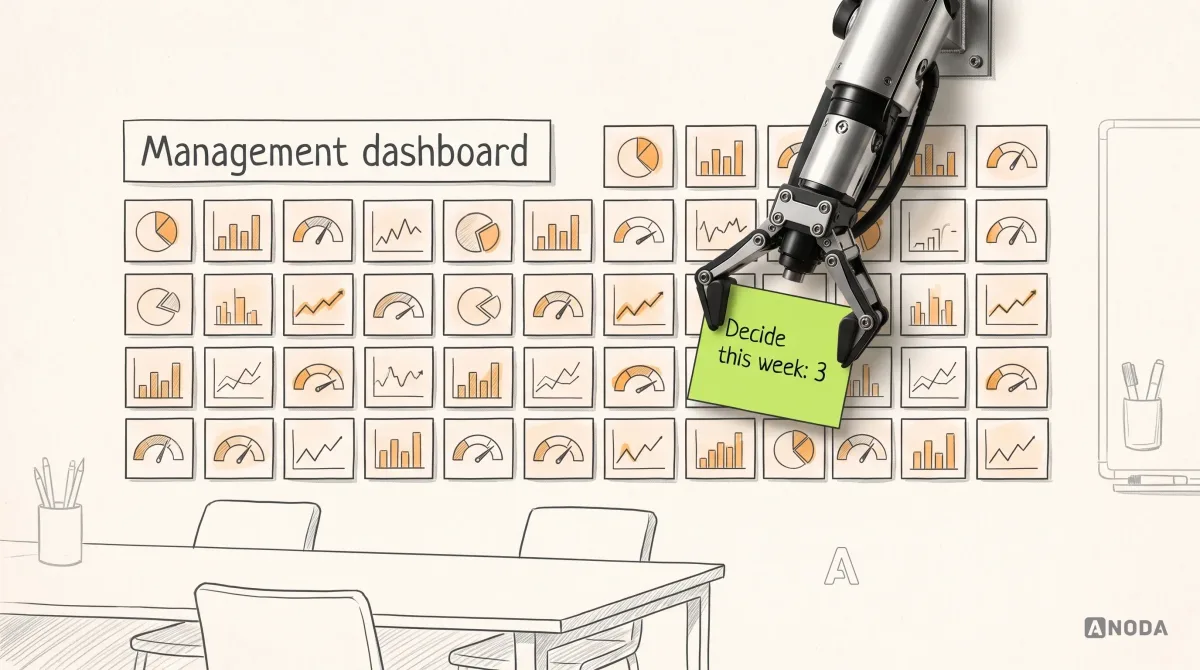
How to Design a Management Dashboard That Supports Decisions
Learn how to design a management dashboard around executive decisions, useful KPIs, clear context, and action paths instead of a wall of charts.
Design the software where evidence is collected, documents move through review, and every approval leaves a trail — for the people doing the checks and the people who sign them off.

Every document knows its state, and every decision leaves a trail.
Day-to-day operations: orders, stock and tasks.
Compliance & RegTech Product Design
Evidence, review and sign-off, with a record that holds.
Not included
The submitter's, the reviewer's and the auditor's view of the same work.

Who submits, who reviews, who signs off, and what each can see or change.
Checklists, photos, documents and notes, collected on site or at a desk.
Pending items, findings, returns for rework and sign-off, in the order they matter.
Status across sites and teams, and a history of who did what, and when.
You receive
RegTech UX design serves two moments: the person doing the check today, and the person reading the record long after. Every screen is drawn for both.
Inspections and loan documents, each with the record behind it.
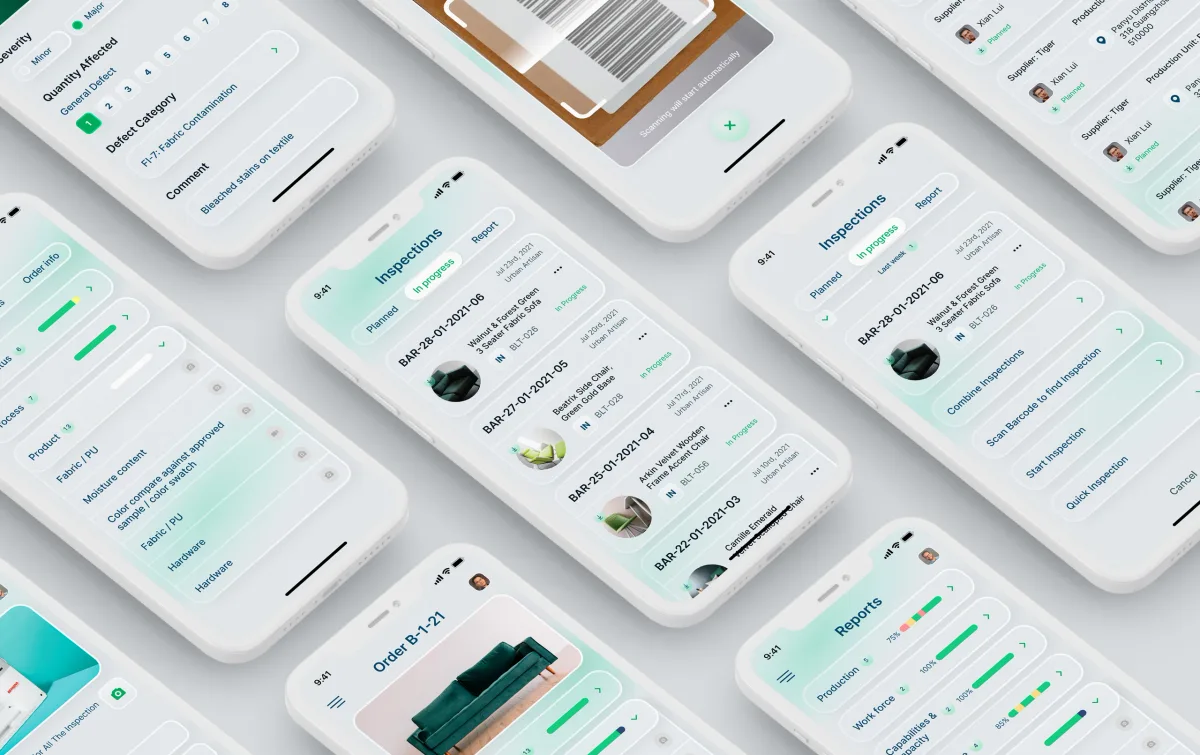
SaaS Product Design · Quality control
Designed a quality and compliance product for brands, retailers and their suppliers: inspections on one mobile app, then planning, reports and corrective actions on the web.
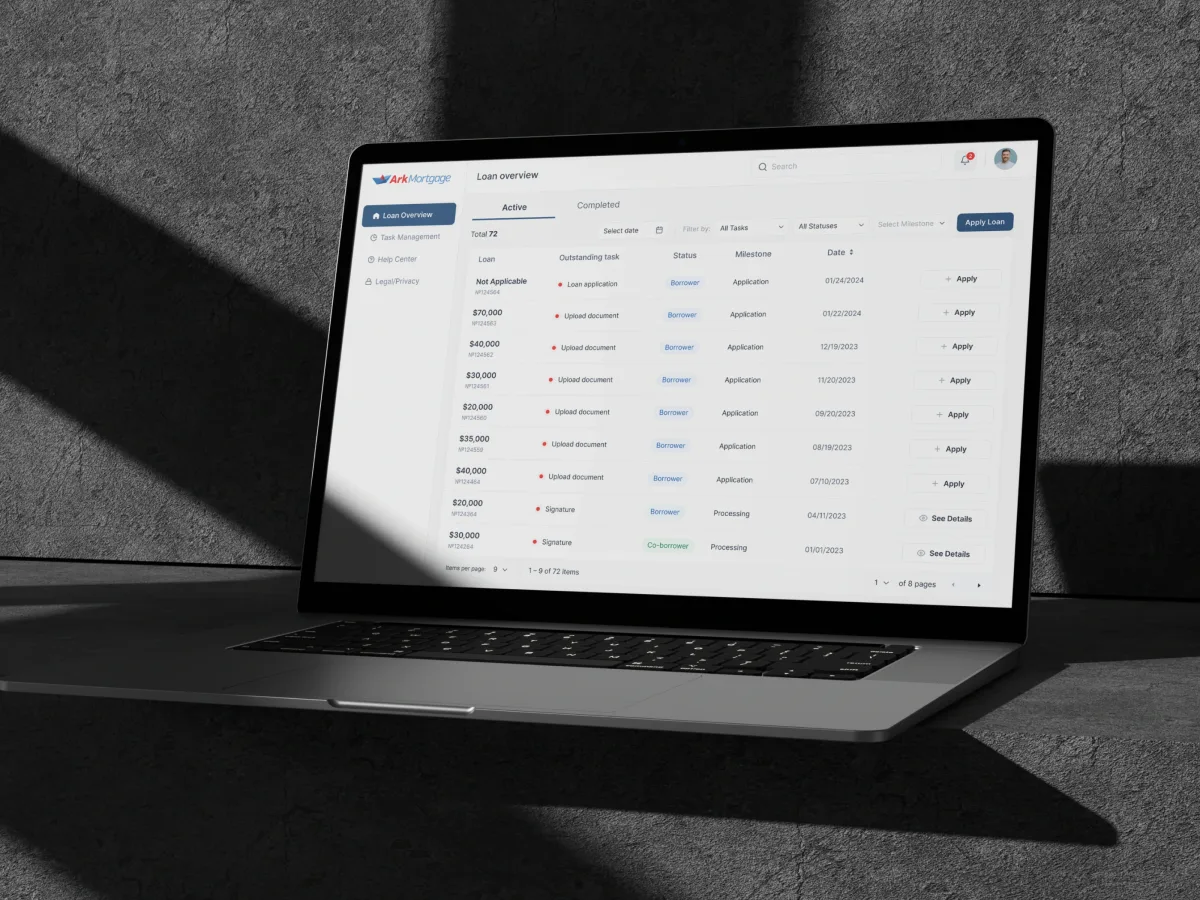
FinTech · AI · Web + Mobile
Designed a mortgage borrower portal’s document and signature tasks end to end — each one naming what is needed, with upload errors and a clear way back.
It fits when work only counts once it is proven, reviewed and on record.
Checks, reviews and approvals only count when the evidence is attached.
Submitters, reviewers and approvers each see and do different things.
Someone will read the history months later, often during an audit.
Your compliance, legal or quality experts define what the product enforces.
A different starting point

Tell us what gets checked, who signs it off and who reads the record later. We will come back with a useful scope and a realistic next step.
Compliance work starts through the service that fits your stage, and its proposal sets the terms.
ANODA helped bring the inspection workflows into a consistent interface direction. We appreciated the attention to information hierarchy and multilingual layouts, giving us concrete designs to review across the product’s different tasks.
Tell us what gets checked, by whom, and what auditors ask for.
Message received.
Within 15 minutes, we’ll email you initial feedback and follow-up questions.
Learn how to design a management dashboard around executive decisions, useful KPIs, clear context, and action paths instead of a wall of charts.

Learn dashboard design with ANODA UX Agency. Craft functional, stunning dashboards with intuitive layouts, dynamic features, and clear visualizations.
A team that has designed the path from evidence to sign-off and can show its unglamorous states: an item returned for rework, an overdue approval, a superseded document, a record locked after sign-off. Ask how they worked with the client's domain experts, and which rules they had to design around rather than change. Be wary of any design team that says it will make you compliant: the rules and the certification are yours.
A role and approval model, the evidence capture flow, the review queue, the dashboard and audit trail, every state in between, a prototype and the UI. The work grows with the roles and review steps, the platforms, evidence captured in the field and rules that are still settling, and it differs for a new product and a live one. No package price is set: your first service scopes the work in its own proposal, and the timeline is agreed when scope, access and the people who own the rules are in place.
Inspectors and field staff, the people who submit evidence, reviewers and approvers, compliance managers, external auditors with read-only access, and admins. The workflows are planning checks, collecting evidence, submitting, reviewing, returning for rework, raising findings and corrective actions, approving, escalating, reporting and exporting the record for an audit. External auditors usually get their own read-only view, so they can follow a record from evidence to sign-off without seeing work still in progress.
UI/UX & Product Design for a new product; a UX Audit when a live tool is slow or error-prone; UI Redesign when the flows hold and the interface has aged. Web App Design covers review queues and records, Mobile App Design capture on site, and Dashboard Design the status view. Day-to-day operations belong to ERP & Internal Tools, and large multi-department estates to Enterprise UX.
With the flows, not after them. Every document shows its state and version, and every change records who made it and when. A permission matrix sets out who can submit, review, approve or only read, including the separation of duties your rules require. Records lock after sign-off, evidence captured without a signal is queued until it syncs, and exports give an auditor the history without a login. Compliance dashboard design comes last, built on those states, so the numbers mean the same thing everywhere.
A test account for each role on the product or staging; the standards, checklists and approval rules as your specialists set them; a domain expert on hand for questions; a product owner who decides; and a way to reach engineering. What an auditor asked for last time is often the best brief we get. If rules differ by country, site or client, bring an example of each: the differences shape the structure more than any single screen.
Qarma, a quality and compliance product: an app for inspectors on the factory floor and a web platform for planning, reports and corrective actions. Ark Mortgage, a borrower portal where every document and signature a loan asks for is a named task with its own status. Each case shows how a check becomes a record: who submits it, who reviews it and what stays on file afterwards.
Yes. Qarma's design grew release by release through 2021 and 2022. We design in your files and system, with your compliance specialists checking each rule as it lands on screen, and hand over everything we make.