 Sample report
UX Audit
Findings · Severity · Plan
ANODA finds where users struggle and turns the evidence into a prioritized fix plan, so your next release solves the problems that hold your product back.

What makes your product hard to use, and what to fix first.
An audit works on a product people already use. Four signs it is the right step now.
People already use it.
You know who uses the product and what they need to do.
Product and engineering can explain constraints.
Before a redesign or a release.
Material your team can use without us. The sample below brings together selected audit examples; its screens and figures illustrate the report, rather than results promised for your product.
Sample report Findings · Severity · Plan
Findings 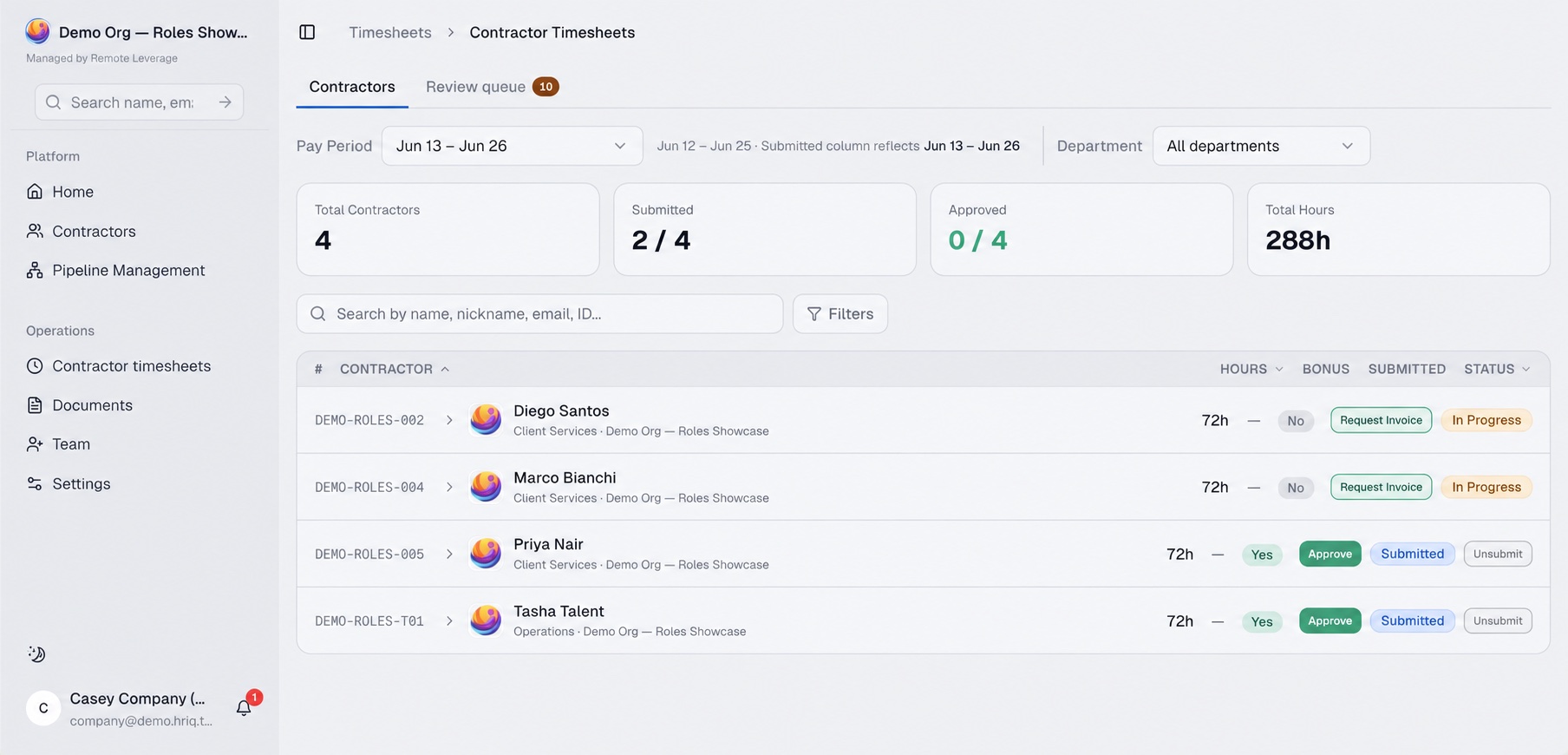 Recommendation
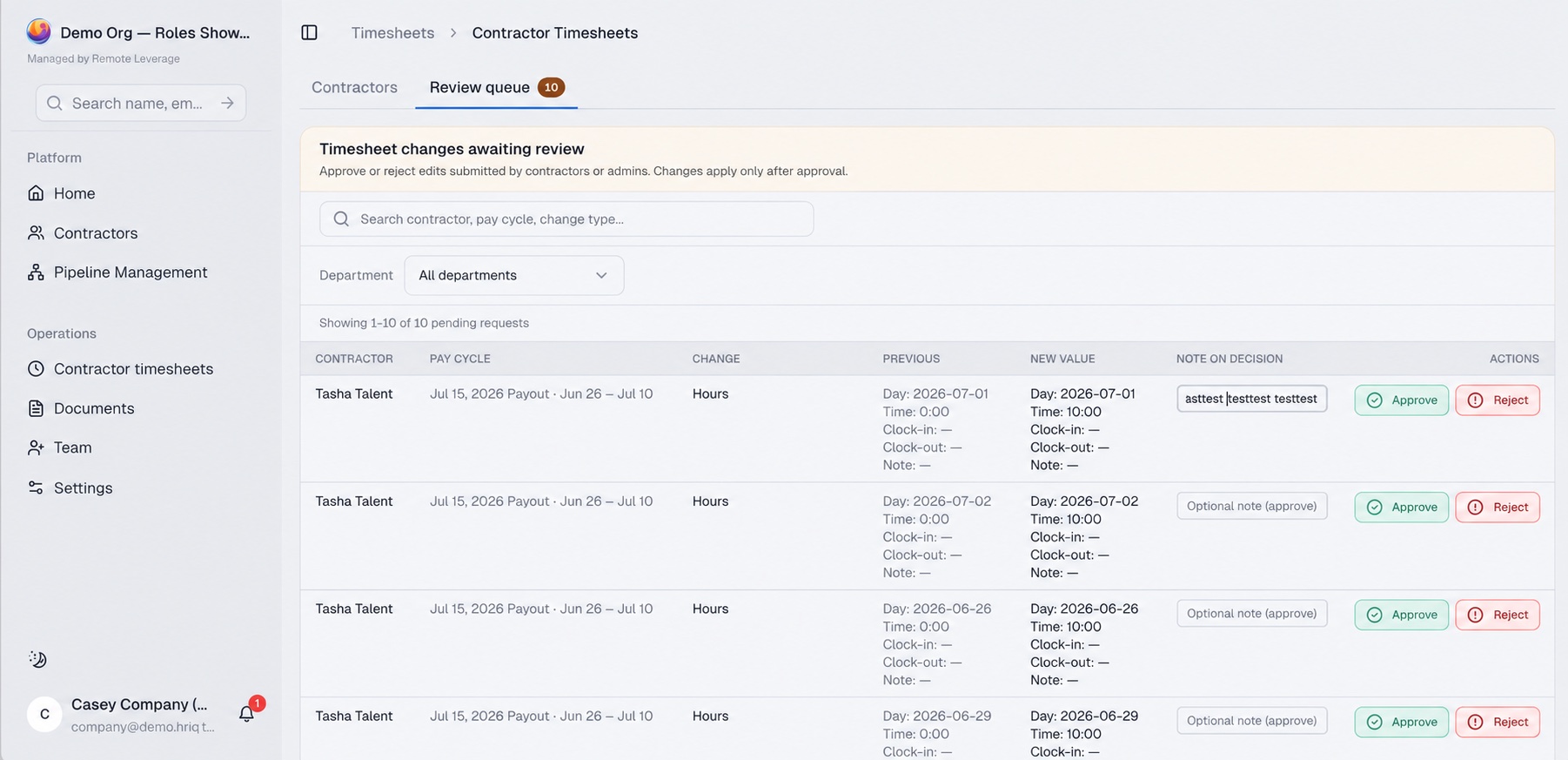 Wireframe
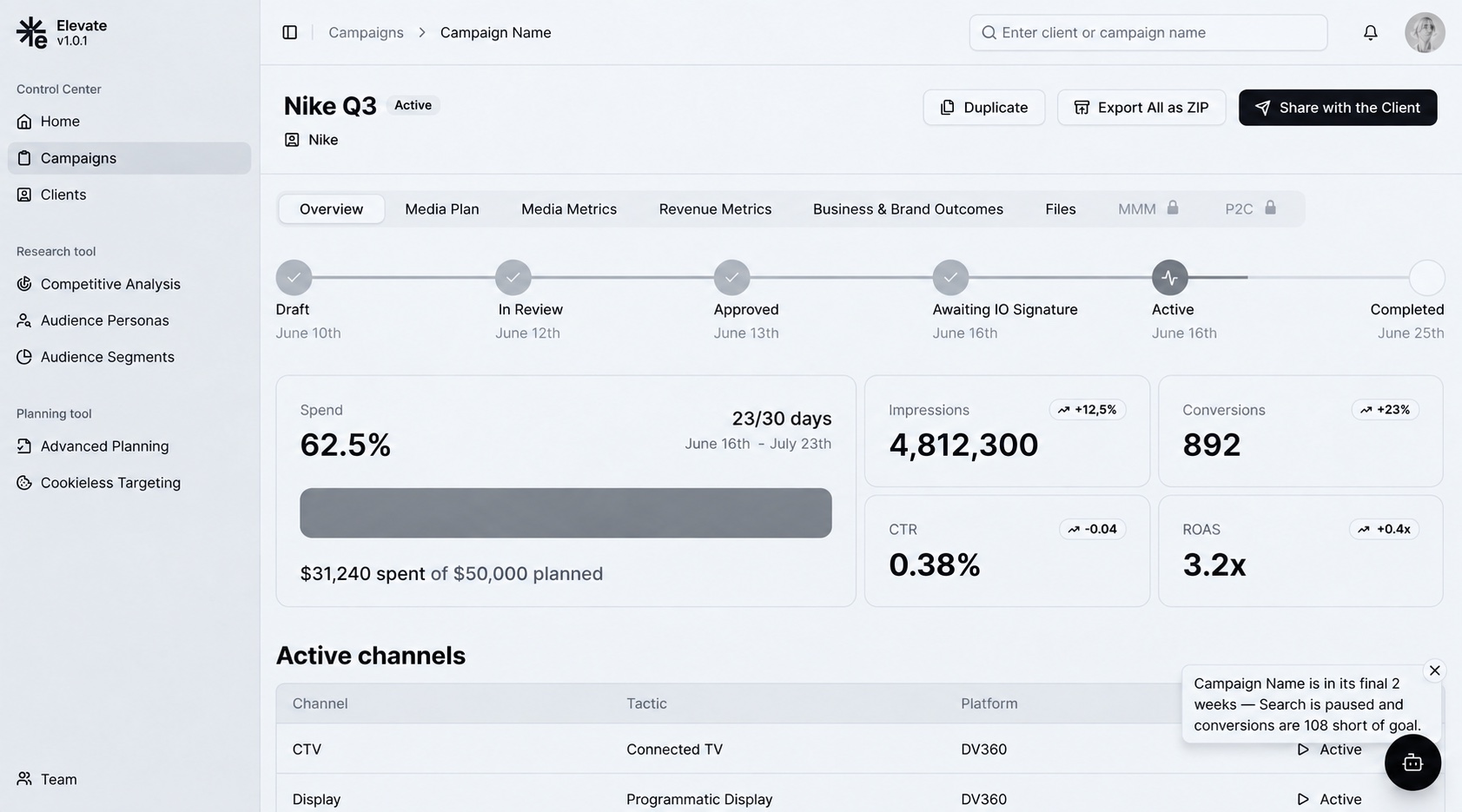 Plan
| Area | P0 | P1 | P2 | P3 |
|---|---|---|---|---|
| Empty states and onboarding | 4 | 5 | 4 | — |
| Navigation and structure | 3 | 9 | 6 | — |
| Destructive actions and errors | 3 | 1 | 1 | — |
| Localization | 3 | 1 | — | — |
| AI agent | 2 | 4 | 10 | 3 |
P0 breaks a core workflow or risks data loss: fix first.
Summary Projects where an audit of a live product came before the design work.
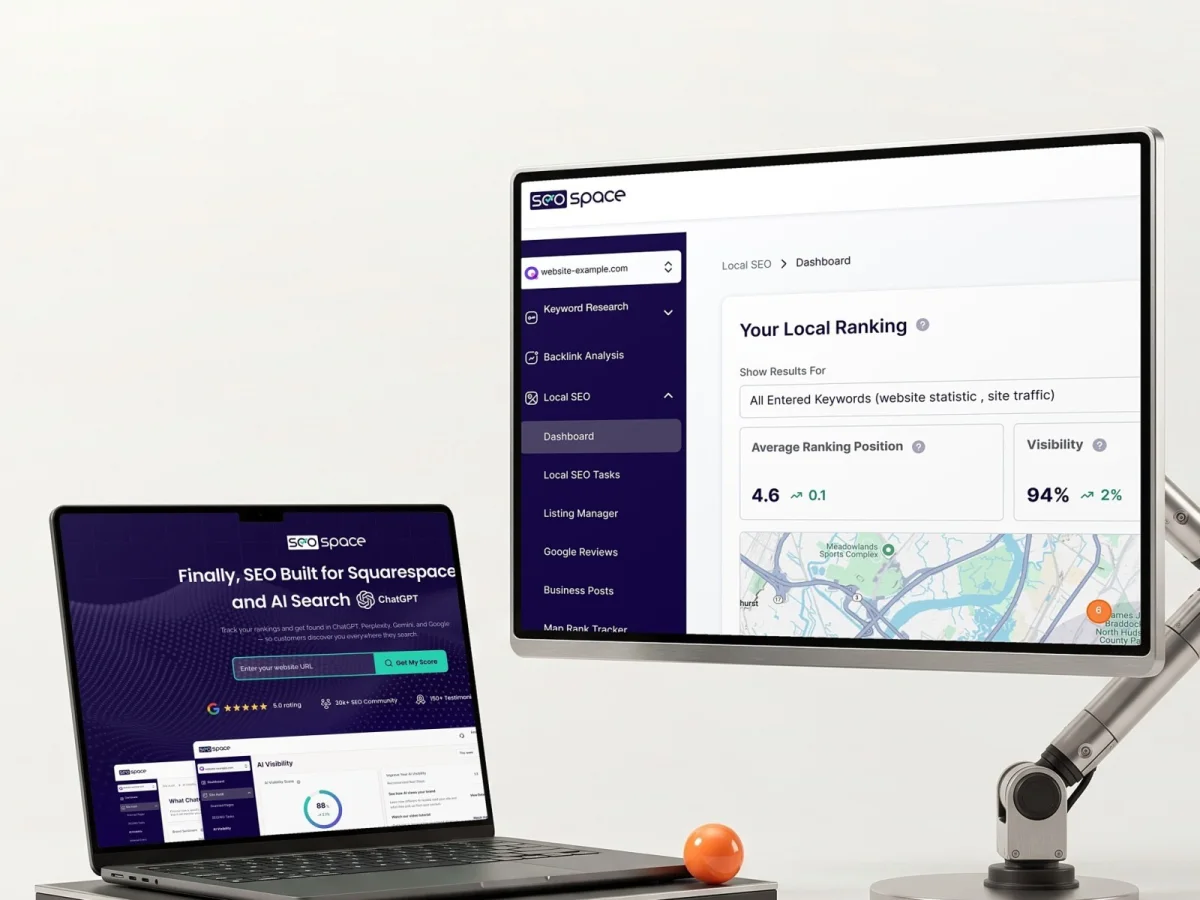
SEOSpace
Each finding in the existing product was paired with a recommendation.
Churn 15% to 7.3%
Client-reported churn over 24 months of collaboration, via Clutch; not an isolated audit result
We’ve grown from around 100 to 30,000+ active users while working with ANODA. We’ve managed to reduce our churn from around 15% to 7.3%.
Tell us which product or workflow worries you. We will propose a scope for the audit and a realistic start.
The scope can be the whole product, one area or one workflow. The UX review also covers connected screens and workflows that a recommended change could affect.
The whole product, one area or one workflow, plus the connected screens a recommended change could affect.
The decision point
Scope, deliverables and fee agreed before we start.
Each finding states what it rests on. Where nothing confirms it yet, it stays an open question. Analytics shows where to look, not why people struggle.
The decision point
You see which findings are confirmed and which stay open questions.
Each finding gets a severity rating and the reason for the order of work; where you have analytics, it backs that order.
The decision point
You decide what to implement, and your team or a partner builds it.
A summary for decision-makers and a walkthrough with your team.
The decision point
Take the results to your own team, another partner or into a redesign with us.
We agree on the scope, deliverables, timeline and fee before work begins. The work can cover one workflow, a product area or a wider review.
Usability testing is one method: people try real tasks and the sessions show where they get stuck. The audit includes it and weighs those results against other sources to rank what to fix. Alongside the sessions there is an expert review of the product, and your analytics, support data and past research when you have them. Each finding identifies the evidence available and makes any single-source limitation explicit.
Choose a UX audit agency that shows how findings are evidenced, separates expert review from participant research, rates severity, states the scope and gives your team an actionable handoff. Ask who performs the work, which product access they need and what falls outside the scope before comparing price. A sample report is the quickest check: it shows whether the findings are specific enough for your team to act on.
Test accounts for relevant roles, your product owner and engineering constraints for context, and access to up to 7 users for interviews. If you have them, also analytics, support data and past research. Access, context and scope are agreed before the audit starts, so the timing holds.
Yes. The audit includes up to 7 interviews of up to 45 minutes each, and usability testing runs inside them. The interviews are with people who use your product, and you give us access to them. Additional interviews and observation can be added by agreement and are scoped separately.
Yes. The audit can cover one workflow, one area or the whole product, plus the connected screens and workflows that a recommended change could affect. The price and timing are set for the scope you choose, so a narrower audit is agreed as such before we start.
Findings with evidence, a severity rating and the reason for the order of work, recommendations with what each change depends on and a prioritized improvement plan. Also wireframes of the new navigation and two or three key screens you choose, an executive summary and a walkthrough with your team. The material is yours: take it to your own team, another partner or into a redesign with us.
Usually 4–6 weeks for an agreed scope; the scope, the access we get and any added research set the exact timing.
You decide what to implement, and your team or a partner builds it. You can also take the results into a redesign with us. Follow-on design, engineering or research is estimated with its assumptions stated upfront and quoted separately.
Yes. We can sign an NDA before you give us access.
Tell us what you’re working on and where you need help.
Message received.
Within 15 minutes, we’ll email you initial feedback and follow-up questions.
Optional next steps
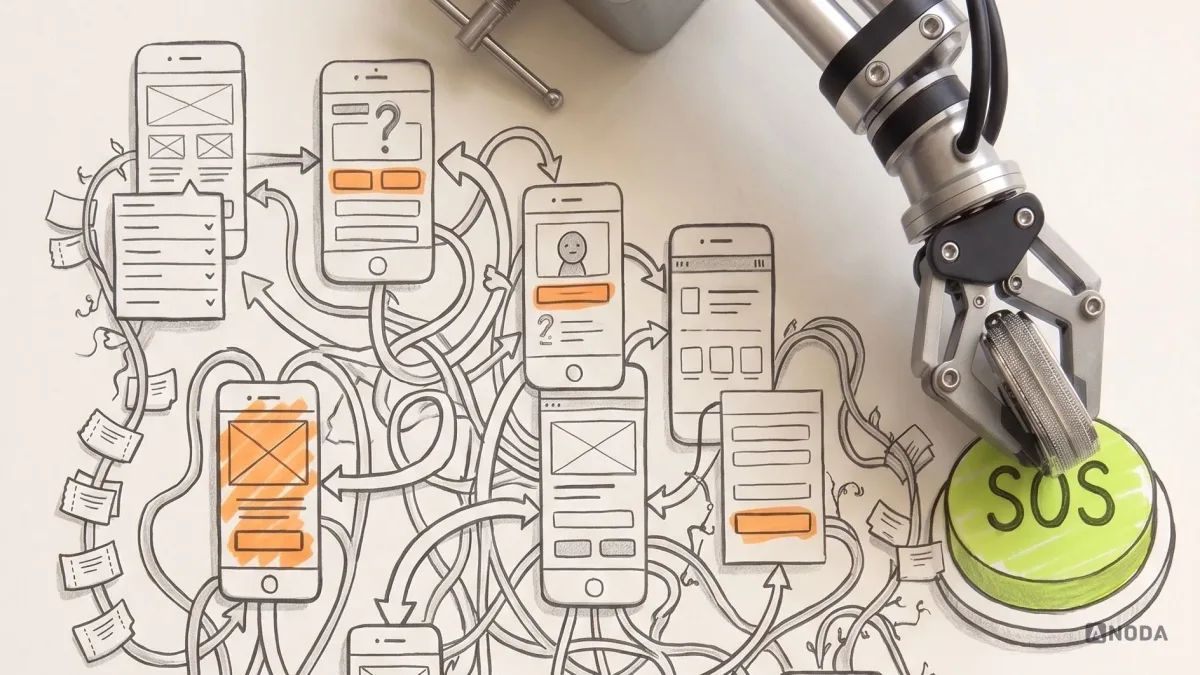
Learn how to conduct a UX audit, gather evidence, prioritize usability problems and turn findings into an actionable product roadmap.
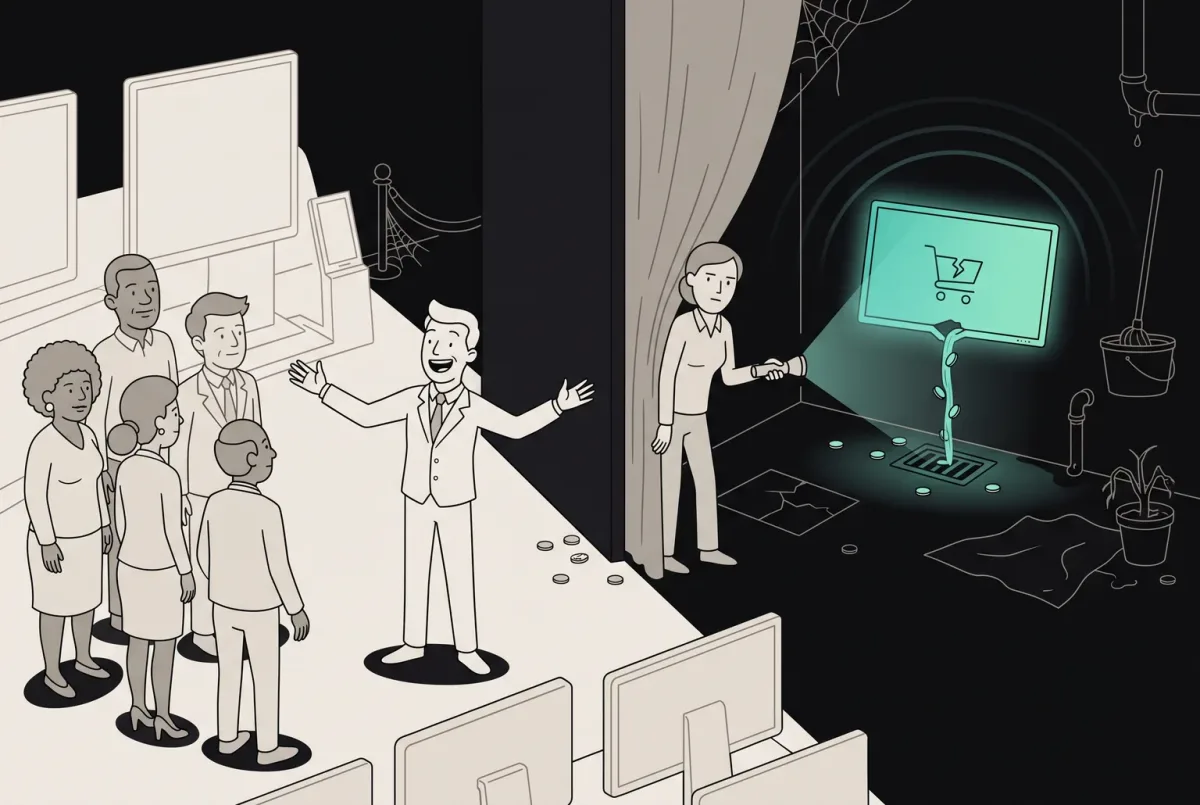
Your product leaks revenue on overlooked screens. Find the 11 neglected journeys and see how ANODA fixes the gaps your roadmap keeps missing.