
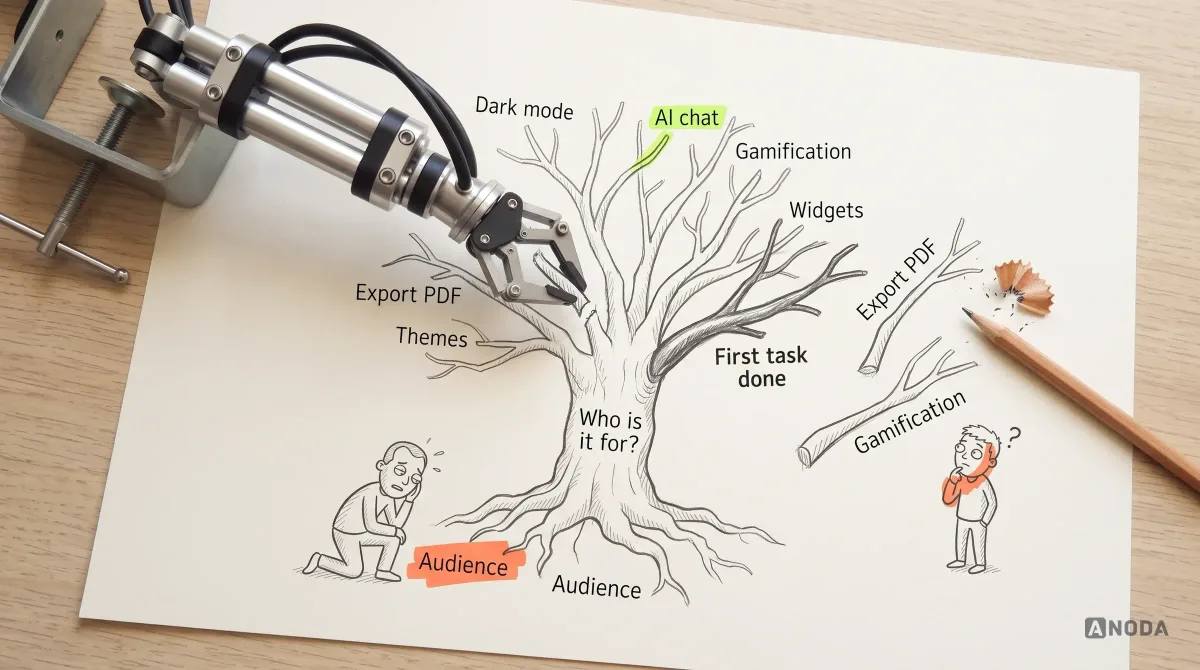
UI/UX Design Principles for Better Digital Products
Learn the UI and UX principles that make digital products clear, usable and resilient, with practical examples, trade-offs and a method for applying them.
ANODA turns your users’ jobs into complete workflows, clear interfaces and a build-ready prototype, so customers finish the task and engineers understand how every state should behave.

Defined workflows, designed through to build-ready interfaces.
Improves a product people already use.
UI/UX & Product Design
Designs interactions and interfaces for the agreed software workflows.
Not included
Key tasks, roles, navigation and the paths people take through the product.
Layouts, components and important interaction states for the agreed scope.
Connected journeys for stakeholder review and, when scoped, user validation.
Specifications, behaviour notes and assets for the implementation team.
Your team receives the agreed screens and interaction rules. Development and further validation are scoped separately.
Interaction and interface design connects the agreed user tasks, states and constraints across each software workflow.
What the product contains, how it is grouped and how people find their way.
Each key task end to end, across roles, including the steps between screens.
Connected journeys the team and, when scoped, users can walk through.
Screens, components and interaction details, consistent across the product.
Engineering handoff. A structured design file, a clickable prototype of the main journeys, component and state specifications, and walkthroughs with your engineers.
AispireMe connects education-domain research to four role-specific journeys, desktop screens, a clickable prototype and a reusable UI kit. Follow the enrollment path from the program offer to its application confirmation.
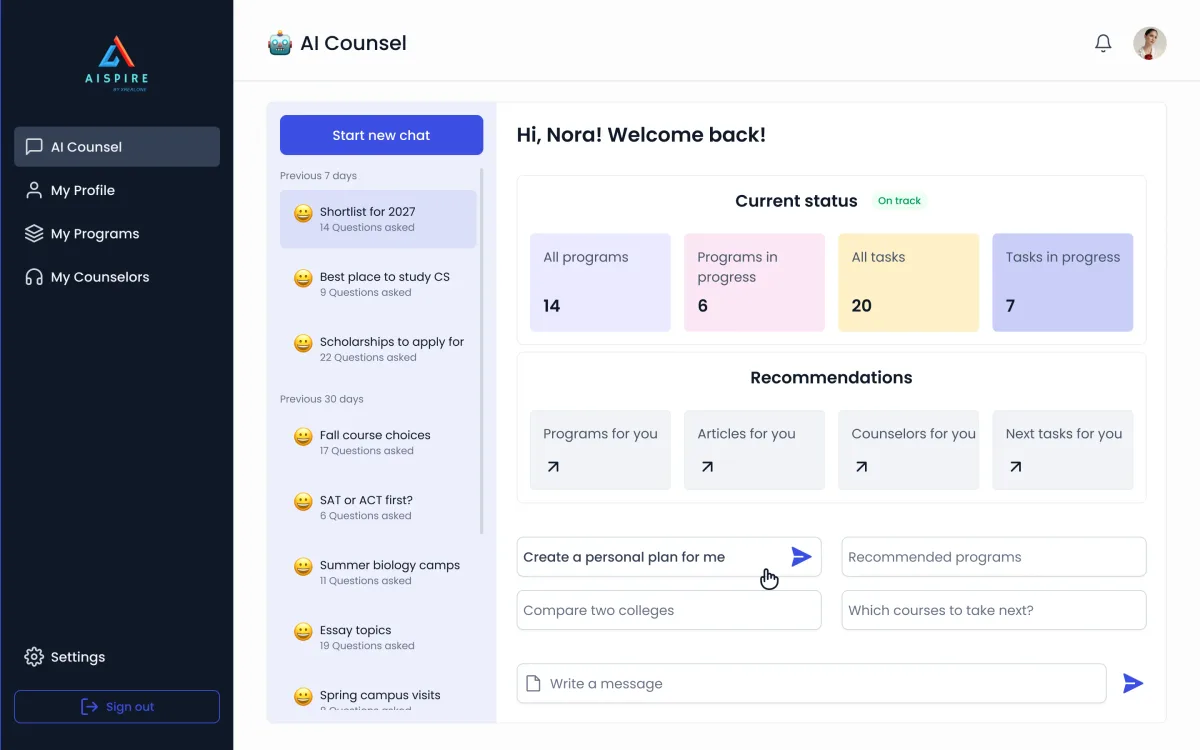
EdTech · AI counselling · Web app
Designed AispireMe’s MVP across student, parent, counsellor and organisation roles: domain research, flows, wireframes, desktop screens, a clickable prototype and a reusable UI kit.
You can identify the user tasks and software workflows in scope.
The priority workflows can be agreed with your team.
A decision-maker and an engineering contact can review the work.
A different starting point

Bring ANODA the task people abandon or ask support to finish. We will resolve its structure, interactions and states, then give your engineers a connected prototype and handoff that makes the next step clear.
What we need from your team, who does what, and what happens after the handoff.
After the design work Implementation reviews and frontend delivery are scoped separately when needed. A design system that needs substantial work is its own scope, separate from the agreed product-design work. Usually 8–16 weeks for an agreed scope.
Our new platform has helped us scale and increase revenues by over 400% compared to 2023.
Share the users, tasks, platforms and constraints in scope. We will discuss the interaction design, interface states, prototype and handoff your team needs.
Message received.
Within 15 minutes, we’ll email you initial feedback and follow-up questions.
Optional next steps
Learn the UI and UX principles that make digital products clear, usable and resilient, with practical examples, trade-offs and a method for applying them.
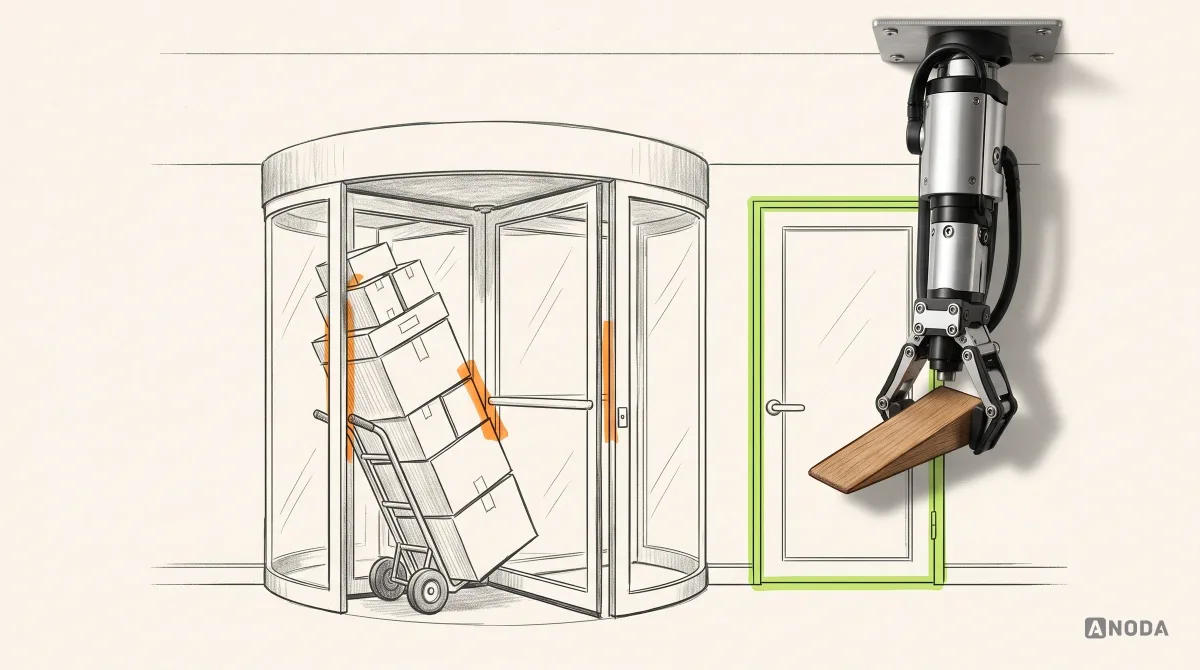
Choose UX patterns that solve the real task and stop inconsistent modules creating rework. ANODA connects interactions, states and reusable design systems.
It connects defined user tasks to information architecture, interaction flows, interface designs and the states around them. We agree the workflows, roles and platforms first, then document the decisions and guidance the implementation team needs.
Start with UI/UX design when the software workflows and product direction are defined and you need interaction and interface design. Digital Product Design is the adjacent service when a new digital product or substantial new product area needs to be shaped from its structure and core workflows.
Choose Product Redesign when existing users depend on the product and the task is to change its current flows or interfaces while planning what must stay stable. A defined new workflow can have its own UI/UX scope; agree its dependencies on the existing product before design starts. If the problems are not yet diagnosed, a UX audit may be the first step.
The workflows and users in scope, product goals, existing requirements or research, platform and engineering constraints, and any current components or design system. We also need a decision-maker for reviews and an engineering contact for implementation questions. Access is agreed for the work in scope.
The agreed workflow and information map, interface designs with important states, a clickable prototype of key journeys and engineering handoff. Your team receives the connected journey and behaviour notes it needs to build; we can include task-based user validation in the agreed scope.
The number of workflows, user roles, states, platforms, dependencies and review cycles determines the effort. We define these with your team before proposing a schedule and fee. Access, acceptance criteria and who can approve decisions are part of that agreement.
We scope recruitment, formal research, a full brand identity, a substantial design-system rebuild and software implementation alongside the interface work when your product needs them. That keeps the flow, validation and build connected through clear responsibilities.