

Crafting an Effective Mobile Dashboard: Best Practices and Design Tips
Create mobile dashboards with tips from ANODA. Ensure responsive, user-friendly design for better data insights. Contact us for professional UX services today!
Design the software a job runs on, from the first estimate to the last punch item — the office that prices the work, the site manager who tracks it, and the crew with a tablet in an unfinished room.

One job, readable from the office to the site, for everyone who prices, builds or signs it off.
The systems that run a company's departments.
Construction & Field Service Product Design
One job, from estimate to handover, office to site.
Not included
Four office-to-site handovers where a job slips, and the design that holds each.
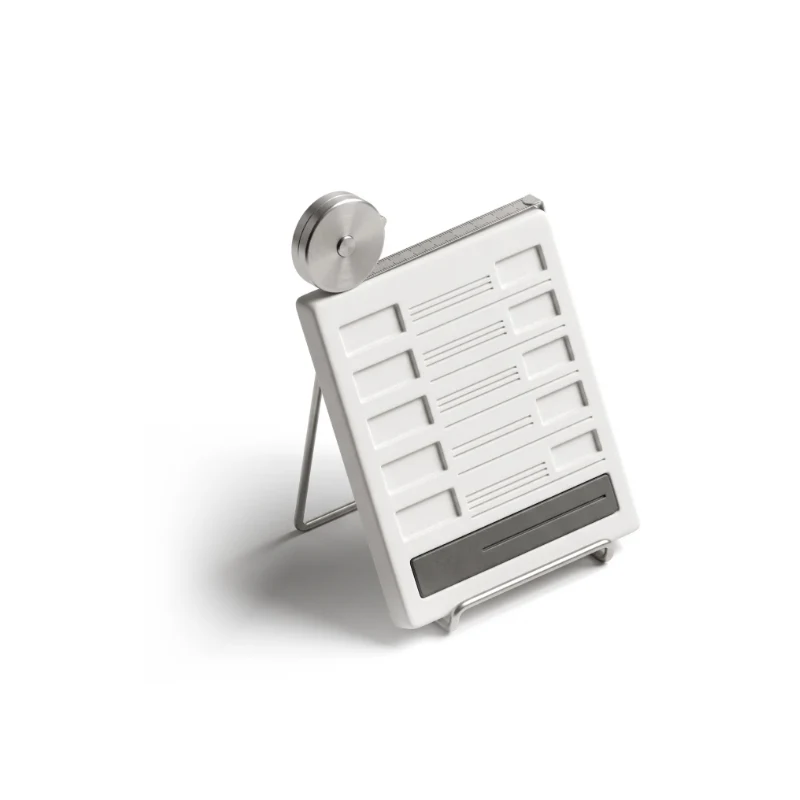
Rooms, units and line items priced once, then passed to the crew unchanged.
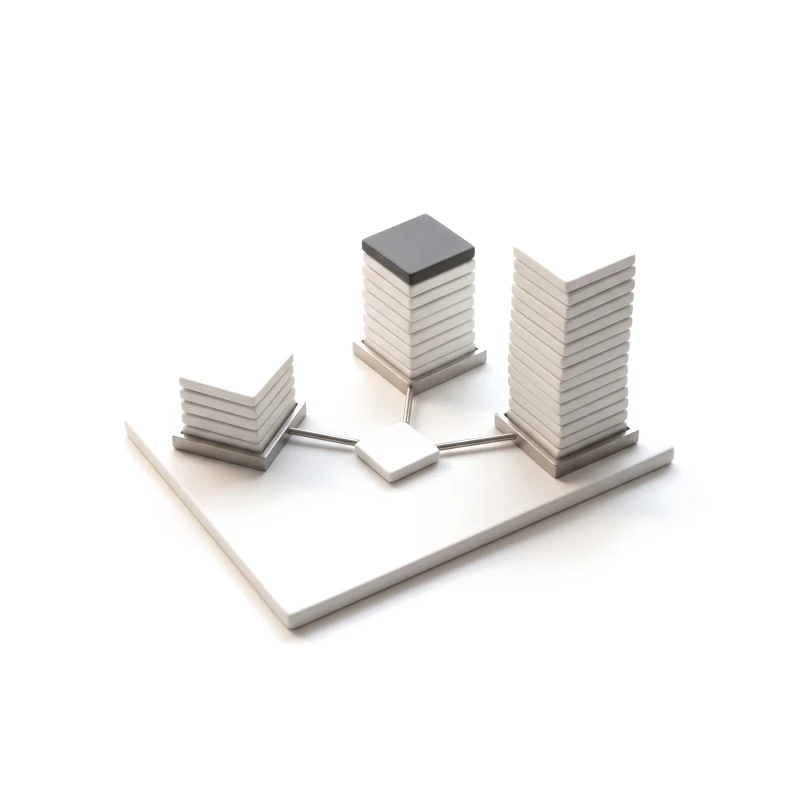
Progress by project and unit, readable in one glance from the office.
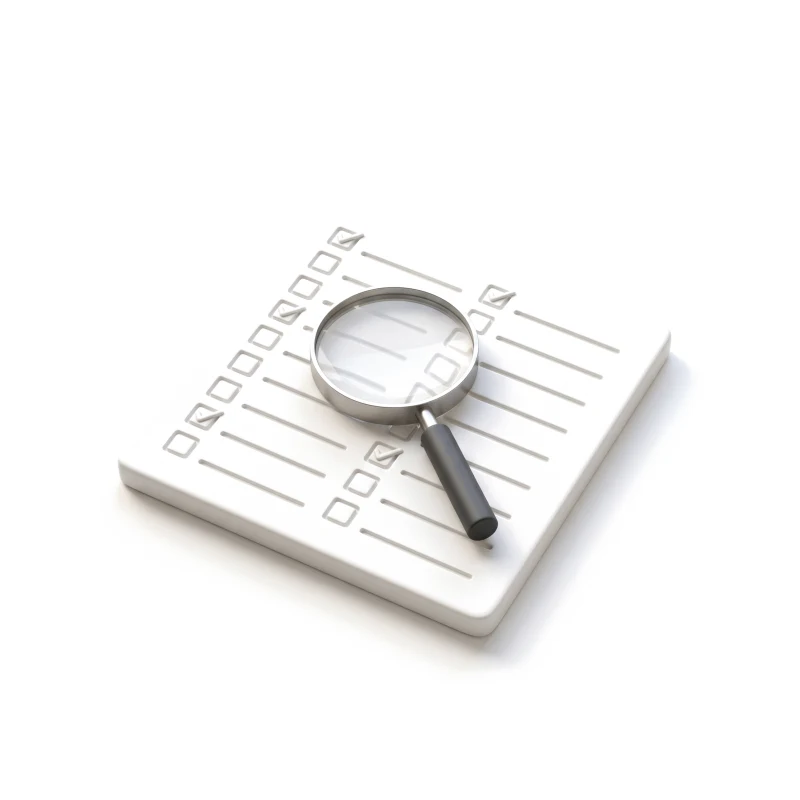
Item, photo, owner and date, closed by the crew that fixed it.
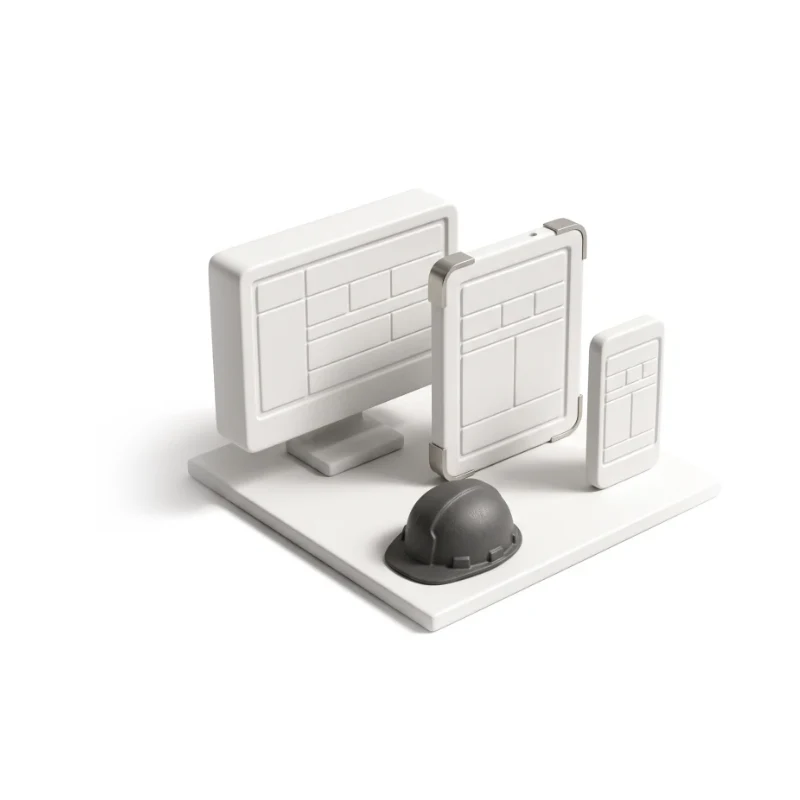
Estimator, site manager, crew, client and admin on shared parts.
You receive
Construction UX design is tested standing in an unfinished kitchen: no signal, a dusty screen, a crew waiting for an answer. Each of these states gets a screen for the person on site and one for the office.
One platform that runs kitchen installs, unit by unit.
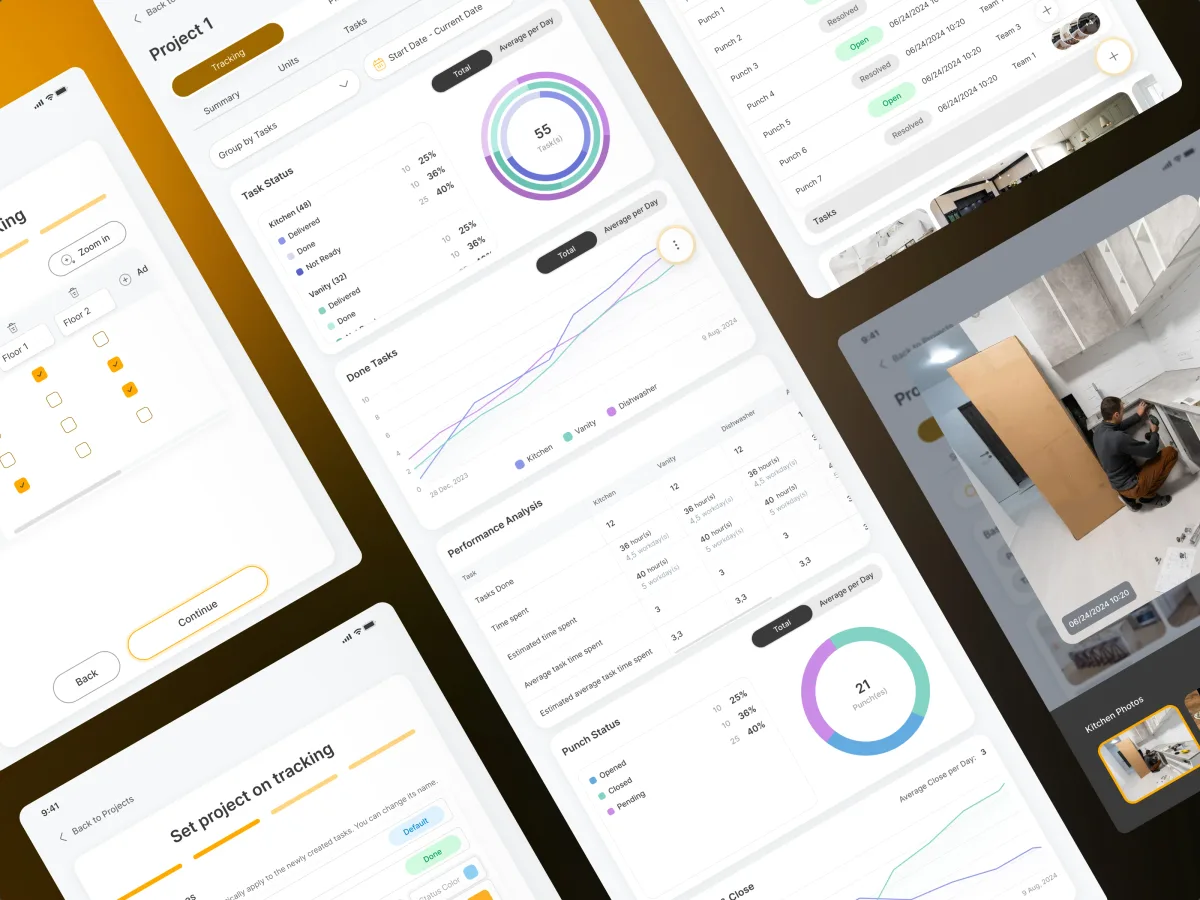
PropTech · Construction · Tablet app
Designed the tablet-first platform that runs kitchen installation in residential towers — estimates, unit-by-unit tracking and punch lists for five roles, with a clickable prototype of the whole process.
It fits when a job moves between an office and a site. Each sign starts with a job slipping between office and site.
Estimates, schedules and tasks pass between people who rarely meet.
Spreadsheets, chat photos and phone calls hold each project together.
Estimators, managers, crews and clients each need their own view.
Pricing, tracking and sign-off already follow rules your team can explain.
A different starting point
Tell us how a job moves from estimate to handover and where it slips. We will name the first handover to fix and the service for it.
Each construction project runs under one service, whose proposal sets scope and review rhythm.
Tell us who prices the work, who tracks it, who does it, and what still runs on calls and spreadsheets.
Message received.
Within 15 minutes, we’ll email you initial feedback and follow-up questions.
Create mobile dashboards with tips from ANODA. Ensure responsive, user-friendly design for better data insights. Contact us for professional UX services today!
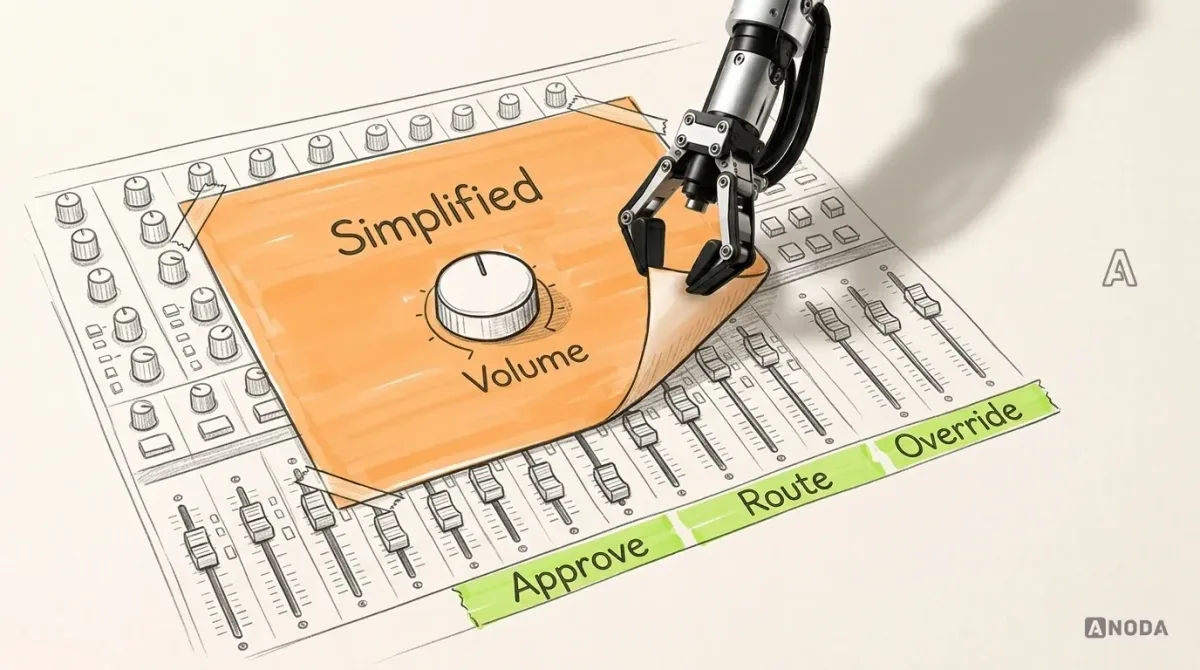
Design enterprise software around real roles, workflows and constraints. Learn how to simplify complexity, drive adoption and measure meaningful UX outcomes.
Ask for a product that runs a real job, not a set of tidy screens. A team that knows the work can show the office view and the site view of the same project, what a crew sees when the signal drops or a punch item is reopened, and a tablet prototype someone could use in an unfinished room. Ask where their work stopped — design is not structural engineering — and which designers would work on your project. Our Cabinit case shows that kind of project.
The roles and the job map from estimate to handover, the estimate flow, project and unit tracking, punch lists and crew tasks, every state in between, a clickable tablet prototype, UI and a handoff ready to build. More roles, trades and job types add cost and time, as do estimating, redesigning a tool crews are using mid-job, and each connected system. Your first service's proposal sets price and timing.
Estimators and office staff, project and site managers, crews and installers, subcontractors, the homeowners or clients who follow progress, and the admins who set up projects and access. The workflows are the site survey, estimating and pricing, scheduling crews, tracking progress by building, floor and unit, punch lists with photos, client updates, sign-off and handover. A manager needs the whole project at once; an installer needs the next task and a big button to close it.
If nothing exists yet, UI/UX & Product Design covers the whole job. Web App Design covers estimating and planning in the browser; Mobile App Design covers crews on tablets and phones. A live tool slowing crews starts with a UX Audit. When the software runs a company's back office rather than its jobs, ERP & Internal Tools fits better, and B2B Product Design fits when you sell the software to other contractors.
No — it places each rule where crews meet it, and certifies nothing. We design where a safety or quality check sits in a task, which items need a photo or a signature to close, who may approve a change to an estimate, and what a client may see. Structural calculations, BIM and CAD models, building codes and safety sign-off stay with your engineers and advisers. Construction UX design can make those rules hard to skip; it cannot confirm a project meets them.
Someone who can make product calls, a test project on the tool or staging with a login per role, and real examples — estimates, punch lists, reports — with client names removed. We also want an hour on site or a call with a site manager and a crew lead, because the job rarely runs the way the office describes it, and early contact with engineering about the systems the product connects to.
Cabinit, which runs kitchen installation in apartment buildings from a tablet: office estimators plan and price, site managers track progress unit by unit, crews close tasks and punch items, and homeowners follow along. The case study counts 250 unique screens and five roles in one system, delivered with a clickable prototype of the whole installation process. It is our one published construction case.
Yes. Most construction tools we meet are already on site, and crews will not wait for a new one. We start from your current screens and design files, keep the buttons and words crews already use, and fix the parts that slow the job down first. Your engineers and product team work with us throughout, and every file is theirs. Changes can reach the field one role or one project at a time, so no site switches tools in the middle of a job.