
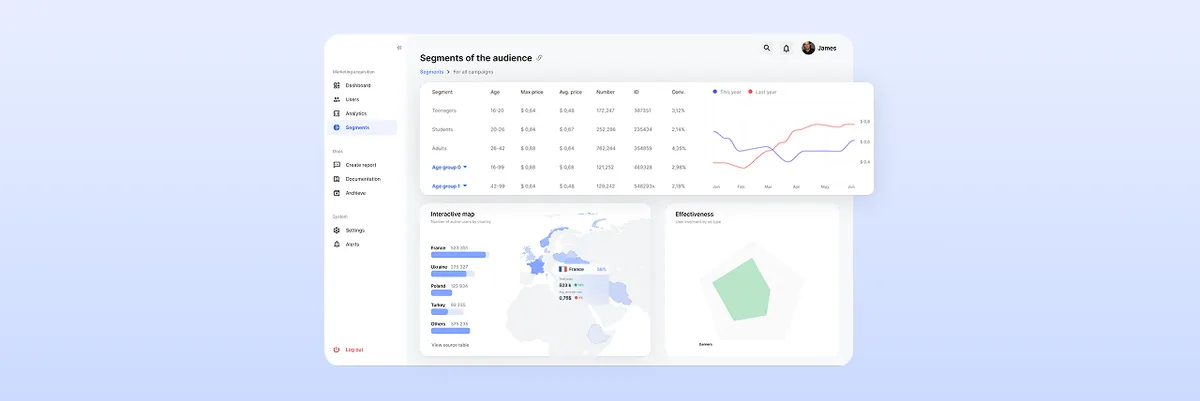
The Ultimate Guide to Dashboard Design UI: Best Practices and Principles
Learn the best dashboard UI design practices to enhance user experience. Improve data visualization and usability. Get expert insights at ANODA UX Agency today!
Design the screens a warehouse runs on — the live floor, the alerts from robots and devices, and the exceptions someone has to clear before the shift ends — at a desk and on a tablet in the aisle.

Operations screens that show what needs a person, on the floor, at the desk and mid-shift.
What a single screen of data should tell you.
Logistics & Warehousing Product Design
How a site sees, triages and clears its work.
Not included
A floor nobody can read at a glance, alerts that bounce between shifts, exceptions buried in logs, a console that breaks on a tablet — and our answer to each.
Live maps, heatmaps and shift progress in one chart language.
Claim, reassign, snooze and resolve, with nothing lost between shifts.
Every blocked order, fault and mismatch in one queue, sorted by urgency.
Layouts that keep every column on a monitor and on a tablet.
You receive
Logistics UX design earns its keep when something breaks: a robot stops, a scanner drops offline, an order will miss its truck. The associate on the tablet and the lead on the monitor each get their own view of it.
A warehouse robotics console, plus a self-storage service made bookable online — related to operations, though not a warehouse product.
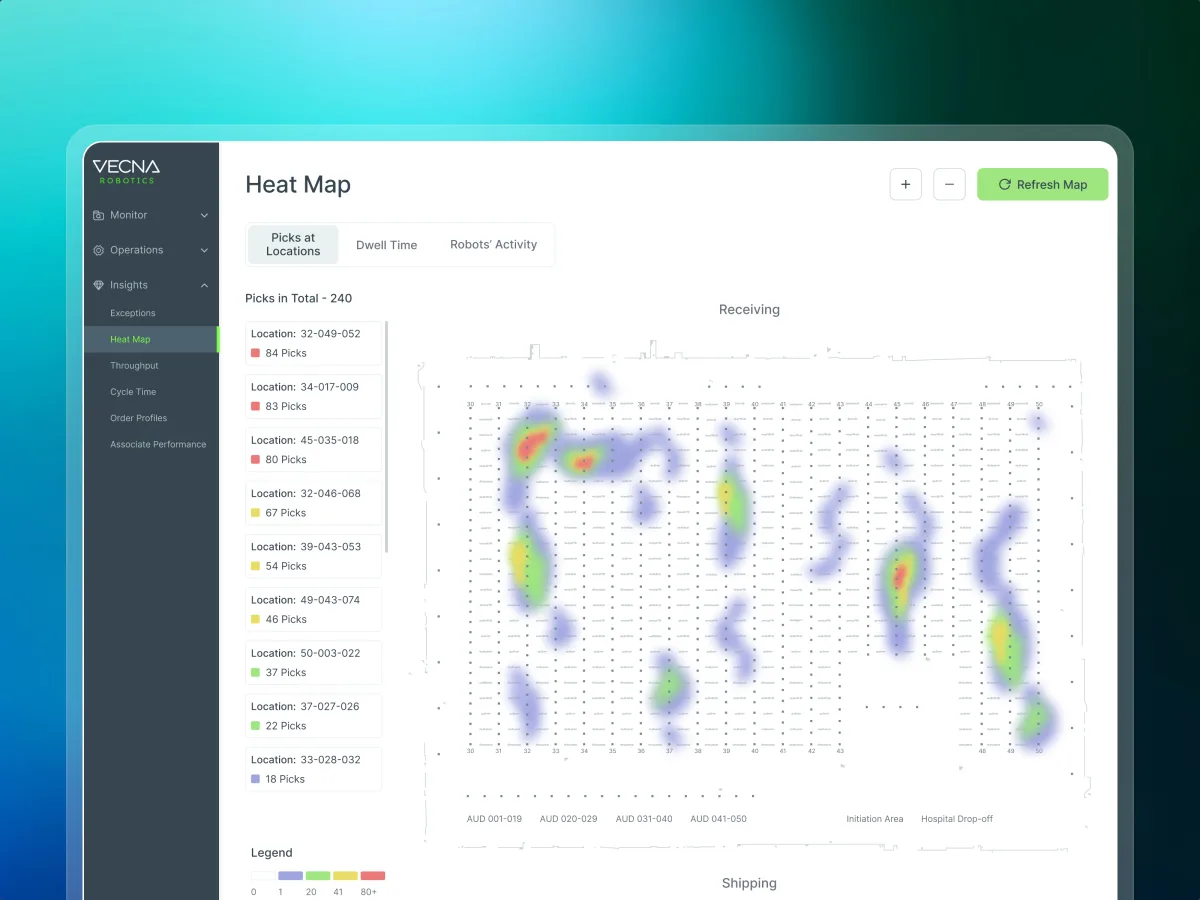
Robotics · Warehouse ops · Web SaaS
Redesigned the command center operations managers and site leads use to configure robots, watch the warehouse live and handle alerts, at a desk and on a tablet.
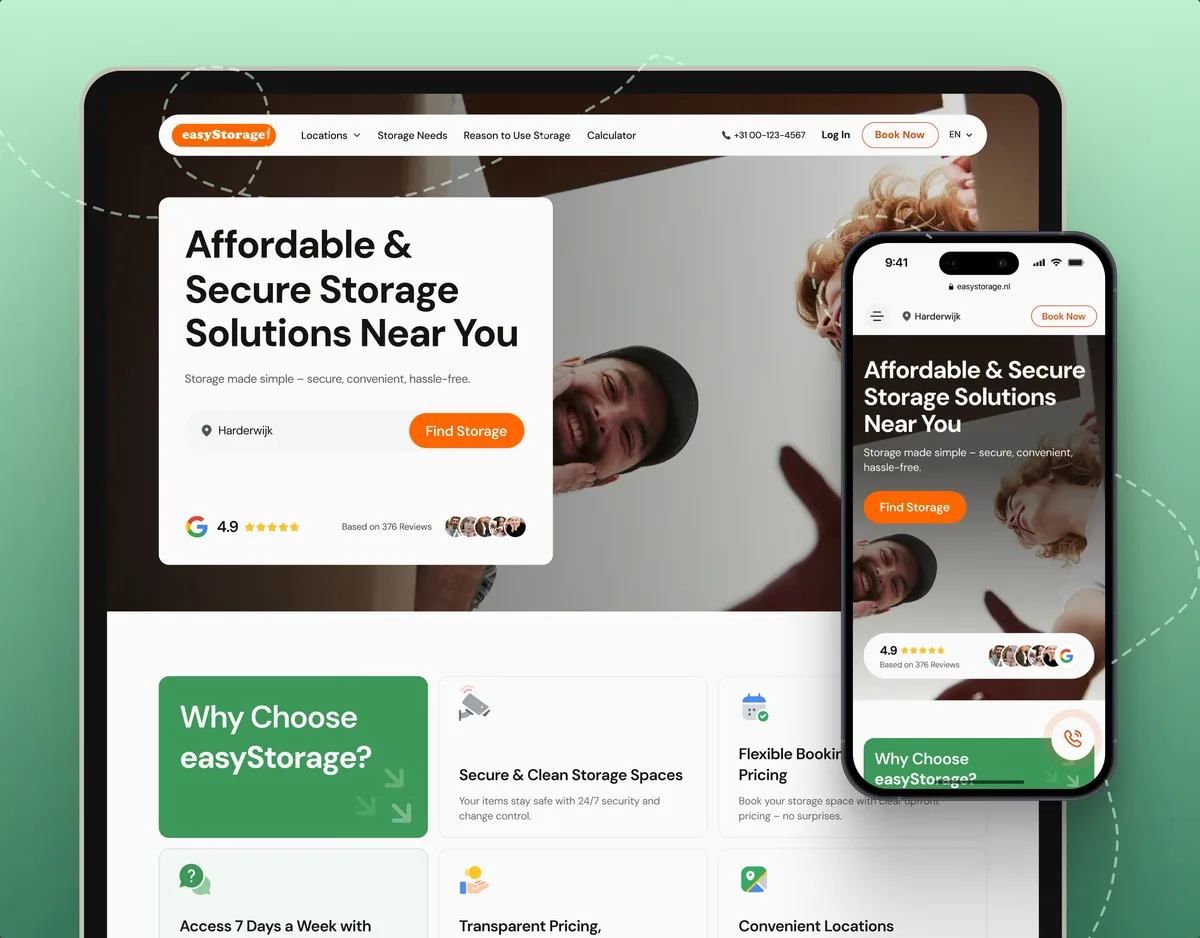
E-commerce · Website
Not warehouse software, but close: turned self-storage — units and access — into a booking flow people finish online.
It fits when work happens on a floor and a screen has to keep up with it, shift after shift.
Robots, devices, people and stock share a site, and someone watches it.
More signals arrive than a team can read, so priority decides the day.
Leads use it for hours, at a desk and on a tablet in the aisle.
Your team can say what counts as an exception and who clears it.
A different starting point

Tell us what runs on your site and which alerts your team can't keep up with. We'll name a starting service and what your site team would need to give.
We agree the service first; its proposal then fixes the scope and the points where your site leads review the work.
ANODA brought the console views into a shared design language. We appreciated the attention to dense operational information and consistent controls, giving the team concrete layouts to review across desktop and tablet use.
Tell us who runs the floor, what your robots and devices report, and where exceptions pile up.
Message received.
Within 15 minutes, we’ll email you initial feedback and follow-up questions.
Learn the best dashboard UI design practices to enhance user experience. Improve data visualization and usability. Get expert insights at ANODA UX Agency today!
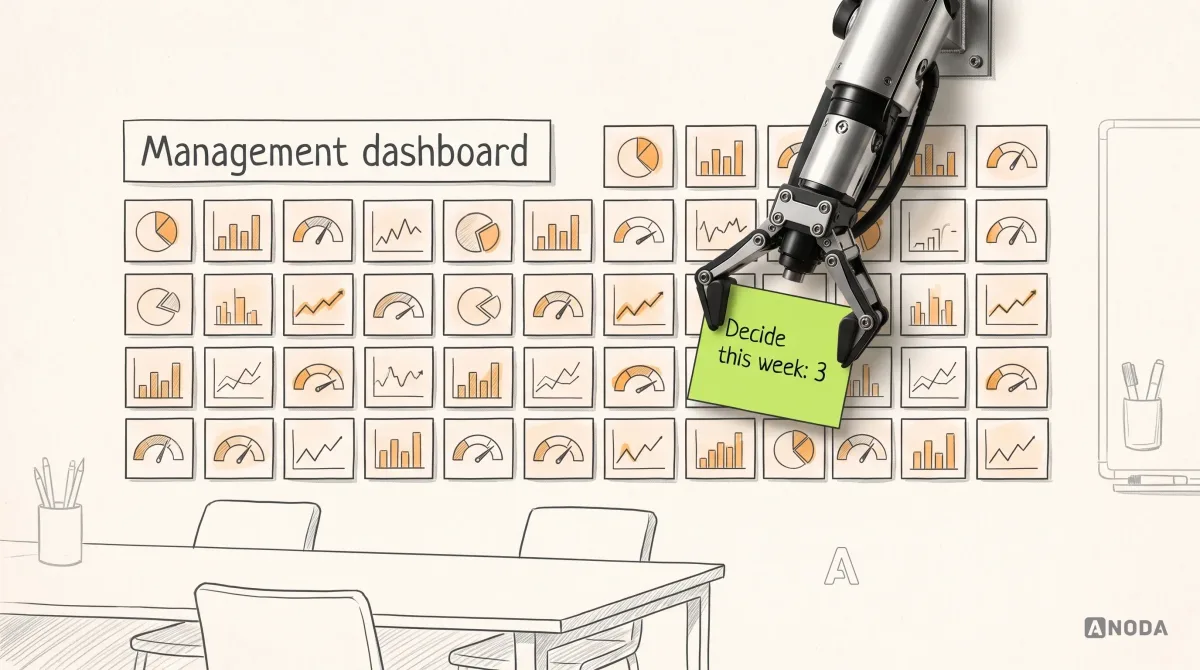
Learn how to design a management dashboard around executive decisions, useful KPIs, clear context, and action paths instead of a wall of charts.
Tidy dashboards prove little; ask how their work behaves on a busy floor. Someone who has designed for warehouses can walk you through how an alert is claimed, passed on and closed, what a site lead sees when a robot stops, how a console holds up on a tablet mid-shift, and how the states were written down for engineers. Be clear about where their part ended: screens and states, not robots or firmware. Our Vecna Robotics case is warehouse work; easyStorage is a related case, a physical service made bookable.
Each role's daily jobs, the alert and exception flows with every state, the floor and performance views, a clickable prototype, the UI and notes your developers can build from. The size depends on how many roles, device types and sites you run, whether a live console is being redesigned while people use it, and how much data and access you can share. Your proposal turns that into a price and a schedule.
Operations managers, site and shift leads, floor associates, maintenance and support staff, and the admins who set up sites. The workflows are configuring robots and devices, assigning work, watching the floor live, handling alerts, triaging exceptions, reading a shift's performance and handing over to the next shift. Each role gets its own first screen: a lead needs the whole site, an associate needs the next task, and support needs the device that just went quiet.
For warehouse interface design that must work at a desk and on a tablet, Web App Design. When the question is what one screen of metrics should say, Dashboard Design. A console that has grown inconsistent fits Product Redesign, and one that slows people down for unknown reasons starts with a UX Audit. A console that does not exist yet is designed end to end in UI/UX & Product Design.
Our part is the screens around those rules, never the rules themselves. We design who may change a robot's settings, the confirmation before a risky action, how an incident is recorded and handed over, and what stays visible when data is late. The safety rules, standards and final sign-off stay with your engineers and safety leads, and robot control itself is outside our work. What we hand over makes those rules easy to check: every restricted action, who may take it, and what the screen shows when it is refused.
A decision-maker on your side, a staging site running test data or simulated robots, and a login for lead, associate and support. The operations rules as they stand — what counts as an exception and how alerts are ranked — plus incident logs or alert volumes. Talk to us early about device feeds and data delays, because they decide what a live screen can promise.
Vecna Robotics, the console warehouse operations managers use to configure robots, watch the floor and handle alerts — 192 unique screens across the Console, a handheld app and Customer Alerts. Nearby, easyStorage Netherlands, a self-storage service made bookable online. The two case pages carry their own figures and scope. On the Vecna console, alert handling — claim, reassign, snooze, resolve — was mapped state by state before any screen was drawn.
Yes. Most operations tools we see are already live, and a site stops without them. We start from your files and component library, next to your designers and engineers, keep the habits leads have built up, and give you every file at the end. Before a change reaches the floor, we agree with you how leads and associates hear about it and when it switches on.