
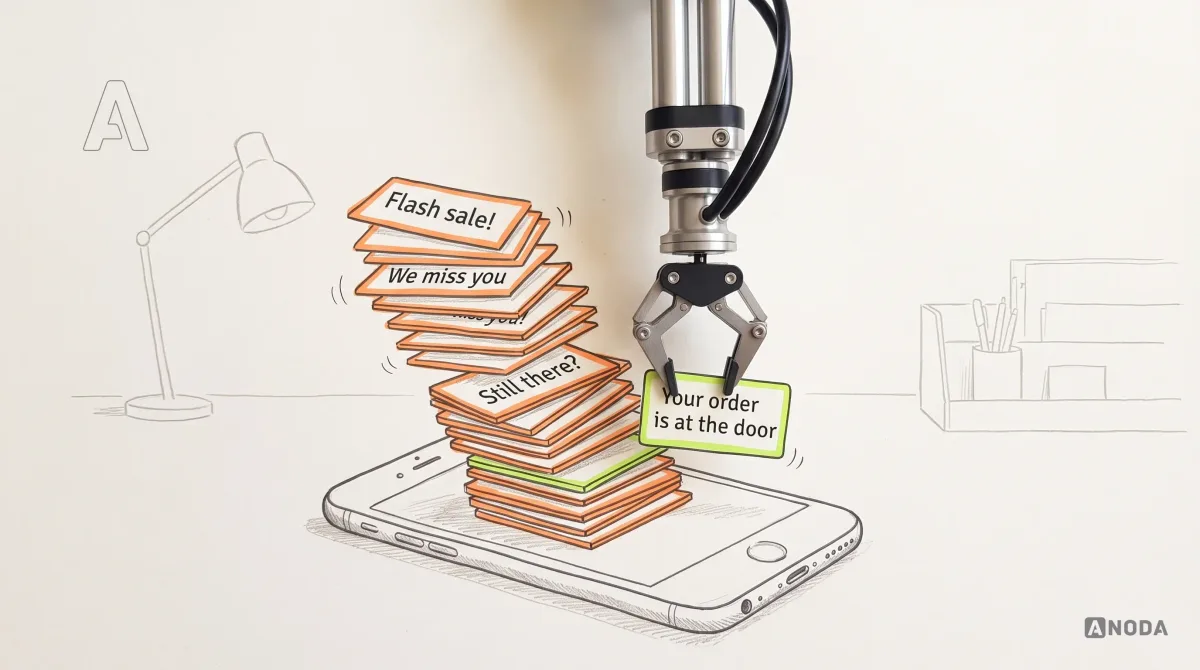
How Push Notifications Work
How Push Notifications Work: practical guidance, examples and decision criteria from ANODA. Learn how the topic applies to your product and team.
Design the app that sets up, controls and explains a physical device — pairing that works the first time, controls people can trust, and a clear answer when the device is offline, busy or out of reach.

A connected product people trust, because the app always tells the truth about the device.
The app on the phone: its flows, screens and platform rules.
IoT & Connected App Design
The app and the device together, in every state the hardware can be in.
Not included
A connected app is only as clear as its model of the device. The work starts with what the hardware can report and accept, then designs each role's view of it.
Every state the device can report, and what each screen shows for it.
From unboxing to first use: finding, connecting, naming and updating.
Live controls, routines and schedules people trust from across the room.
Fleets, groups, alerts and remote fixes for the team behind the devices.
You receive
Good IoT UX design is judged at its worst moment: the pairing that fails, the command that never arrives, the reading that is an hour old. Each one gets a screen that says what happened and what to do next.
Apps that drive real hardware, from a bath unit in one home to a fleet of robots across a warehouse.
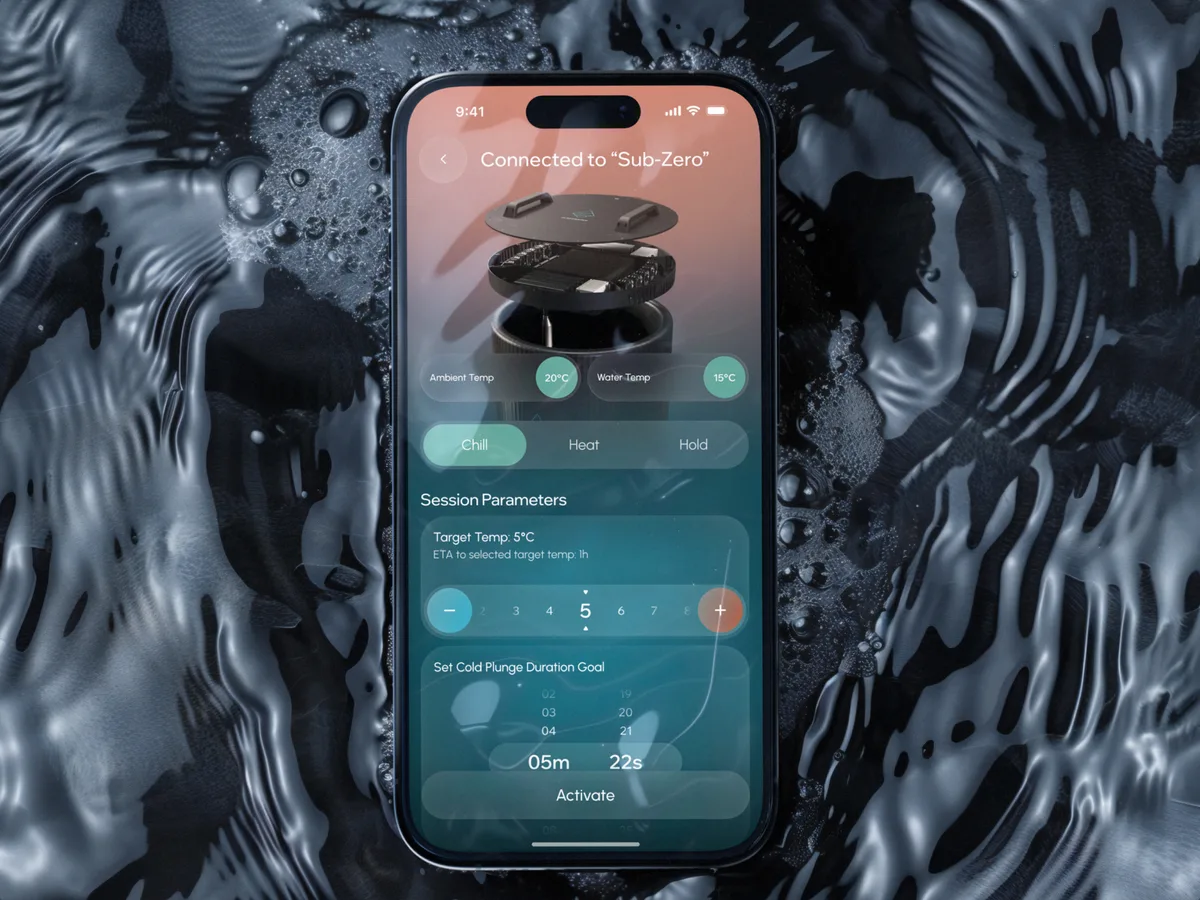
Wellness · Healthcare
Designed, from scratch, an app that drives a cold-plunge bath unit — temperature, timing and safety states a person standing in freezing water can trust.
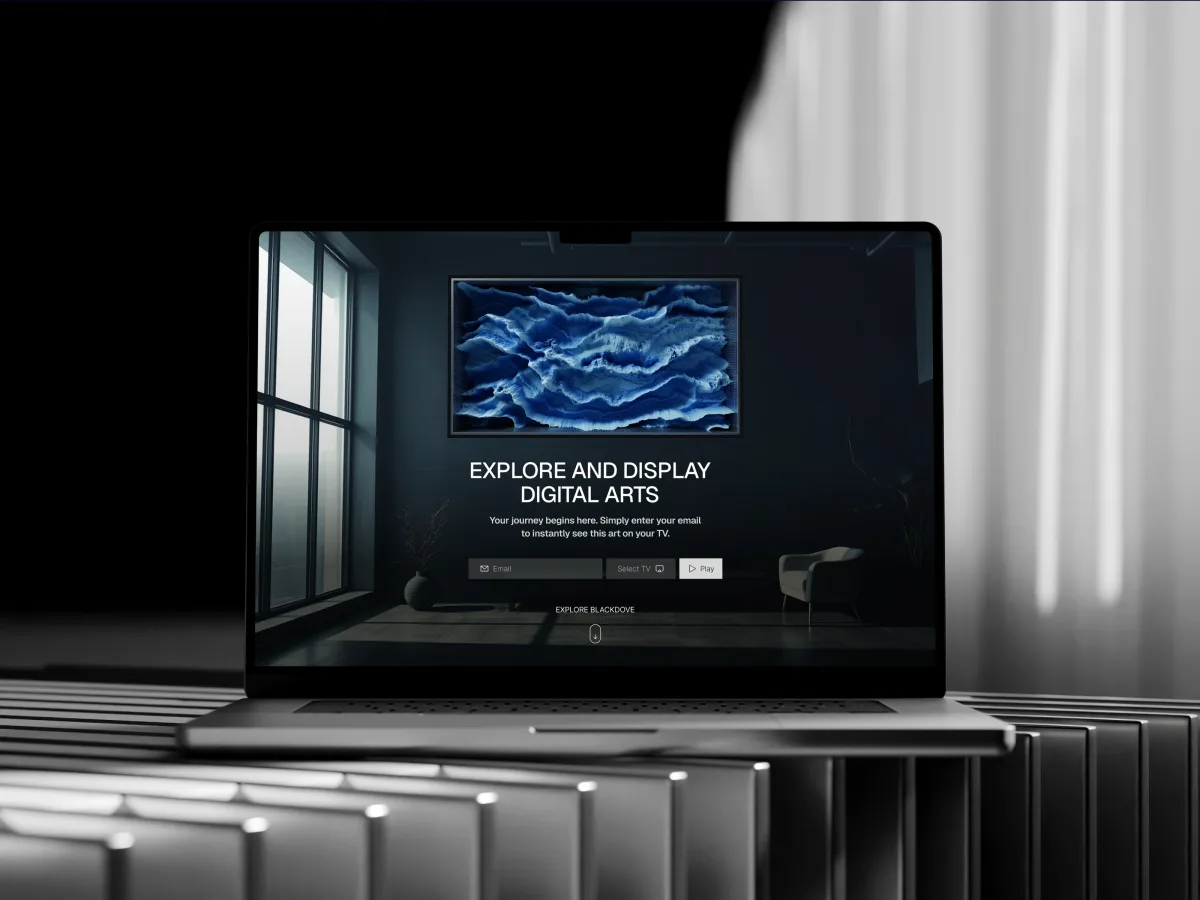
Digital Art · Streaming · Web + Mobile
Designed a digital art platform whose mobile app pairs with wall canvases and sends any piece to any screen in the house.
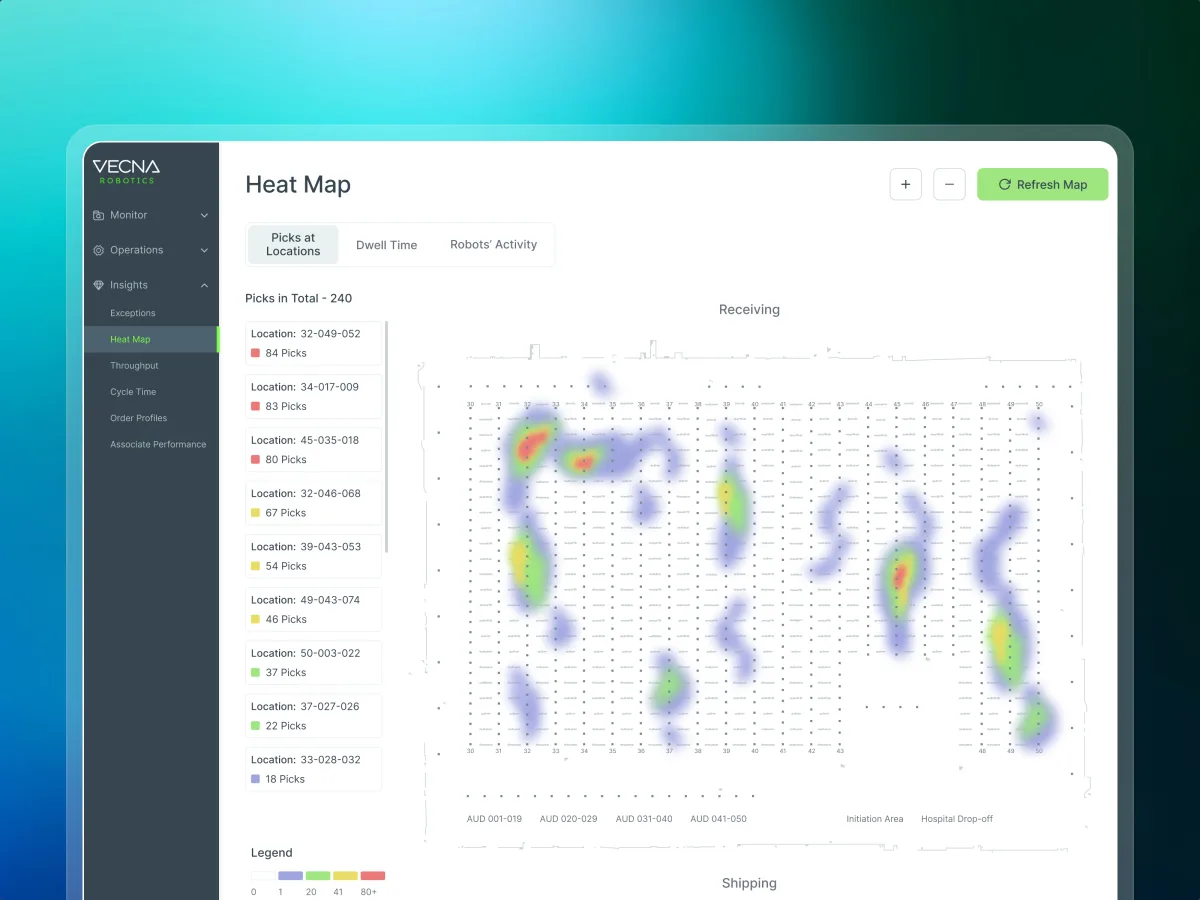
Robotics · Warehouse ops · Web SaaS
Redesigned the console operations teams use to configure warehouse robots and watch them live, on a desk and on a tablet mid-shift.
It fits when the product is a device and an app, and one is not much use without the other.
The app sets up, controls or reads a physical device.
Devices go offline, update, run low or trip a limit without anyone asking.
A household shares devices; an operator manages them by the hundred.
Your engineers can say what it reports and which commands it accepts.
A different starting point
Tell us what the device does and who controls it. We will come back with the service that fits and a realistic next step.
Connected product work begins with the service that suits where the device and its app are: on the bench, near a first release, or already in homes. Its proposal sets the terms.
We came to ANODA with an idea: a visually appealing, easy-to-use app that would help us build a community around our healthcare products. They understood that the experience needed to give people a reason to stay engaged beyond using a connected device. We appreciated how they considered our customers’ needs alongside our vision for the business, helping us turn that initial idea into a clear product direction. Their design brought together the simplicity we wanted and a visual identity we were excited to build on.
Tell us what the device does, how it connects, and where setup, control or recovery goes wrong today.
Message received.
Within 15 minutes, we’ll email you initial feedback and follow-up questions.
How Push Notifications Work: practical guidance, examples and decision criteria from ANODA. Learn how the topic applies to your product and team.

Create mobile dashboards with tips from ANODA. Ensure responsive, user-friendly design for better data insights. Contact us for professional UX services today!
Ask for the parts a device makes hard, not only the dashboard. A team that has designed connected products can show its pairing flow with every failure, what the app says when a device is offline or a command is not confirmed, how a household shares control, and what operators see across many devices. Ask which apps drove real hardware and which were live, and whether the designers you meet tested their flows against the device itself. Our Clearwater, Blackdove and Vecna cases show that range.
A device state model, the roles, pairing and setup flows, controls and schedules, alerts, offline and recovery states, an operator side where there is one, and the UI with a clickable prototype. Cost and timeline depend on how many device types and states there are, how the device connects, whether there is an operator console, which platforms you need, and whether the product is new or live. They are set in the proposal for the service you start with, after scope, access and dependencies are clear.
Owners who set the device up, other members of a household or site with fewer rights, installers and support staff, and operators who manage devices at scale. The workflows are unboxing and pairing, naming and grouping devices, live control, routines and schedules, reading history, receiving alerts, sharing access, updating firmware from the app, and recovering when something goes wrong — then, for operators, monitoring, grouping, remote changes and fixing faults.
It depends on the stage. Product Discovery when it is unclear what people need the device to do; MVP Design for a first release with early customers; UI/UX & Product Design for the whole product. For a live app, a UX Audit shows where setup and control fail. Mobile App Design covers the app people hold, Web App Design the operator console, Dashboard Design the monitoring screens, Design Systems a family of devices, and Mobile App Development the build.
They are the heart of IoT UX design, so they come first. Every screen is drawn for a device that cannot be found, pairing that fails, a device offline since a known time, a command sent but not confirmed, an update in progress, low battery, a safety limit and an alert that arrives while the app is closed. The app never shows a value it cannot vouch for: stale readings are marked with their age. Permissions are set out in a matrix — owner, household member, installer, operator — so engineers can check what each can see and change.
Prototype units or a simulator, the list of states and commands the device supports, and how it connects and reports. Access to any existing apps or staging with test accounts for each role, the support tickets, returns and reviews you have, a product owner who can decide, and regular contact with your firmware and cloud engineers so the design never promises what the device cannot do.
Clearwater Wellness Co., an app that controls a cold-plunge bath — 306 screens designed. Blackdove, a digital art platform that sends art to canvases of 32–98″ — 300+ unique screens. Vecna Robotics, a warehouse robot console — 192 unique screens on 2 platforms, browser and tablet. Each case study shows the app and the hardware together: the states a device can be in, and what people see in each.
Yes. Vecna's console was a live platform that had grown inconsistent; the redesign had to serve operators at a desk and on a tablet in the middle of a shift. Our designers work with your app, firmware and cloud engineers, inside your files and components, and hand over the device state model along with the screens.