
Dashboard Design Process: From User Decisions to Tested UI
Follow a practical dashboard design process: define user decisions, select the right data, prototype the flow, test usability, and prepare a scalable UI.
Design the screens security analysts work in all shift — alert queues, intelligence records and investigations — so the evidence for a decision sits on one screen, not across eight tabs, and the next person can pick up the case where the last one stopped.

Security products an analyst can read under pressure, from the first alert to the closed case.
Products engineers build and ship software with.
Cybersecurity Product Design
Products analysts investigate and respond with.
Not included
Four places where analysts lose time in a security product, and the screen work aimed at each.
Alerts ranked, grouped and assigned, with the reason for each score in view.
Indicators, actors, sources and confidence in one dense, scannable record.
Timeline, linked entities and notes beside the evidence, without losing your place.
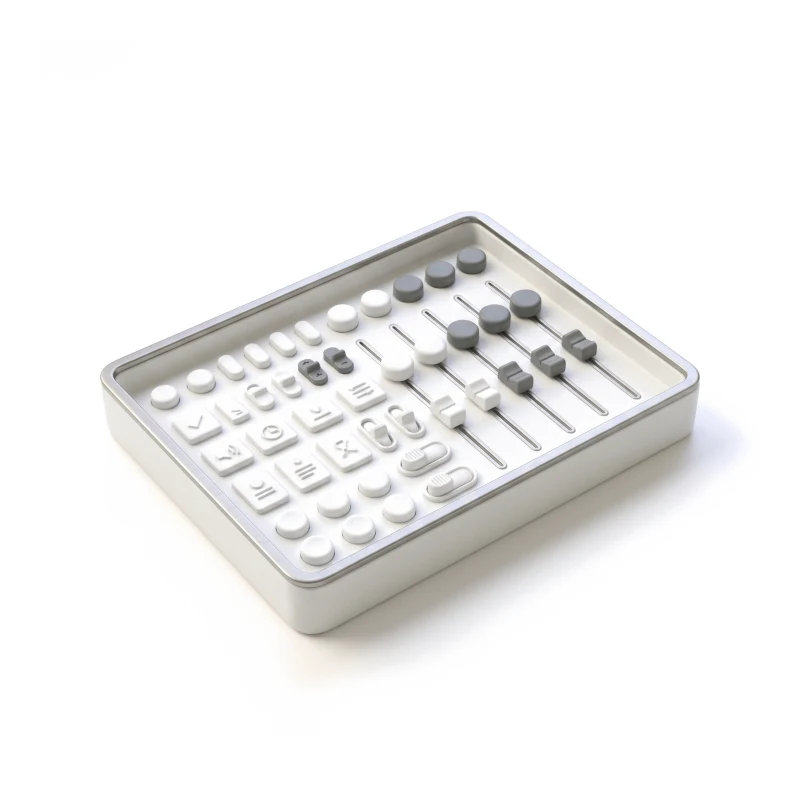
Tables, filters, graphs and empty states that behave the same everywhere.
You receive
Cybersecurity UX design is judged when the queue is full and the evidence is partial. For each state below, the analyst's screen spells out what is confirmed, what is still unknown, and the next move.
It fits when experts work in dense data and every click costs time. Analysts feel the signs below long before a dashboard shows them.
They spend whole shifts in queues, records and searches.
Indicators, entities, logs and sources that cannot simply be hidden.
An alert means little without the history and links around it.
An analyst or researcher can show how the work really runs.
Tell us who works in your product and where investigations slow down. You will get back a suggested service and the investigation step we would study first.
Security product work is scoped as one service at a time; its proposal fixes what is in and how often analysts review it.
Tell us who uses the product — analysts, hunters, responders, admins — and which screens they keep switching between.
Message received.
Within 15 minutes, we’ll email you initial feedback and follow-up questions.
Follow a practical dashboard design process: define user decisions, select the right data, prototype the flow, test usability, and prepare a scalable UI.
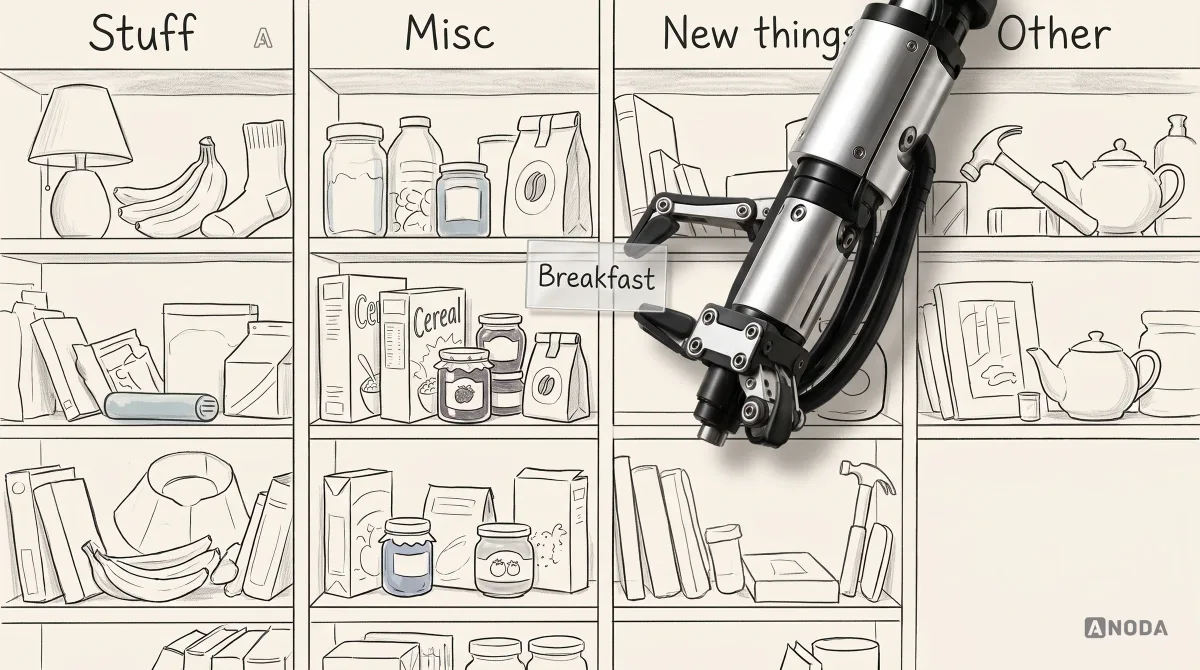
Learn how to create information architecture for digital products: content inventory, taxonomy, navigation, card sorting, tree testing and iteration.
Product design, not security marketing. Ask to see dense tables, investigation screens and the states behind them — partial evidence, a source that went quiet, a case someone else already holds — and how analysts took part in the reviews. Ask which of that work shipped and which stayed a plan, and who exactly would design yours. We design the product analysts work in; we do not test or audit security, and we do not make campaigns for it.
Summary first, detail one step away. Good threat intelligence UX design puts the verdict, its confidence and its source at the top of a record, keeps the raw evidence a click below, and shows every related indicator, actor and asset as a link you can follow without losing your place. Investigations need a timeline, notes beside the evidence, saved filters and views, keyboard paths for people who work fast, and a clear sign of what is still loading or unknown. Dense is not the problem; noise is. The work is deciding which ten fields an analyst reads first, and making the other two hundred easy to reach.
Analysts at every level, threat intelligence researchers, threat hunters, incident responders, their managers, and the admins who connect data sources and manage access. The workflows are triage, enrichment, investigation, moving between linked entities, case notes and handover, reporting to leaders or customers, and the settings behind rules and integrations. A first-line analyst needs speed through the queue; a researcher needs depth in one record; a manager needs to see what is open, who holds it and what is overdue. Each role gets its own first screen on the same data.
A security product not yet launched gets UI/UX & Product Design end to end. A browser console analysts use all day fits Web App Design; the overview leaders read fits Dashboard Design. A live product that loses users starts with a UX Audit, and Design Systems keeps dense tables and filters consistent across modules. When your users are engineers working through an API or CLI, Developer Tools is the closer fit.
No. It decides how your controls look and behave on screen: who may see a record, how sensitive fields are masked, the confirmation before a risky action, and where the audit trail shows who did what. We work with synthetic or masked data, never live customer data. Your security team owns the controls, and cybersecurity UX design does not replace a penetration test, a security audit or a compliance review. Where your customers work under regulation, your advisers decide what the product must record or show, and we design how it appears.
A sandbox or staging with synthetic data and a login per role, a product owner who can settle questions, the rules for scoring alerts and opening cases, and any feedback or support themes you have. Above all, time with two or three analysts: an hour watching real triage shows more than any spec, including the words analysts use for things, which rarely match the names in the database. Engineering should join early, since data sources and query times limit what each screen can show.
Yes, we have worked on security products for analysts. None of it is a published case study, so clients and figures stay off this page, and the work page has no security case yet. On a call we can walk you through it, and we keep what was delivered apart from what was only planned. Ask any team you compare for the same distinction. If you want to judge how we handle dense data before a call, our published cases on the work page show analytics and operations products from other industries.
Yes. Security products seldom get downtime for a redesign; analysts are in them every shift. We work in your files and system beside your designers, engineers and analysts, keep the shortcuts power users depend on, and every file is yours afterwards. Before a new layout reaches the queue, we agree with your team how analysts will receive it — often behind a switch, one team at a time, so nobody learns a new layout in the middle of an incident.