
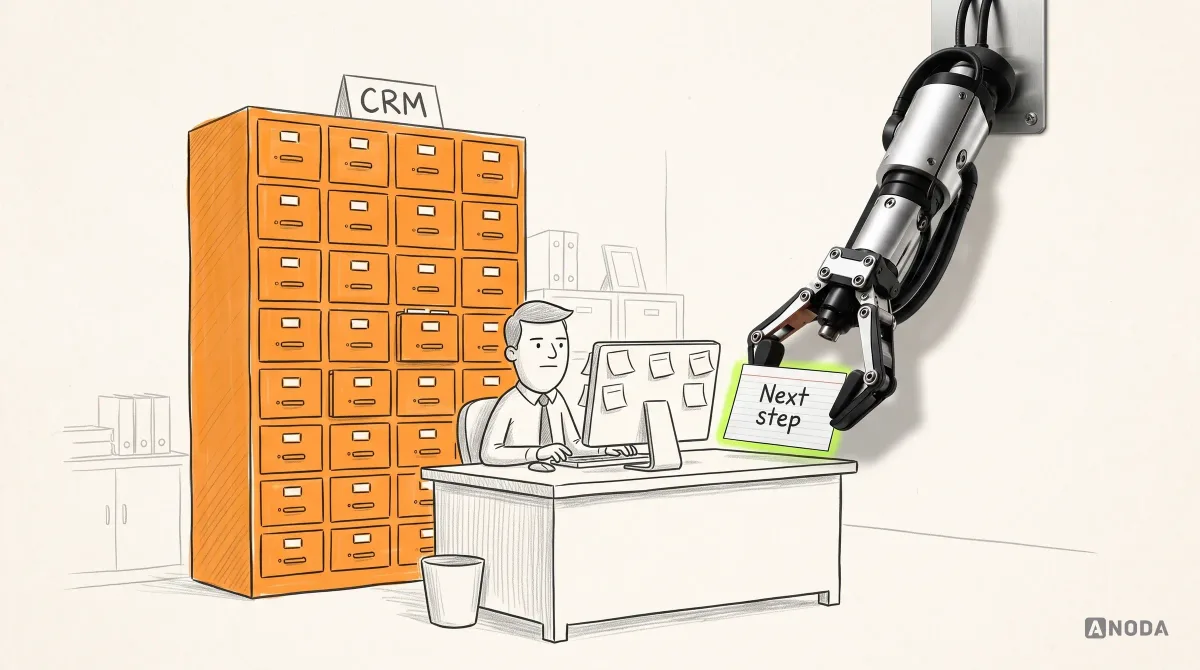
CRM System Design: UX Process and Best Practices
Learn how to design a CRM around real sales, service and operations workflows, from research and data structure to dashboards, automation, testing and rollout.
Design the sales software your reps work in between calls — from the first prospect and the qualifying questions to the deal, the follow-up and the forecast their manager reads on Monday.

Sales software reps keep up to date, because it saves them time between calls.
The record system: contacts, accounts, deals and stages.
SalesTech Product Design
The whole sales motion, from prospect to forecast.
Not included
What we design for sales software, whichever part of the motion it owns.
Prospecting to close, and every hand-off from SDR to account executive to manager.
Lists, sequences and qualifying questions a rep can work through between calls.
Deals, next steps and reminders that keep a rep ahead of every follow-up.
Forecast, activity and coaching views that show the pipeline without a spreadsheet.
You receive
Sales automation UX has to work in the gaps between calls, and revenue operations UX has to survive the end of the quarter. Each state below suits a rep with a minute to spare.
A sales training platform, and a lender’s borrower portal that takes a customer from application to closing.
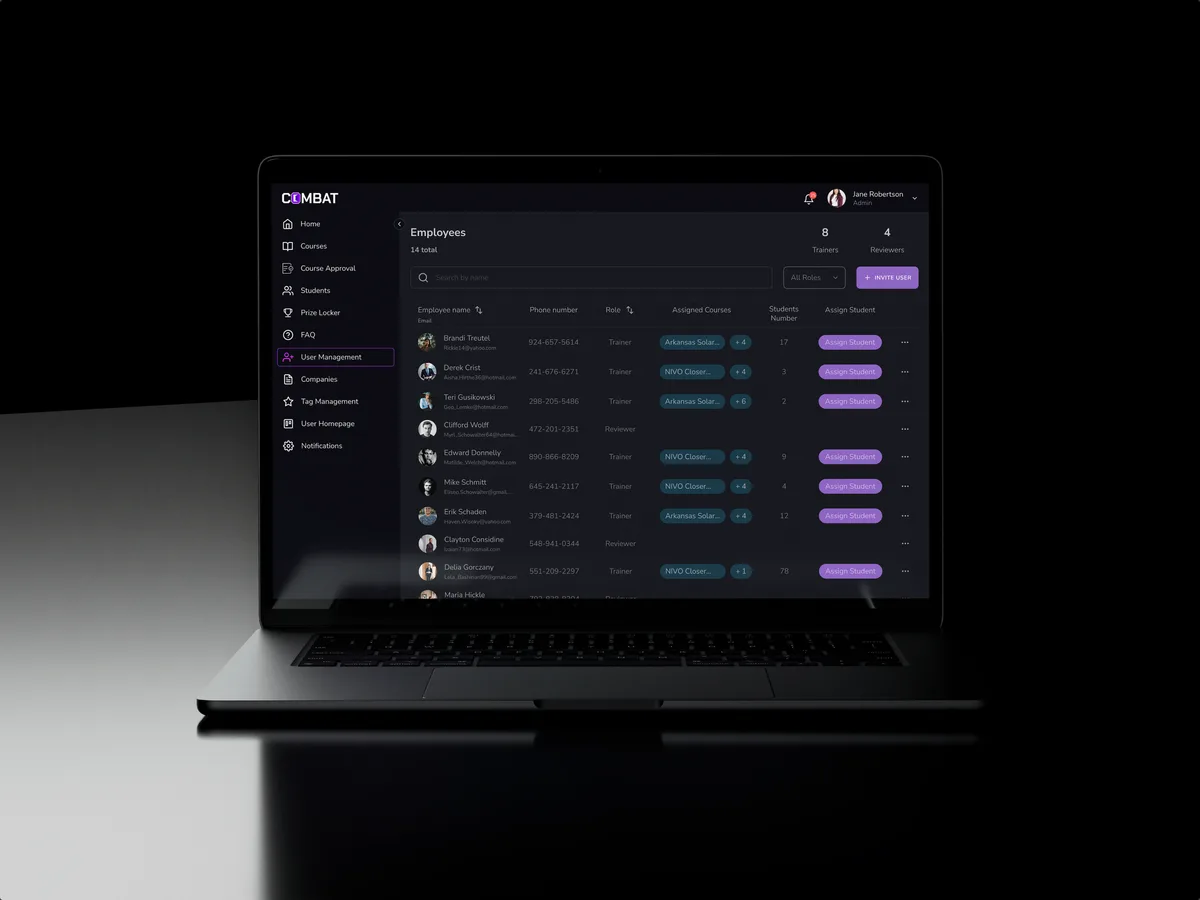
Sales training · Desktop web platform
Redesigned selected areas of a desktop sales training platform for five roles, clearer for each of them and still the product its users knew.
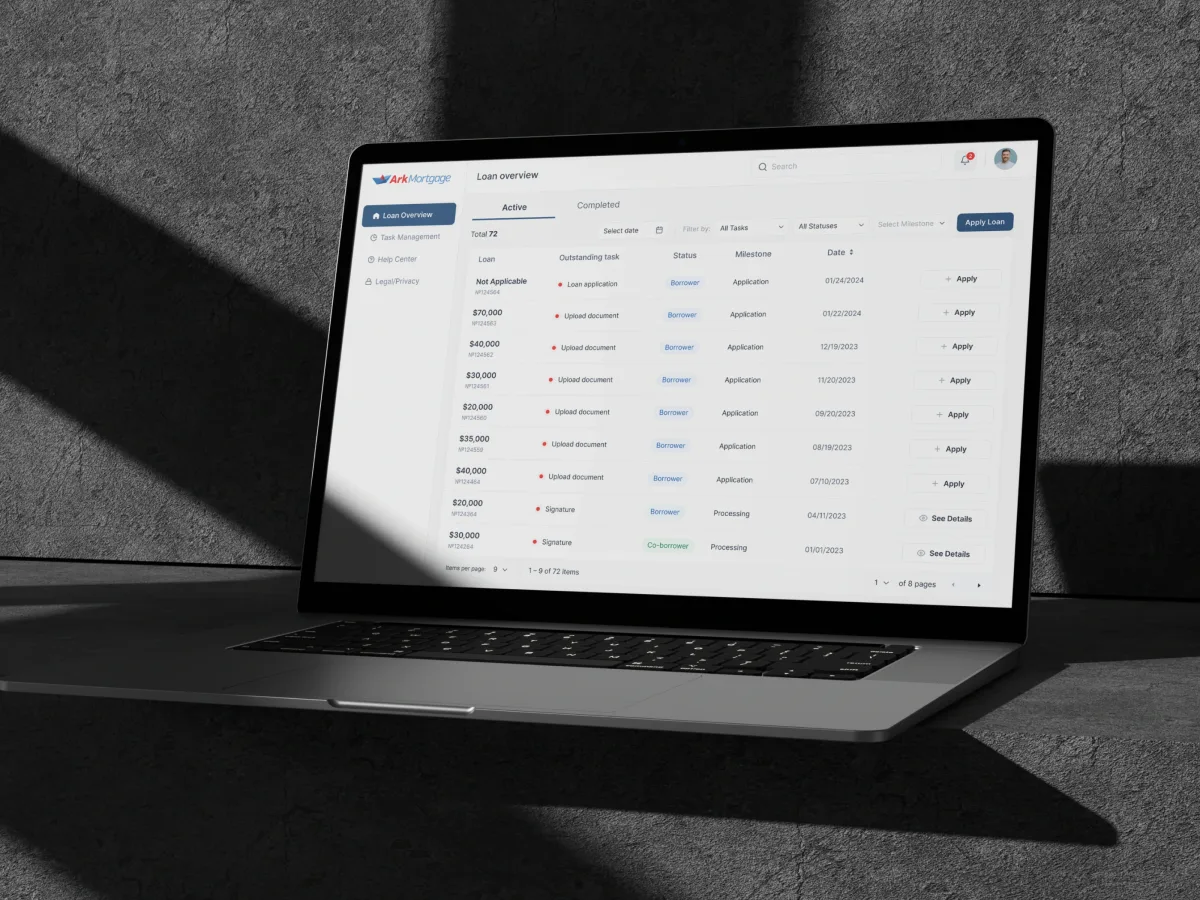
FinTech · AI · Web + Mobile
Designed a mortgage lender’s borrower portal for web and mobile — the application, then every task a loan asks for until closing. Not a CRM.
It fits when your product sits on the sales floor and has to earn a rep's time every day.
Data arrives late or never, because updating the product costs more than it gives back.
SDRs, account executives, managers and RevOps each need their own view of it.
Email, calendar, calls and the CRM all feed it, and none of them agree.
Forecasts are built in spreadsheets because the product cannot be trusted.
A different starting point

Tell us who sells with the product and where they work around it. You will hear back with the rep workflow we would tackle first.
Work starts with the workflow that hurts most, under the proposal of the service covering it.
Tell us who uses it — SDRs, account executives, managers, RevOps — and what they still do by hand.
Message received.
Within 15 minutes, we’ll email you initial feedback and follow-up questions.
Learn how to design a CRM around real sales, service and operations workflows, from research and data structure to dashboards, automation, testing and rollout.
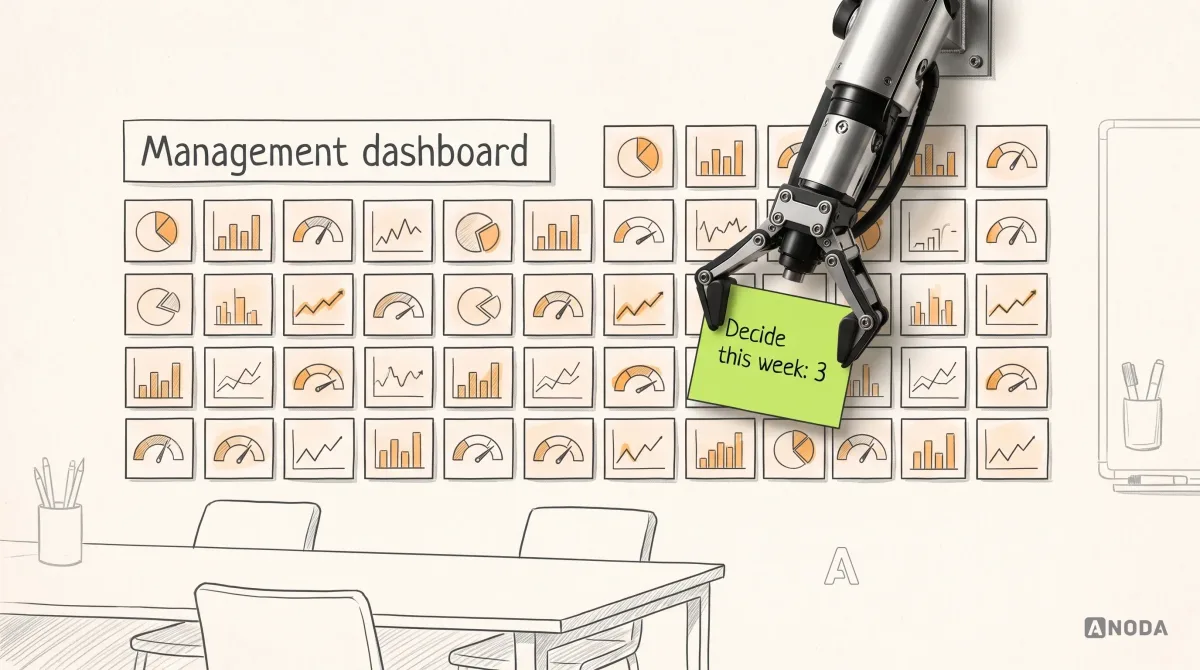
Learn how to design a management dashboard around executive decisions, useful KPIs, clear context, and action paths instead of a wall of charts.
Ask it to walk you through a sales motion, not a dashboard: what a rep does between two calls, where a lead changes hands, what a manager needs before a forecast call. A good SalesTech design agency shows the states behind the screens — a sequence paused by an out-of-office, a deal that slipped, two reps on one account — and says plainly what it designed and what engineering built. It should also name who would design yours.
For a CRM: records, pipelines and permissions that reps keep current because it saves them time. For enablement: content and training sellers can find mid-deal, and coaching a manager can follow. In both, look for products designed for several roles at once, and redesigns that changed a tool people used every day without forcing them to relearn it. Ask how they kept data entry down: the best sales tools log calls, emails and meetings on their own and ask a rep only for what a machine cannot know.
SDRs and BDRs, account executives, account managers, sales managers, RevOps and the admins who configure the product. The workflows are list building and prospecting, sequences and outreach, qualification, meetings and notes, pipeline and next steps, follow-up, quotes and discount approvals, forecasting, and the coaching and enablement around them. Each role gets its own view of the same deal. RevOps also needs the rules behind the screens — territories, routing and stage definitions — to be editable without an engineer.
New sales products and modules go through UI/UX & Product Design, a live tool reps have quietly stopped updating gets a UX Audit, and one that has outgrown its screens gets UI Redesign. Web App Design covers the rep's desk and Mobile App Design work on the road; CRM Development builds what we design. The record system, enablement and AI sales assistants each have a focused page. Begin with whichever of those three matches the product's state today; the others can join later.
Rules like these need a place on the rep's screen before the first flow is drawn. Your legal and privacy teams decide the rules on recording calls, contacting prospects and keeping personal data; we design how each shows up — a consent prompt before recording, a contact who opted out, a record a rep may not export. When recording or outreach rules vary by region, each rep sees their own region's prompt. Legal sign-off stays with your counsel, not with us.
A login per role on staging or production, the sales process as your team really runs it, usage and support themes, a product owner who can make the call, and time with engineering and the owners of the CRM, email and calendar integrations. An hour watching a rep work tells us more than any process document.
Combat Sales, a desktop sales training platform with five roles, redesigned in selected areas — 80+ final desktop screens and interaction states. It is a training product, not a CRM. Ark Mortgage, a lender’s borrower portal on web and mobile — not a CRM either. Each project's figures stay with that project.
Yes. Most sales software work starts from a product reps already use, where a change must not cost them a day of selling. We work in your files and design system with product, engineering and a few reps, and leave every file with you. We can start with one role or one workflow — often the rep's morning — and extend from there. A new channel, region or sales team later gets screens built from the same parts, so reps never meet two ways of logging a call.