
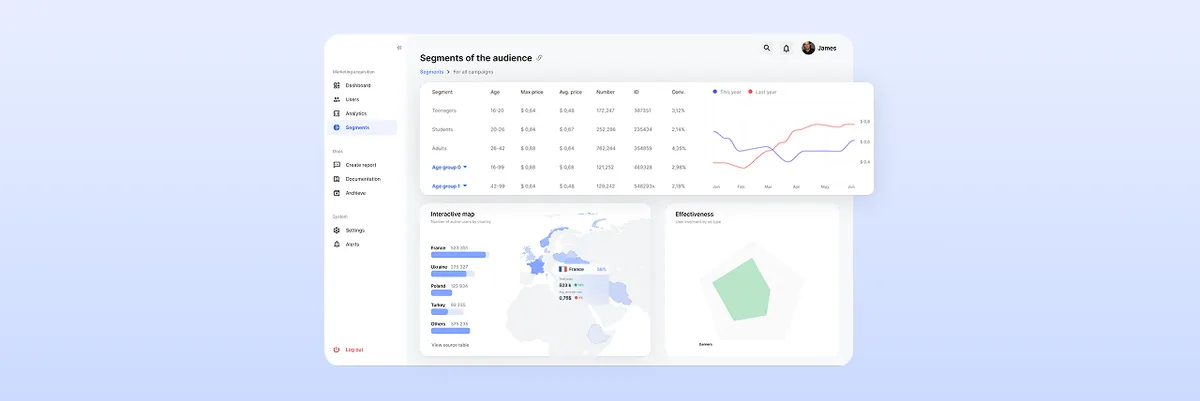
The Ultimate Guide to Dashboard Design UI: Best Practices and Principles
Learn the best dashboard UI design practices to enhance user experience. Improve data visualization and usability. Get expert insights at ANODA UX Agency today!
Design the advertising platform your advertisers, media buyers and publishers run every day — from a campaign and its budget to the placements it buys, the creative it runs and the report that says whether it worked.

An ad platform every side can run, from the first brief to the final report.
The wider marketing stack: analytics, automation, SEO, content.
AdTech Product Design
Buying and selling ad space: campaigns, budgets, inventory.
Not included
What we design for an advertising platform, from the first brief to the last report.
Advertisers, buyers, publishers and admins, and every point where their work hands over.
A setup flow that catches a wrong date, audience or budget cap before launch, not after.
Finding placements, sending creative and approving it, with each status in plain view.
Spend against plan, delivery and results, readable in the first minute of the day.
You receive
AdTech UX design holds money in flight: budgets spend by the hour, placements sell out and partner data arrives late. The states below are the ones buyers hit mid-flight.
A paid-traffic platform for media buyers and a podcast ad marketplace — the interface and prototype, not the ad engines behind them.
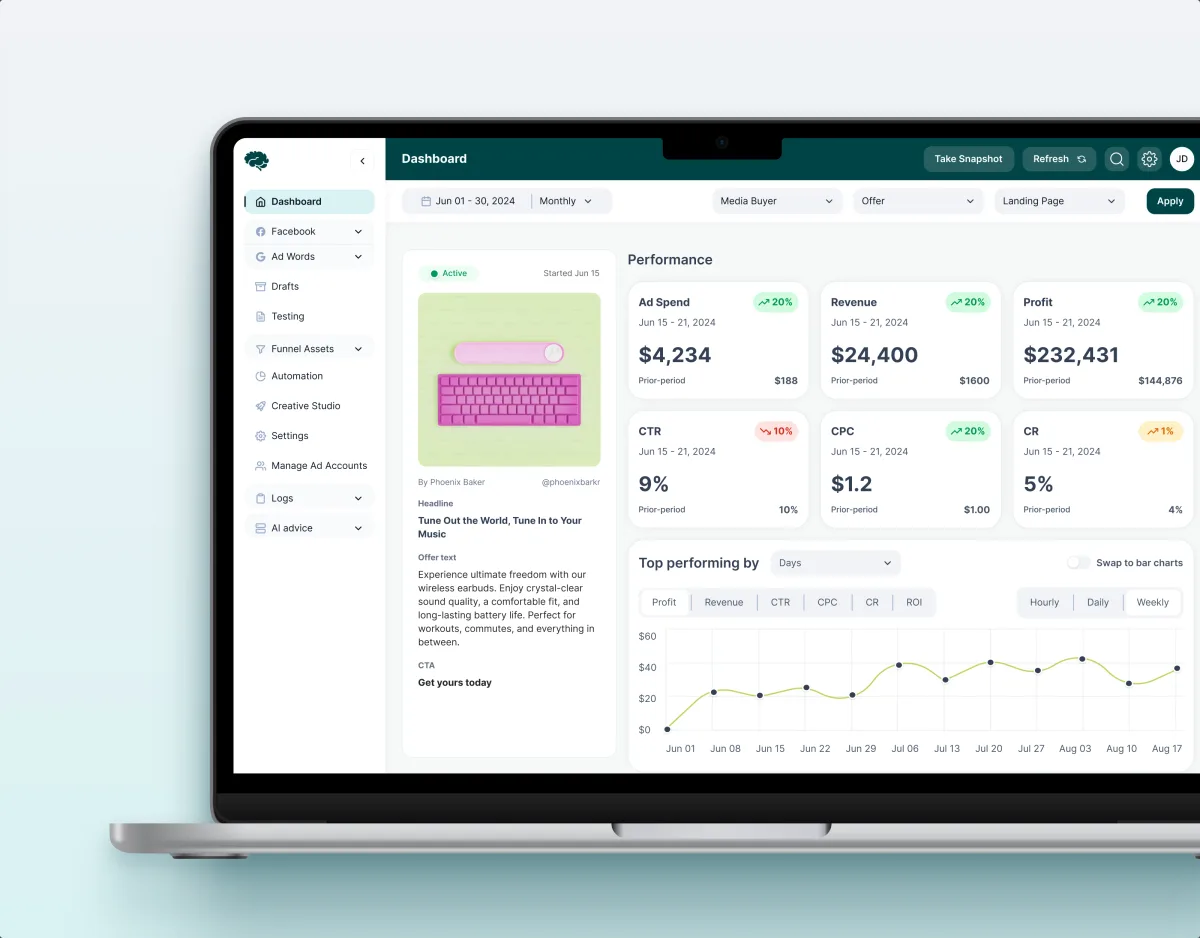
MarTech · Ads analytics · Web SaaS
Redesigned the platform where paid-traffic teams run ads, creatives and spend — performance, funnels, automation rules and creative approval across 11 modules.
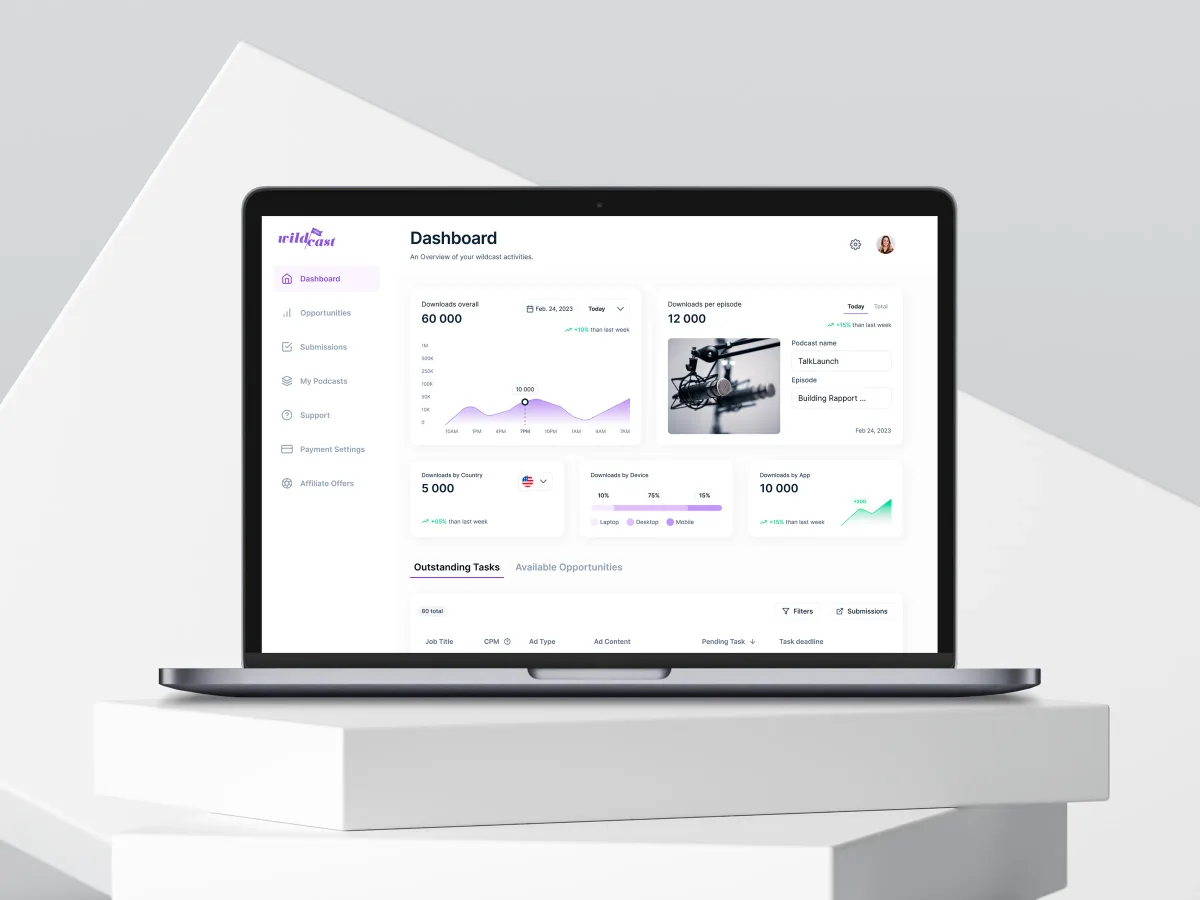
UI/UX Design, Web App
Redesigned a podcast advertising marketplace across its advertiser, podcaster and admin portals, from campaign setup and podcast discovery to reporting.
Advertising platform design fits when your product moves ad money between people who each see a different part of the campaign.
Advertisers, buyers, publishers or agencies each work on the same buy from their own screen.
Budgets, pacing and spend change during the day, and people act on them.
Launching a campaign takes training or a support call instead of a clear flow.
Your team builds bidding, serving and data; design decides how people run it.
A different starting point

Tell us who buys, who sells and where campaigns stall today. We will reply with the side we would start on, and why.
Whether you begin with buyers or publishers, that first service's proposal fixes the terms.
Tell us who buys and sells on it, what they set up, and where support has to step in.
Message received.
Within 15 minutes, we’ll email you initial feedback and follow-up questions.
Learn the best dashboard UI design practices to enhance user experience. Improve data visualization and usability. Get expert insights at ANODA UX Agency today!
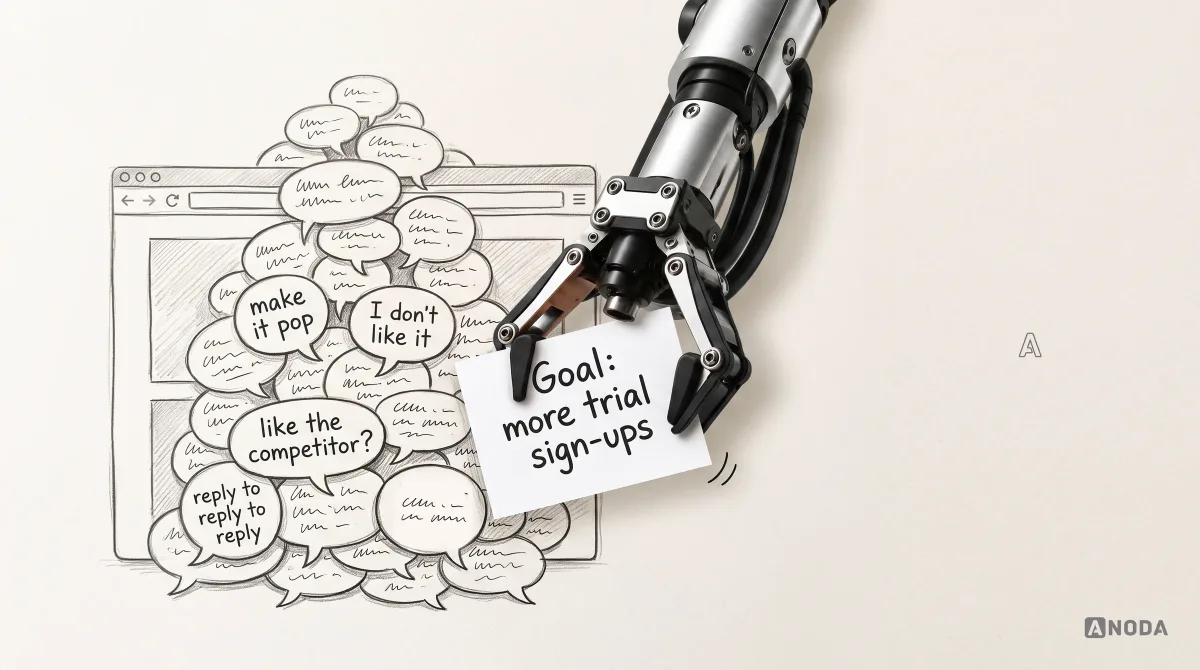
Learn how to give clear, actionable design feedback tied to user needs, product goals and evidence, with examples for clients, teams and design reviews.
Ask to see advertising products it has designed, and the states behind the dashboards: a campaign that overspends, a placement that sells out, creative a publisher rejects, data that arrives a day late. Ask which sides of the market each project served, and where the designers' part ended and engineering's began. Be wary of a portfolio that shows only reporting screens: the hard work is in setup, pacing and the days a partner's data goes quiet. Our published work here is Concussion Media, a platform for paid-traffic teams, and Wildcast, a podcast ad marketplace.
As one lifecycle, not three separate pages. Setup asks only what a campaign needs to launch, checks dates, audiences and budget caps before launch and keeps drafts. Budgets show spend against plan through the flight, with a warning before the money runs out. Creative review shows each asset's status by placement, who has to approve it and why a publisher turned it down, so one fix does not restart the whole campaign. Bulk edits across many campaigns get their own care, with a preview of what will change before anyone applies it.
Advertisers and their agencies, media buyers and campaign managers, publishers and their sales teams, and the admins and account managers behind the platform. The workflows are briefs and campaign setup, budgets and pacing, audience and inventory discovery, offers and bookings, creative upload and approval, delivery monitoring, automation rules, and reporting. Each role gets its own view of the same campaign: a publisher sees inventory, bookings and payouts, while a buyer sees the same deal as spend and delivery.
UI/UX & Product Design for a new platform or module, a UX Audit when a live platform loses advertisers during setup, and UI Redesign when the product has outgrown its interface. Dashboard Design covers pacing and reporting, Web App Design the buyer's workspace, and MarTech Development builds what we design. Start with one of the first three; the rest can follow. Attribution, creative operations and creator marketplaces each have their own page.
We design around them from the first flow, but the rules themselves belong to you. Your legal, privacy and policy teams decide which consent, targeting and ad content rules apply; we design how each one shows up — an audience that cannot be targeted, a creative that breaks a publisher's policy, a region that needs consent first. Whether a campaign is lawful stays their call; our screens only make each rule visible.
Logins for each side of the buy on staging or the live platform, sample campaigns and reports — the messy ones too — what support and account managers hear most, a product owner with the final word, and time with engineering and your ad-serving and data partners. The workarounds account managers keep in spreadsheets tell us the most. We start with the role whose work costs the most time or money today.
Two are published. Concussion Media: 400+ screens and states across 11 modules designed and approved by the client, for teams running paid traffic. Wildcast: 3 portals redesigned for a podcast ad marketplace, with a 5.0★ client rating. Both are interface and prototype work; neither project built a bidding or auction engine, and we do not claim one. Each project's figures belong to that project alone.
Yes. Most AdTech work starts from a platform advertisers already spend through, where a change must not confuse anyone about their money. We design in your files and component library, next to your product, engineering and account people, and every file stays yours. New channels, a publisher side or a mobile view reuse the same campaign tables, filters and status labels.