
How Push Notifications Work
How Push Notifications Work: practical guidance, examples and decision criteria from ANODA. Learn how the topic applies to your product and team.
Design the builder where campaigns and journeys are made — triggers, branches and audiences a marketer can read, previews that show what a real person gets, and a launch that is hard to get wrong.

Journeys a marketer can build, check and launch, without dreading the send button.
Marketing Analytics & Attribution Design
Reads what campaigns earned, after they run.
Marketing Automation Platform Design
Builds what campaigns do, before they run.
Not included
Campaign builder UX starts from the mistakes that reach customers — the wrong audience, the duplicate send, the branch nobody tested — and designs the canvas, checks and switches that stop them.
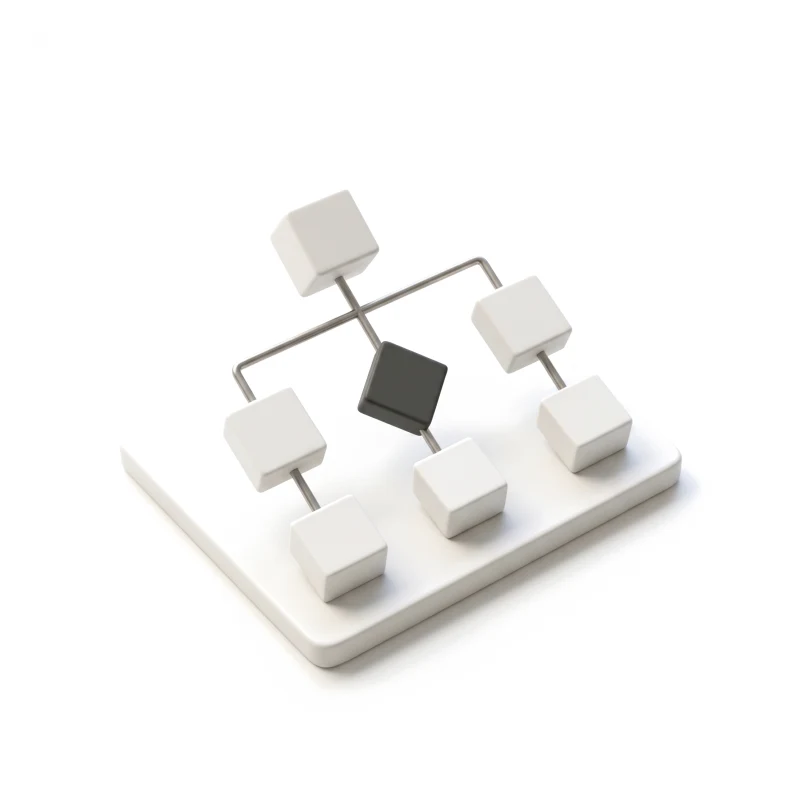
Triggers, waits, branches and actions on one canvas, readable at any size.
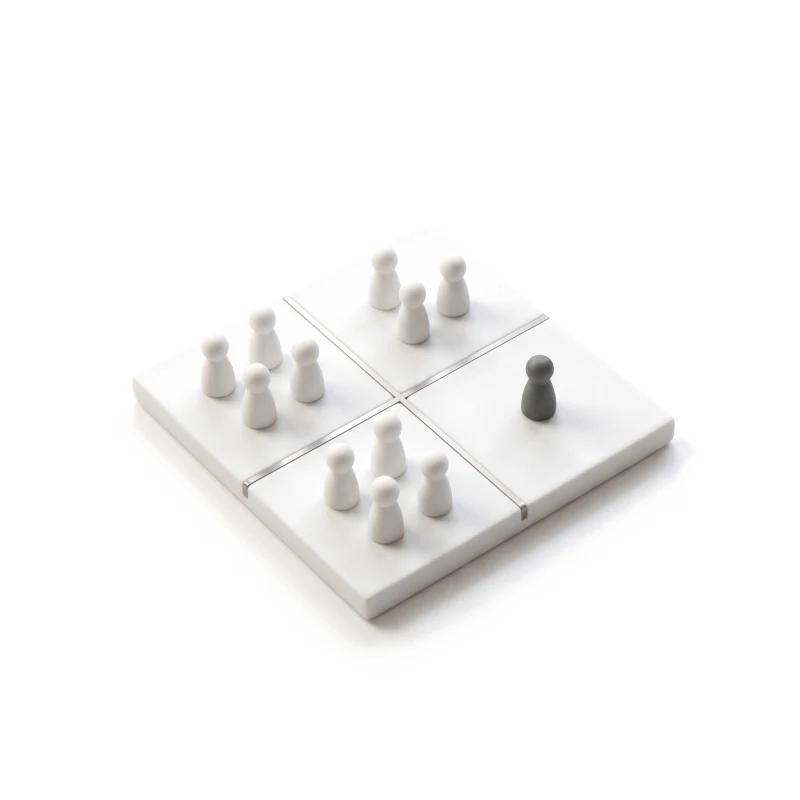
Segments built from plain conditions, with a live count of who qualifies.
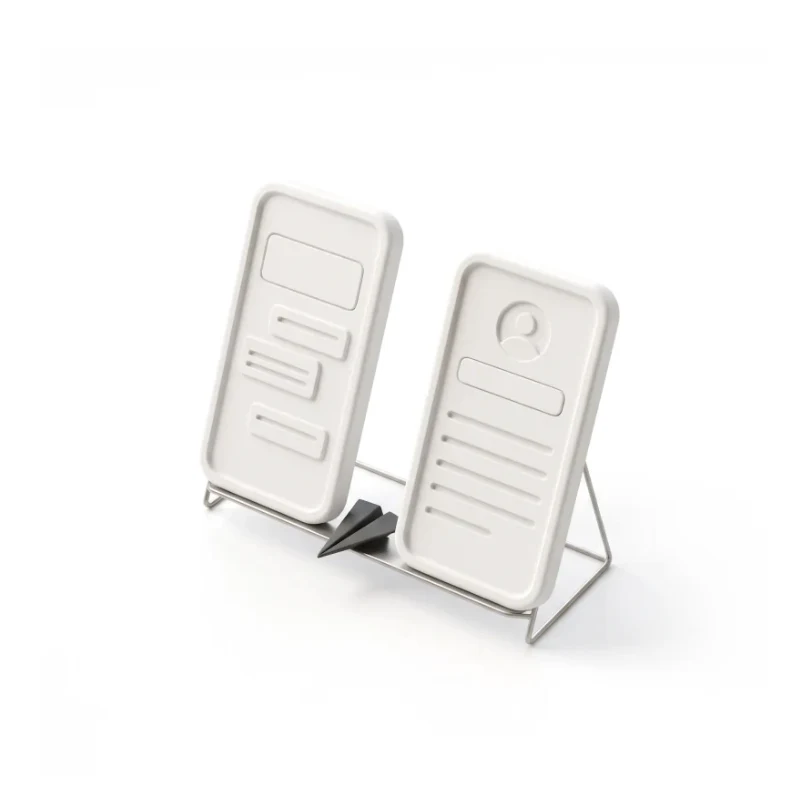
Each message and branch seen as a real person gets it, with test sends and variants.
Review, sign-off and a guarded switch — with pause and roll-back once it runs.
You receive
Marketing automation UX is judged by what it prevents, because a mistake here reaches thousands of real people before anyone notices. Every builder state is drawn before the canvas is.
Rules that pause ads and move budget, shown so a team can see what fired, when, and why.
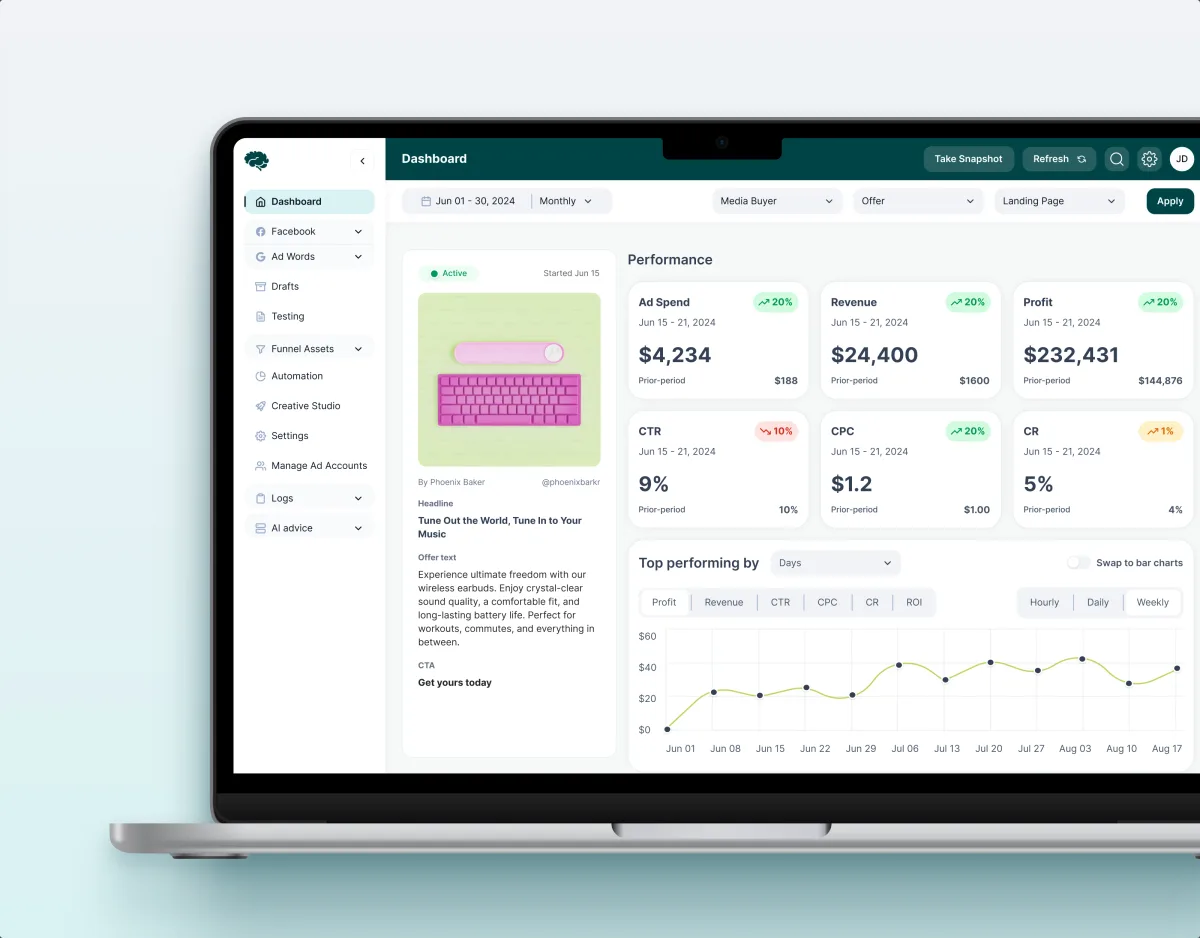
MarTech · Ads analytics · Web SaaS
Designed the automation of a paid-traffic SaaS — a rule creation wizard, a rule board of what fired and when, and a log of each rule’s history — within an 11-module redesign.
It fits when the product acts on its own — sends, pauses, moves budget — and a mistake reaches real people before anyone sees it.
Someone rebuilds the same sequence each month and hopes it is right.
A wrong segment or a duplicate send has already happened once.
One person understands the journeys; everyone else waits for them.
Your clients create their own journeys, rules or campaigns in your product.
A different starting point
Tell us what your product automates and where it has gone wrong before. We will come back with the service that fits and a realistic next step.
Automation design tends to go one builder or one journey type at a time, as part of one of our services. Its proposal sets the terms.
Tell us what the product automates, who builds the journeys, and who signs them off.
Message received.
Within 15 minutes, we’ll email you initial feedback and follow-up questions.
How Push Notifications Work: practical guidance, examples and decision criteria from ANODA. Learn how the topic applies to your product and team.
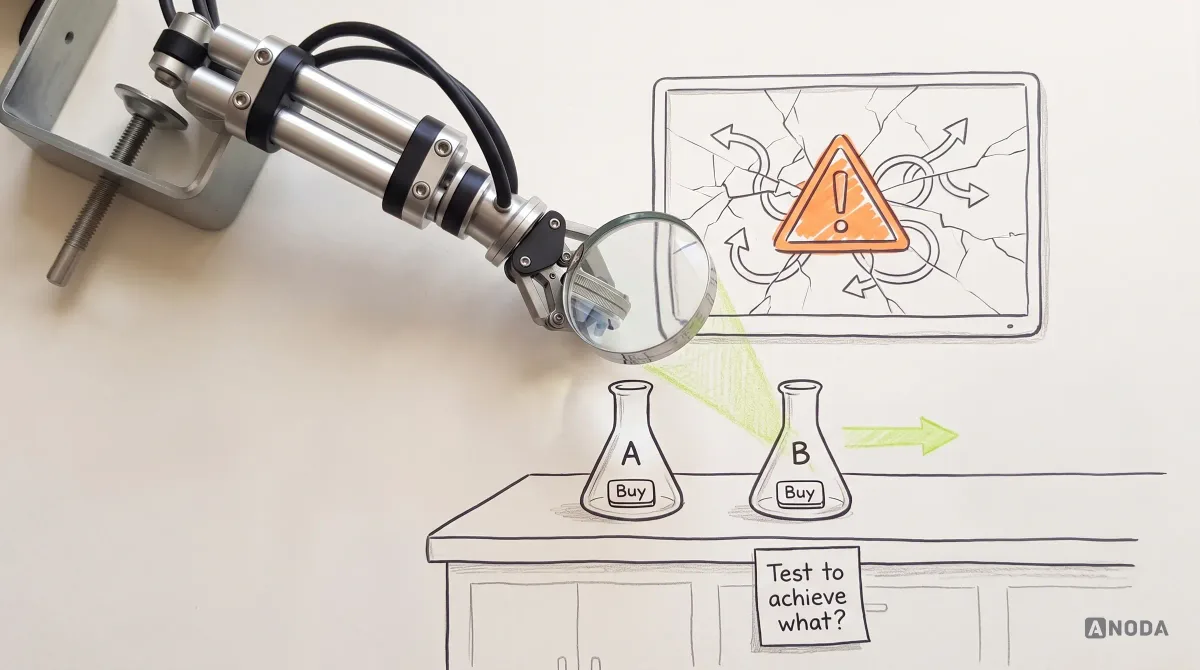
Learn when A/B testing fits UX, how to define hypotheses and metrics, run valid experiments, interpret results and avoid false product conclusions.
A team that has designed rules and wizards people trust with real money, not only email templates. Ask how it showed what an automation will do before it runs, what fired after it ran, and how a user recovers from a mistake. Our Concussion Media case covers a rule creation wizard, a board of what fired and when, and a log that opens each rule’s history.
As one path with checks along it. Conditions read as plain sentences with a live count of who qualifies; each branch shows who it reaches and flags one nobody can; preview shows the message as a real person gets it, and test sends go to a named list. Launch waits for the approvals your team requires, the switch is guarded, and a running journey can be paused and rolled back. Once live, the journey shows who entered it in the first hour, so a wrong audience is caught before it reaches everyone.
Marketers who build journeys and campaigns, specialists who set up rules and audiences, reviewers and managers who approve them, clients who build their own inside your product, and admins who manage channels, limits and access. The workflows run from a trigger through waits, branches and actions, to audiences, preview and testing, approval, launch, monitoring, and edits to a journey already running. Each role sees the builder differently: a client sees only its own audiences and channels, and a reviewer sees what changed since the last approval.
Product Discovery settles what marketers need to automate; Usability Testing shows where the current builder loses them. Web App Design covers the canvas and its panels, Product Redesign changes a builder in use without breaking live journeys, Dashboard Design gives teams one view of what is running, and Design Systems keeps nodes and conditions consistent. MarTech Development builds the result.
With the builder, not after it. Every state is drawn: a trigger with no audience, a branch nobody can reach, audiences that overlap another journey, a failed test send, a journey waiting for approval, one edited while people are inside, a pause mid-journey, a disconnected integration, and a rule that fires more often than expected. Permissions separate who may build, who may approve and who may launch.
A test workspace we can build in, and a handful of journeys your team actually runs. How triggers, sending limits, consent and approvals work today; time with the marketers who build journeys and the people who approve them; a product owner with the final say; and the engineers who own the events, channels and integrations.
Concussion Media, a paid-traffic analytics SaaS we redesigned — 400+ screens and states across 11 modules designed and approved by the client, by a team of 4. Its automation rules are the delivered part. A full journey builder with every feature on this page is what we design now, not a claim about that project.
Yes. On Concussion Media, the rules module was designed after an audit of the live platform, on a component library shared across its 11 modules. Your product team and engineers review each step in your own files, and we plan every change to a live builder around the journeys already running — people inside a journey finish the version they started, unless your team decides otherwise.