
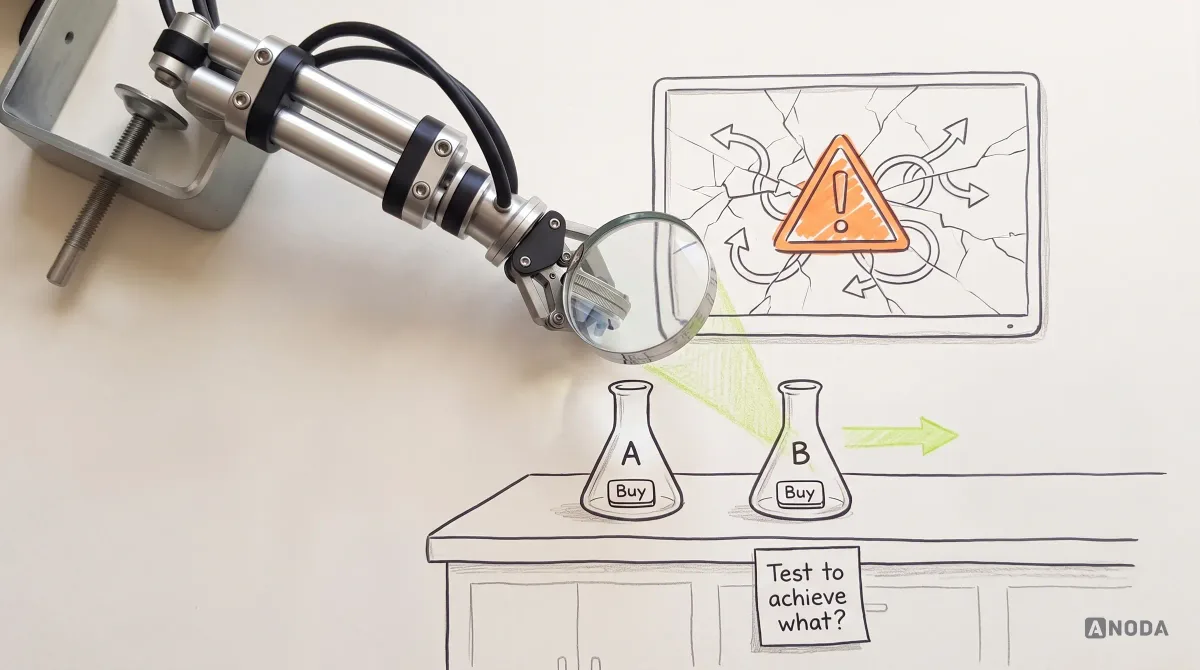
A/B Testing in UX Design: When and How to Run a Valid Experiment
Learn when A/B testing fits UX, how to define hypotheses and metrics, run valid experiments, interpret results and avoid false product conclusions.
Watch people try the tasks that matter in your product or prototype, and see exactly where they stop, guess or give up — before you decide what to change.

See where people get stuck, and what to fix first.
Experts review the product against known patterns.
Usability Testing
Real users try real tasks while we watch.
Not included
What your team holds after the study, step by step.
The tasks, who should take part and the method, agreed before any session.
Moderated or unmoderated, on your product or prototype, with your team invited to watch.
What each participant did, where they hesitated and what they said.
Problems ranked by their effect on the task, each with a recommendation.
You receive
Usability testing services answer one question: can the right people do what the product is for? Each method is chosen for the part of that question it answers best.
Method: A study plan and a pilot session Your product team, with the live product or a prototype
Why this method: One pilot catches unclear tasks and broken builds before real participants arrive.
Method: Participant screening Your customers where reachable, or recruited participants screened for fit
Why this method: Findings from the wrong people send the fixes in the wrong direction.
Method: Moderated task sessions A small group per user type, thinking aloud with a facilitator
Why this method: Follow-up questions show why a step fails, not only that it does.
Method: Unmoderated remote tests A wider group, recorded on their own devices
Why this method: More attempts at a lower cost per session, for patterns that do not need follow-up.
Method: Synthesis and a prioritization review Every session, reviewed with your product and design leads
Why this method: Each finding is tied to the task, what was observed and how many participants hit it.
Limits and confidence. Usability testing shows where and why people struggle, not how many of all your users will. Findings are reported as counts of participants, such as “4 of 6”, never as percentages of your market, and the report says what the sessions could not cover.
It fits when there is something to try and a decision it should inform. Four signs it is the right step now.
Signing up, paying, finding a record, finishing a setup — the few jobs the product must not fail at, and the people who do them.
A live product, a beta or a clickable prototype that participants can actually use.
A redesign, a new flow or a release that the team wants to check before committing to it.
Designers and product owners can join the sessions and turn the findings into changes.
Tell us which tasks matter and what you are about to decide. We will come back with a study plan and a realistic start.
Tasks, participants, method and the review rhythm are agreed before the first session.
Tell us about the product, who uses it and the decision the sessions should inform.
Message received.
Within 15 minutes, we’ll email you initial feedback and follow-up questions.
Learn when A/B testing fits UX, how to define hypotheses and metrics, run valid experiments, interpret results and avoid false product conclusions.
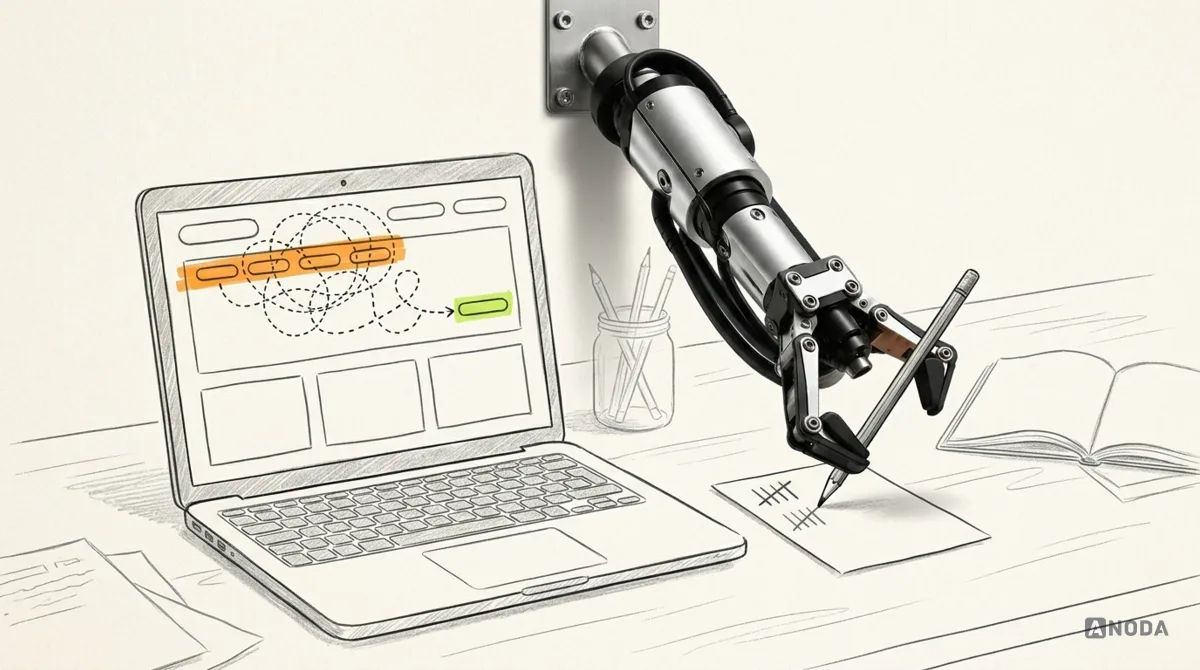
Build a better usability test with questions for screening, tasks, follow-ups and debriefs, plus guidance on what not to ask and how to use the answers.
A usability testing agency with researchers who plan studies, screen participants and facilitate sessions without leading people to the answer. Ask how they choose tasks and participants, how they report findings from a small group, and who on their team will run the sessions. A good agency will also tell you when an expert review or a smaller test would answer your question for less.
Each finding is tied to the task it affects, what participants did and how many of them hit it. Problems that stop people from finishing a key task come first, then those that slow them down or cause errors. The team weighs that order against effort in a review.
A study plan with tasks, participant criteria and method, screening and recruitment when scoped, moderated or unmoderated sessions on your product or prototype, an observation record, and prioritized findings with recommendations, reviewed with your team. Your designers and product owner are invited to watch the sessions live, so the findings are not news to them when the report arrives.
Run usability testing when you need to see real people try specific tasks. A UX Audit is faster when experts can find the problems without recruiting users. UX Research fits when the question is what people need rather than how the interface works, and Product Discovery when the product itself is not defined yet.
Access to the live product, a staging build or a prototype, the tasks that matter and the decision the study should inform, customers we can invite or a profile to recruit against, and a product owner who agrees the plan.
A findings report with problems ranked by their effect on the task, session notes with clips where participants agreed to recording, and a review with your designers and product owner. The findings are yours to act on with any team.
By the number of tasks and user groups, whether sessions are moderated or unmoderated, how participants are recruited, and whether a retest is needed. We set a custom scope and estimate in the proposal, fixed or phased, and agree the timeline once access and recruitment are clear.
Redesign, development, analytics setup and statistical surveys of your whole user base. User testing services show why and where people struggle; they cannot prove how many of all your users will. Fixes and retests can follow with us or your own team, scoped separately.