
12 User Interface Design Examples and the Decisions Behind Them
Explore user interface design examples from real products and learn how hierarchy, feedback, navigation, accessibility, and system consistency make them work.
Recreate your Framer site on a stack your team owns — pages, CMS content, animations and forms rebuilt faithfully, because Framer cannot hand over a working site as code, and every URL redirected so search traffic follows.

Your Framer site, recreated on a stack you own, with its look, content and URLs carried across.
Designs and builds sites that stay in Framer.
Migrate from Framer
Recreates a Framer site on a stack you own.
Not included
What you hold at the end, from the Framer audit to a site you host yourself.
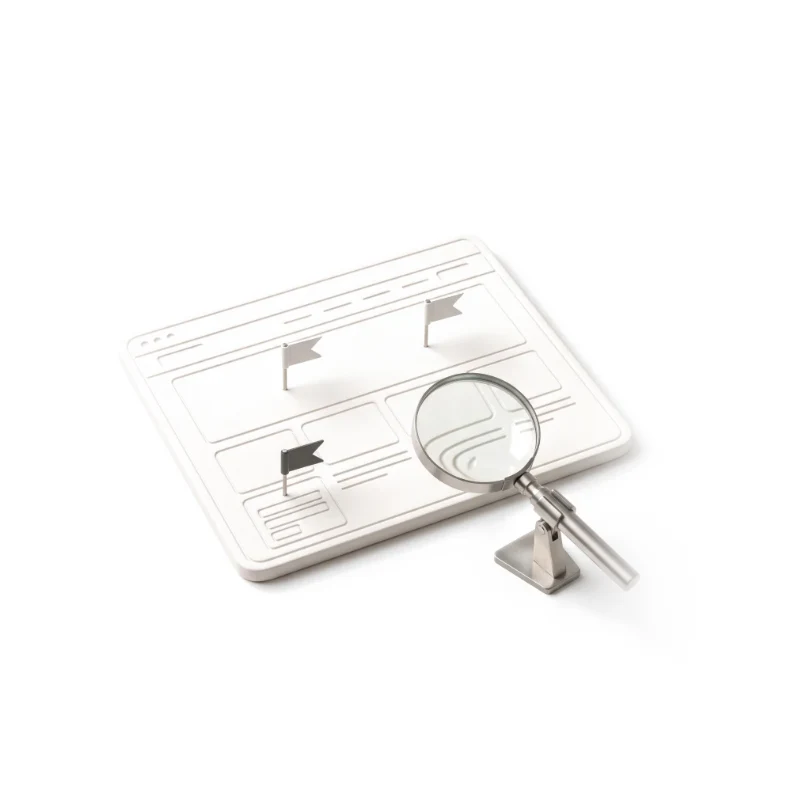
Pages, breakpoints, components, collections, animations and forms, each marked recreate, simplify or retire.
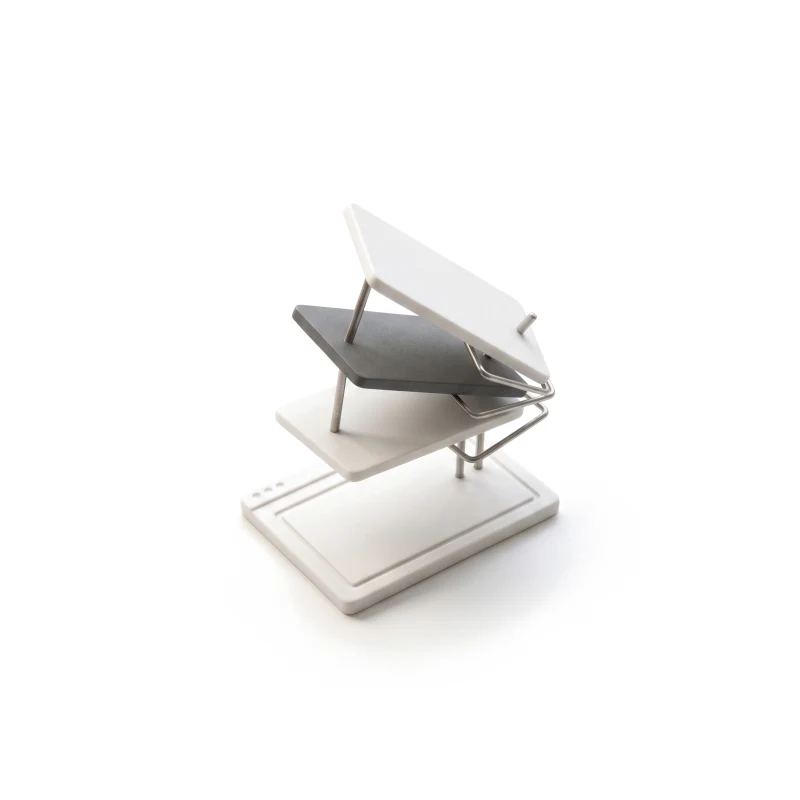
Layouts rebuilt as components, and the animations that matter redone in light code.
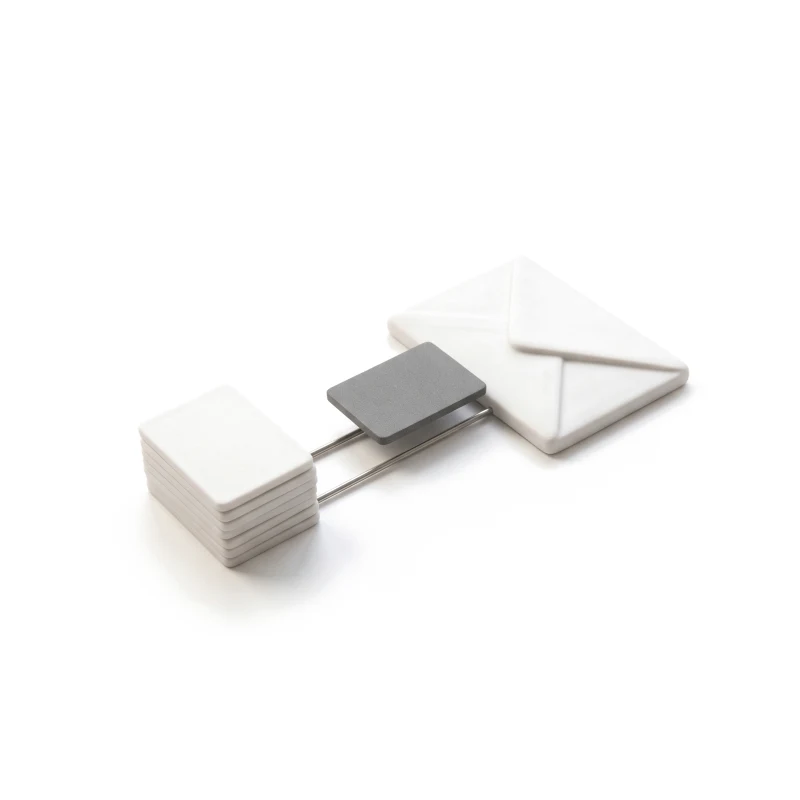
CMS collections imported, images downloaded, and forms connected to a new handler.
Every Framer URL mapped, the domain moved, and the old site ready to reconnect.
You receive
CMS content can leave as files; pages, components, animations and forms have to be recreated. To migrate from Framer without surprises we agree up front what is rebuilt faithfully, what is simplified, and who owns each part.
Every page, breakpoint, component, CMS collection, animation, form, plugin and code snippet listed, with the URLs that earn visits. Needs Editor access to the Framer project, plus analytics and search console.
Done when Every page, animation and collection carries a verdict — recreate, simplify or retire — and you have signed the list off.
A new home picked for whoever edits the site — often Astro with a headless CMS — and the Framer collections mapped into it. Needs Who edits today, and what they must still change without a developer.
Done when Your design owner and editors sign off the stack, the collection mapping and the editing flow.
Design tokens and components first, then each page at every Framer breakpoint, compared side by side with the live site. Needs The Framer project as the design source, and a designer who approves the match.
Done when Your designer approves each page against its Framer original at every breakpoint, and it passes keyboard, contrast and speed checks.
Key animations redone in light CSS or code; CMS items imported, images downloaded, and forms moved to a new handler. Needs The animations that matter to you, and test access to the tools the forms feed.
Done when Agreed animations run smoothly and switch off for reduced motion, item counts match, and every form arrives.
The domain pointed away from Framer once redirects are live and publishing is paused, then broken links and indexing tracked after the move. Needs DNS access, a pause on publishing in Framer, and a named person who decides on the day.
Done when Every Framer URL resolves or redirects, monitoring is live, and the Framer project stays ready to reconnect until you sign off.
Editors walked through the new workflow; the runbook and redirect map handed over. Needs The people who will edit the site.
Done when Your team publishes a page and a CMS item on its own, and the Framer plan can be cancelled.
ANODA builds
Your team owns
Platforms and tools provide
It fits when the site has outgrown the tool it was launched with. Four signs it is the right step now.
Dozens of pages, a growing blog or several languages now sit on a tool built for fast launches.
CMS items, locales, bandwidth or seats push you up the pricing tiers.
Components shared with the product, code review and versioning now matter more.
The look works, and the move should carry it over rather than reinvent it.
Tell us what the site holds and why Framer no longer fits. We will send back a scope, or tell you honestly if Framer still suits the site.
The pages, animations to keep, collections and the new stack are agreed before anything is rebuilt.
Tell us its address, how many pages and collections it has, the animations you love and who edits it.
Message received.
Within 15 minutes, we’ll email you initial feedback and follow-up questions.
Explore user interface design examples from real products and learn how hierarchy, feedback, navigation, accessibility, and system consistency make them work.
Choosing between mobile and responsive design? Compare usability, SEO, and conversion benefits. Get expert guidance from ANODA UX Design Agency. Optimize today!
When the site has become more than a launch page: a growing blog or resource library, several languages, integrations that need real code, or engineers who want the site in the same repository and review process as the product. Plan limits on CMS items, locales or seats are another signal. If designers still reshape the site every week and it is mostly marketing pages, Framer is doing its job, and Framer Development is the better call.
Not as a working, maintainable site. Framer publishes and hosts the site but offers no supported export of pages and components as code. Tools that scrape the published pages produce a snapshot that is hard to edit and breaks on the next change. CMS collections can be exported as CSV files. So a Framer migration is a recreation: the pages are rebuilt as components, using the Framer project as the design source.
The design is kept by rebuilding from the Framer project at each of its breakpoints and comparing every page side by side with the live site before sign-off. Content is kept by importing the CMS collections and downloading every image, so nothing still loads from Framer. Search traffic is protected by keeping URLs where possible, redirecting the rest, carrying titles, descriptions and headings over, and watching errors and coverage after the switch. Rankings can still move while search engines re-crawl; nobody can guarantee them.
We list them all in the audit, and you choose which carry the brand and which are decoration. The ones that matter are redone in light CSS or small scripts, tuned to feel the same, and switched off for visitors who ask for reduced motion. Heavy scroll effects that slow pages down are usually simplified, with your sign-off. The aim is the same impression with less weight.
Yes, as a design tool rather than the live site. Many teams keep Framer or Figma for exploring new pages, then hand the approved design over to be built from the site's own components. For routine changes — a new case study, a job post, an updated price — editors use the new CMS directly, with no designer or developer in the loop. What changes is that the published site no longer depends on a Framer plan, and new sections are added to the component library rather than drawn from scratch.
Framer replatforming from start to finish: we audit the project, pick the stack and CMS with you, map the collections, recreate pages and components in code, rebuild the animations that matter, move CMS items and images, reconnect forms and integrations, set redirects and metadata, rehearse the switch with a way back, and train your editors.
Editor access to the Framer project and its current plan, plus any plugins, code components or locales it relies on. Analytics and search console, the destinations of your forms, and a design owner to approve each recreated page. One approver for the stack, the redirects and go-live, and a DNS contact available on the day.
The recreated site in a repository and host you own, your collections in the new CMS, the Framer audit, the tested redirect map, a runbook for publishing and rolling back, and an editor session. Then you can cancel the Framer plan. We can continue with new pages, carry on building on Astro, or run usability testing on the key paths, each scoped separately.
The number of pages and breakpoints, how many components and CMS collections there are, which animations are kept, the forms, plugins and integrations, locales, and how many URLs need redirects. We set a custom scope and estimate in the proposal, fixed or phased, and agree the timeline once scope, access and dependencies are clear.
A redesign, new copy, new illustration or 3D work, and new platform, hosting or third-party fees. We commit to uptime and security only as far as the signed criteria go. We have no published Framer migration case yet, so we will not present one. On your project the audit and the first recreated page, matched against the original, are what you judge us by.