
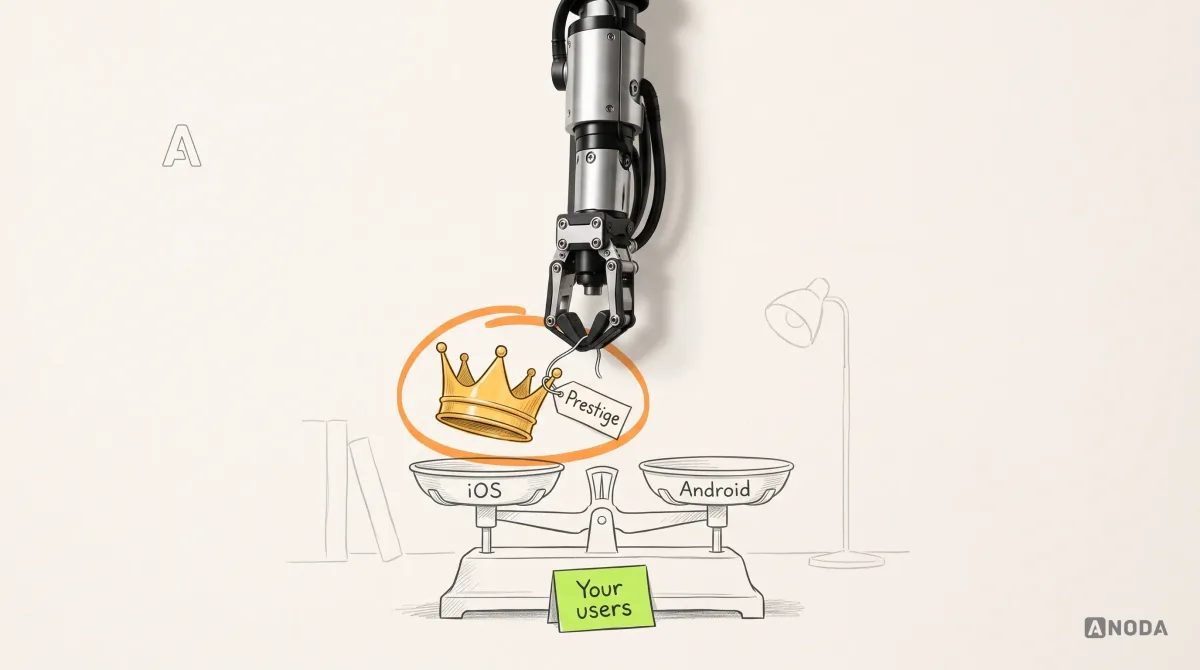
iOS Vs Android App Development
iOS Vs Android App Development: practical guidance, examples and decision criteria from ANODA. Learn how the topic applies to your product and team.
Get your Android app built in Kotlin from approved designs — tested across the phone makers, screen sizes and Android versions your users actually have, and released through Google Play's testing tracks.

Your Android app in Kotlin, working on the phones your users really own.
Builds for iPhone and iPad in Swift, through App Review.
Android App Development
Builds for Android devices in Kotlin, through Google Play.
Not included
What you hold at the end, from the device list to a full Google Play rollout.
Oldest Android version, the devices to test on, permissions and features, each with its acceptance test.
Written in Kotlin with Jetpack Compose, connected to your backend and built for Google Play.
Results across the agreed makers, sizes and Android versions, with TalkBack, speed and battery checks.
Testing tracks, listing and Data safety form done, a staged rollout, and the code in your hands.
You receive
We build; you own the Google Play account and the rollout call; Google owns Play policy, and phone makers own how their Android behaves. Our Android app development services record that split before any code, and every step below names our inputs from you and how it is accepted.
Oldest Android version and device list agreed; Gradle project, upload key, CI builds and crash and ANR reporting in place before Compose screens start. Needs Your users' devices and Android versions from Play Console or analytics, and access to your Play account.
Done when A build installs from Google Play's internal track on the agreed phones, and a test crash reaches the dashboard.
Each journey built end to end — data, loading, empty and error states, the back gesture — and shared on the internal track before the next. Needs One reviewer on the internal testing track, ideally with a mid-range phone, who reports back within the agreed window.
Done when The journey works on a small, a large and a low-memory phone with real data, and survives rotation and being closed in the background.
APIs connected; camera, location, notifications, payments or Bluetooth added, each permission asked for in context. Needs API documentation, sandbox accounts and the reason the app needs each permission.
Done when Each feature works on the device list, and a denied or revoked permission still leaves the user a way forward.
Automated tests, then the device list: TalkBack, font scaling, startup time, memory, battery and background limits across makers. Needs Testers from your side, and the acceptance cases that matter most to you.
Done when Every agreed case passes on each phone in the list, the low-memory one included, and Android vitals show no open crash or ANR in the final build.
Listing, Data safety form and content rating completed; a closed test, then a staged rollout watched in Android vitals. Needs Store copy, a public privacy policy and testers for the closed track.
Done when Google accepts the release or every policy note is answered, and the rollout can be halted at any percentage.
Kotlin code, the build pipeline, upload-key details and notes handed over; together we push one update from the internal track to a staged rollout. Needs Your repository, and the people who will ship updates.
Done when Your team pushes a new build to the internal track without us.
ANODA builds
Your team owns
Platforms and tools provide
It fits when Android is where your users are, or where the app needs the most control over the device. Four signs it is the right step now.
Your market, analytics or company-issued devices point clearly to Android first.
Tracking, syncing, Bluetooth devices or alerts that must keep running with the screen off.
Budget and flagship models, many makers and older Android versions all have to work.
Scanners, kiosks, NFC, custom hardware or close links with other Android apps.

Tell us who your users are, which phones they carry and where the designs stand. We will come back with a first scope and a realistic next step.
The minimum Android version, the makers and models on the test list, the permissions in scope and your review cadence are settled in writing first.
Tell us where the designs and backend stand, which devices your users have, and what the app has to connect to.
Message received.
Within 15 minutes, we’ll email you initial feedback and follow-up questions.
iOS Vs Android App Development: practical guidance, examples and decision criteria from ANODA. Learn how the topic applies to your product and team.
Cheap app developers may cause delays, poor quality, and higher costs. ANODA UX Agency helps avoid risks and find the right vendor for successful results
Go native when Android is your first or only market, or your company issues Android devices to staff. Native also wins when the app does real work in the background, such as location tracking, syncing or talking to Bluetooth devices; when it runs on scanners, kiosks or other custom hardware; and when it must stay quick on budget phones. If you need iPhone users at the same launch and the app is mostly screens, forms and payments, one Flutter or React Native codebase usually costs less.
We agree a device list before the build, from your Play Console or analytics data: the main makers, a small and a large screen, a low-memory phone, the oldest Android version you support and, if needed, a tablet or foldable. Automated tests run on every build; the list is tested on real phones. Releases then go through Google Play's internal and closed testing tracks before a staged rollout, watched for crashes and freezes, that can be halted at any point.
Yes. Kotlin app development is our default for Android, and it is the language Google recommends. New screens are written in Jetpack Compose, Android's current interface toolkit. If your app already has Java code or older XML layouts, we work alongside them and move screens over where it pays off, rather than rewriting everything at once.
Ask which devices they test on and why, how they keep background work alive under makers' battery savers, what the app does when a permission is refused, and how they keep up with Google Play's yearly target-version rule. Ask to see Android apps they built, not designs. Our published mobile cases are design work: DAP, for example, was already on Google Play when we redesigned it. On your project, you see an installable build from the internal track after the foundation.
A technical scope with the device list and acceptance criteria; the Kotlin app with Jetpack Compose screens; API integration and offline storage; permissions, notifications and background work; device features such as camera, location, payments or Bluetooth; automated tests and coverage testing on real devices, including TalkBack, speed and battery; crash and freeze reporting; the Google Play listing, Data safety form and testing tracks; a staged rollout; and a handoff of code and signing setup.
If the screens and flows are not designed yet, start with Mobile App Design. If you want both stores and are weighing the options, Mobile App Development covers the platform choice, and Flutter or React Native give you one codebase. When the audience or the job of the app is still an open question, Product Discovery should come before any Kotlin. If your Android app is live and people leave, a UX Audit finds the cause before anything is rebuilt.
Approved designs, or a plan for finishing them; documentation and test access for your backend; a Google Play developer account in your company's name, with our team invited; sandbox accounts for payments, maps, push and analytics; device and version data from Play Console or analytics; and one person who makes product calls.
Kotlin source in your repository, the build pipeline, the app in your Play Console with Play App Signing, architecture notes, the device coverage report and a walkthrough with whoever ships updates. Google requires apps to target a recent Android version to keep publishing updates, and makers roll out new Android versions on their own schedules, so the app needs an owner. That can be your engineers, or us on a separate scope: updates, fixes, new features, an iOS version or usability testing.
By the number of journeys, the oldest Android version and the size of the device list, background work and device features, whether tablets or foldables are in scope, and whether the backend exists or has to be built. We set a custom scope and estimate in the proposal, fixed or phased, and agree the timeline once scope, access, dependencies and acceptance criteria are clear.
Designing screens from nothing, an iPhone version, Play Store promotion and paid installs, and the Play account, hosting and service fees, all kept in your name. Play review is Google's decision, and some devices behave in ways no test list catches; we answer every policy note and fix what the rollout reveals. We promise no install numbers or star ratings, and no security, speed or uptime level past the acceptance criteria written into the scope.