In short
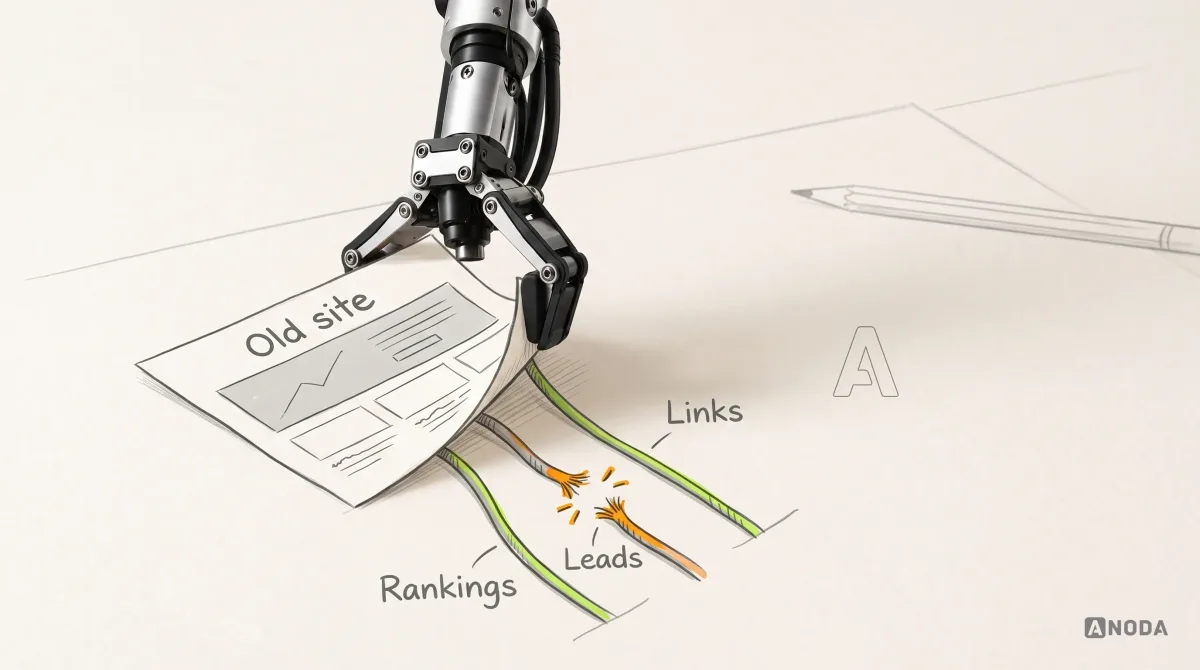
A platform move is not a copy job. The site you keep has URLs that rank, forms that feed a sales inbox and editors who publish every week, and each of those can break silently on the new platform. This checklist walks one illustrative content site from inventory to a verified cutover: a compact map where every item has an owner and observable proof, the checks before launch, the line between what you can roll back and what you can't, and what to watch afterwards.
In this article
- First, agree what kind of move this is
- The example we will follow
- Inventory what the site actually does
- Build one map with an owner and proof on every row
- Check URL outcomes, metadata and indexing controls
- Test forms through the receiving systems, then test the editor
- Decide the cutover prerequisites and the rollback line
- Verify the live site, then watch the recrawl
- What to take into your own migration
A website migration checklist is a list of everything the current site does, each item with a named owner, the behaviour it must keep on the new platform and the evidence that proves it did. That means URLs, metadata, content, forms, integrations and the editor’s ability to publish. Without the owner and the proof, it is a wish list with tick boxes.
Plenty of migrations are sold as “lift and shift”. Export the content, import the content, point the domain, done by Friday. Famous last words. The pages arrive. What stays behind is everything nobody wrote down: the enquiry form that quietly fed the CRM, the redirect someone added three years ago for a partner’s link, the canonical tag that told Google which version of a page was the real one, and the marketing manager’s habit of publishing on Tuesday mornings without calling a developer.
None of that shows up in a demo of the new site. All of it shows up in the pipeline report a month later, when organic enquiries are down, nobody can say why, and the paid team is asked to buy back traffic you used to get for free.
A platform move needs an explicit record of the site’s URLs, content, forms and publishing workflow. Changing the platform does not remove those dependencies.
First, agree what kind of move this is
“Migration” covers three very different jobs, and teams regularly buy one while expecting another.
- Host-only transfer. Same platform, same URLs, new servers. The site doesn’t change; where it lives does.
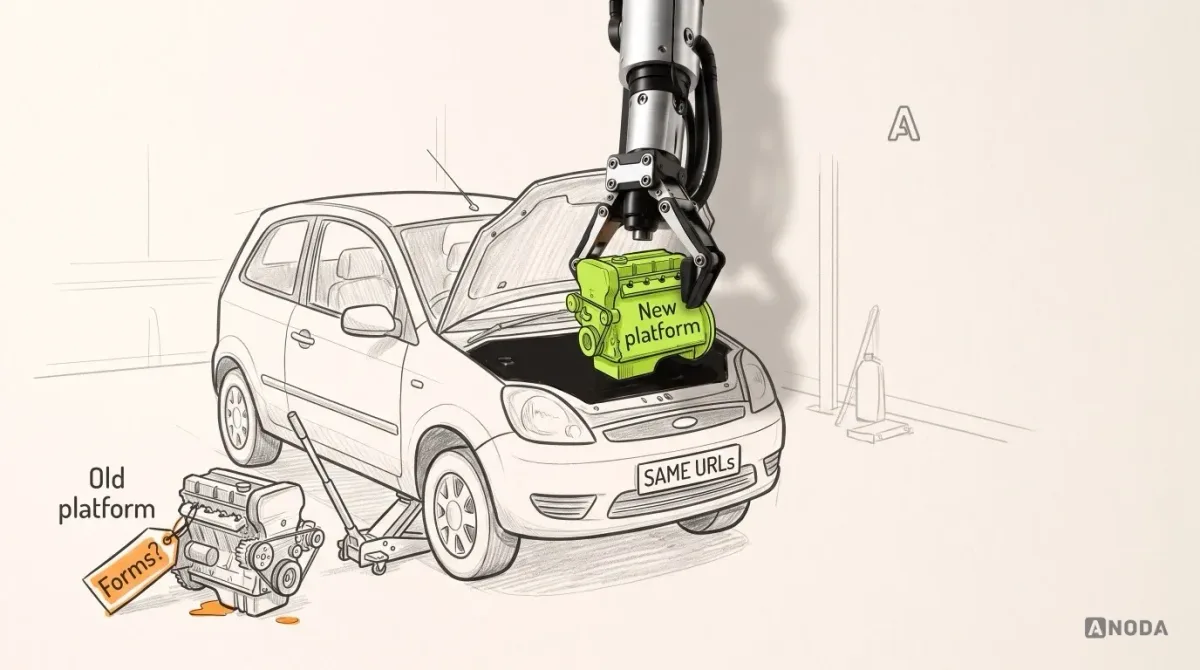
- Platform move of a retained site. The site you keep, its content, URLs and functions, moves to a different CMS or stack. Templates are rebuilt, the experience stays recognisable.
- Redesign. Structure, journeys, content and often URLs change on purpose. A platform move can ride along, but the decisions are different.
Moving the car to a different garage, swapping its engine and buying a new car are three jobs with three invoices. Nobody would accept “we’ll sort out which one it is as we go” from a mechanic. Plenty of companies accept it from a web agency.
This checklist is for the middle job: an agreed move of a retained site to a new platform. If you are still deciding whether the site should change at all, that is a redesign question, and our guide to planning a website redesign strategy that protects what works covers the decision, the baseline and the keep, fix, remove or migrate map, and a website redesign engagement is the right purchase for it. If it is only new hosting, Google publishes separate guidance for hosting changes, and most of this list shrinks to infrastructure checks.
Before the inventory starts, write down four things on one page:
- Source and destination. The current platform and the new one, already chosen.
- What is retained. “All public pages, the enquiry form, the blog and the editor workflow” is a scope. “The website” is not.
- What is out of scope. No new layout or template types, no new navigation, no content rewrite. Existing templates are rebuilt for the new platform. Write it down now, because every stakeholder will try to smuggle a redesign in with the move.
- Named decision owners. One person who decides on the move as a whole, plus an owner for content, search, forms and integrations, engineering and editing.
A migration without named owners has one owner after launch: whoever happens to notice the problem first, usually a customer.
The example we will follow
To keep this concrete, we will follow one illustrative site throughout. It is a composite, not a client, and the platform names don’t matter.
A training provider runs a public content site on an old CMS that the team has outgrown. The site is moving to a new platform with the same design and the same domain. Three things on it matter more than the rest:
- An article that brings steady search traffic, at the illustrative old address
/blog/how-to-choose-a-training-course. On the new platform, articles live under/insights/. - An enquiry form on every course page. A submission creates a lead in the CRM, sends an auto-reply to the visitor and notifies the sales inbox.
- Editor publishing. A marketing manager publishes and updates articles every week without a developer.
The kind of move that gets called “simple” at kickoff and “unexpected” in the retrospective.
Inventory what the site actually does
You can’t preserve what you haven’t listed. Nobody photographs the living room for the insurer after the pipe has burst. The inventory is that set of photographs, taken while everything still works.
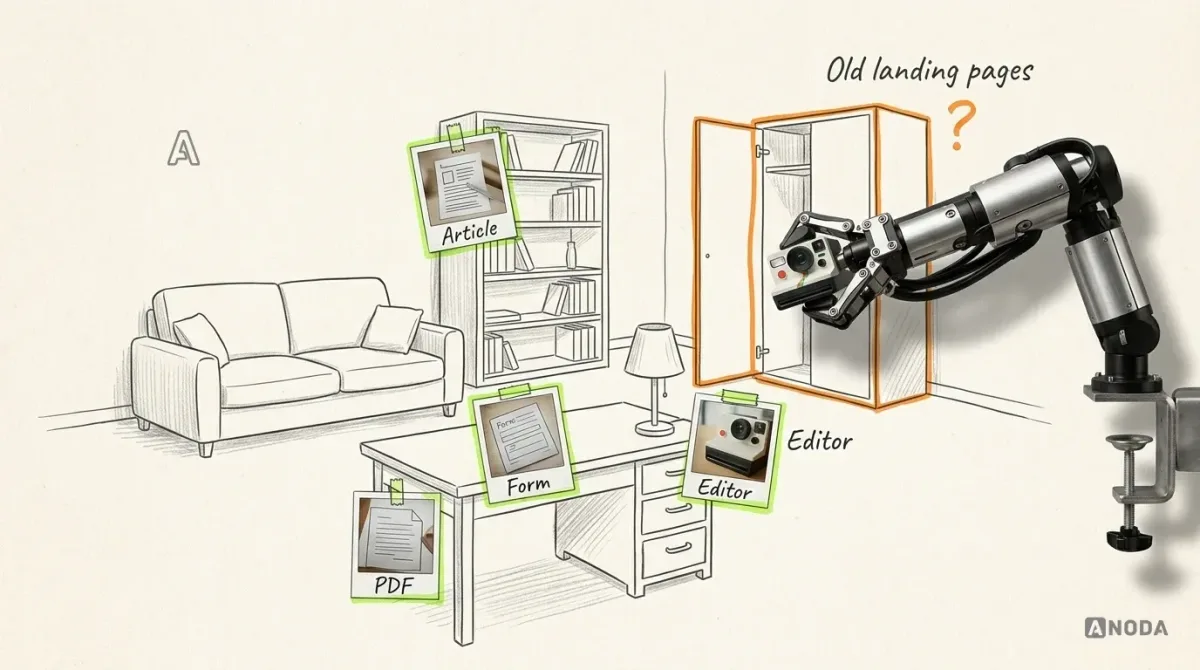
List from everywhere the site leaves a trace:
- URLs. Crawl the live site, then add URLs from the sitemap, analytics, Search Console and backlink reports. The crawl finds what is linked; the other sources find old landing pages, campaign URLs and PDFs that only live in someone’s email signature.
- Content types. Articles, course pages, landing pages, authors, categories, downloads. For each: its fields, its template and how many there are.
- Assets. Images, PDFs, videos, fonts.
- Forms. Every form, every field, and where each submission goes: the CRM, an email address, a spreadsheet, an automation.
- Integrations and scripts. Analytics, tag manager, chat widgets, booking tools, consent banner, anything with an API key.
- Editor work. Who publishes what, how often, with which permissions, and what they do without asking a developer today.
The last line is the one most inventories skip, and it is the one the business feels first. A site that looks perfect but can’t be updated without a ticket has just turned your marketing team into a queue.
Build one map with an owner and proof on every row
The inventory says what exists. The map says what happens to each item and how you will know it worked. Keep it compact, one row per item that matters, with sampled rows for large groups of similar pages.
Here is a slice of the map for our illustrative site:
| Item | Expected behaviour on the new platform | Owner | Acceptance evidence |
|---|---|---|---|
Article /blog/how-to-choose-a-training-course |
Old URL returns one permanent redirect to /insights/how-to-choose-a-training-course; content, headings and images unchanged |
Content owner | Redirect check shows one hop to the new URL; side-by-side content comparison signed off |
| Article title, description and canonical | Same title and description; canonical points to the new URL itself | Search owner | Rendered page source on staging shows the values; crawl report has no canonicals to old or staging URLs |
| Internal links to the article | Every internal link uses the new URL, not the redirect | Search owner | Crawl of staging finds no internal links to old URLs |
| Enquiry form | Same fields and validation; lead created in the CRM with source and course; auto-reply sent; sales inbox notified | Forms and CRM owner | Test lead visible in the CRM with correct fields; auto-reply received in a test mailbox; notification in the sales inbox |
| Retired 2019 course page | No equivalent course exists; returns 404 or 410 on purpose | Content owner | Status check on the old URL; removal approved in writing |
| Editor publishing | Marketing manager drafts, previews and publishes an article without developer help | Editor and engineering lead | Editor publishes a test article on staging alone; it appears in the listing and the sitemap |
All rows illustrative. The column that does the work is the last one. “Forms working” is not evidence. “Test lead visible in the CRM with the course field filled” is.
Treat every row without an owner as a row that will fail: it is exactly the one everybody assumes someone else has checked.
Check URL outcomes, metadata and indexing controls
Search engines don’t see your new design. They see addresses, responses and a handful of tags. That is where a migration either keeps the traffic you already earned or quietly hands it back.
Google Search Central’s site-move guidance is plain on the fundamentals, and it is current as we write:
- Permanent, server-side redirects. Use HTTP permanent redirects such as 301 or 308, and keep them for as long as possible, generally at least a year.
- Map each old URL to its relevant counterpart. Google warns against redirecting many old URLs to one irrelevant destination such as the homepage.
- Remove deliberately. Content that is not moving should return a 404 or 410, not a redirect to something unrelated.
- Keep chains short. Googlebot follows up to 10 hops, but Google advises keeping chains short, ideally no more than 3. We aim for one, old URL straight to new URL.
- Self-referencing canonicals. Each new URL should carry a canonical tag pointing to itself.
- Update internal links to the new URLs instead of leaning on the redirects.
Redirecting every lost page to the homepage is calling a hospital and asking for cardiology, and being put through to main reception every time, forever. Technically the call connects. Nobody gets treated.
Canonicals deserve a separate look, because they fail without a sound. A template that still points canonicals at the old domain or, worse, at the staging server is an exam paper signed with the name of the pupil at the next desk. The work is yours; the marks go somewhere else.
Then the indexing controls. A new site is usually built behind noindex or a blocking robots.txt so the half-finished version stays out of search. Google’s guidance reminds you to remove those blocks when the move happens. Forgetting is like reopening a shop and leaving the “Closed for refurbishment” sign on the door: everything inside is ready, and the street walks past.
Finally, list what goes to Search Console on the day: the new sitemap submitted alongside the old one, so you can watch old URLs drop out as new ones are indexed, and the Change of Address tool only if the domain or subdomain is changing. Our illustrative site keeps its domain, so it doesn’t use it; a move from one domain to another would.
Test forms through the receiving systems, then test the editor
A form that shows “Thank you, we’ll be in touch” has proved one thing: it can display a message. That is a kitchen tap that runs beautifully into a sink with no drain pipe. The water flows, everyone nods, and the floor underneath is quietly filling up.

For each form in the map, submit a test entry on staging and follow it all the way:
- Submit with realistic values, including the awkward ones: a long company name, an accented surname, an optional field left empty.
- Check the record in the receiving system: the lead exists, every field landed in the right place, the source is tagged correctly.
- Check every side effect: the auto-reply arrived, the sales notification arrived, the analytics event fired once, not twice.
- Break it on purpose: submit with an invalid email and with the CRM connection disabled. The visitor should see a clear error, and the entry should not vanish.
Agree beforehand where test leads go and who deletes them, so sales doesn’t spend Monday morning calling Mr Test Testington.
Then test the person who runs the site. A platform that only a developer can operate is a horse that only lets its trainer into the saddle. It looks magnificent in the paddock, and nobody in the family can ride it. Ask the editor to create, preview, publish and update one article on staging, alone. If they need help, that is a finding for the map, not an embarrassment for the editor.
Decide the cutover prerequisites and the rollback line
Cutover is the moment traffic starts reaching the new platform: a DNS change, a proxy switch or a routing rule. Write its prerequisites as a gate, and don’t open the gate until each line has its evidence:
- Every row in the map has an owner and passed evidence, or a signed exception.
- Redirects are loaded and tested in bulk against the full list of old URLs.
- Forms are tested through to the receiving systems on the production configuration, not just on staging.
- Search Console and analytics access are confirmed for the new setup.
- A rollback procedure is written, with the person allowed to trigger it and the evidence that triggers it.
- The timing avoids your busiest period. Google’s guidance also suggests moving when traffic is lower, if you can.
Pilots have a speed called V1. Below it, the take-off can still be abandoned on the runway. Above it, the aircraft flies, whatever happens next. Every migration has its own V1, and most teams find out where it was only after passing it.
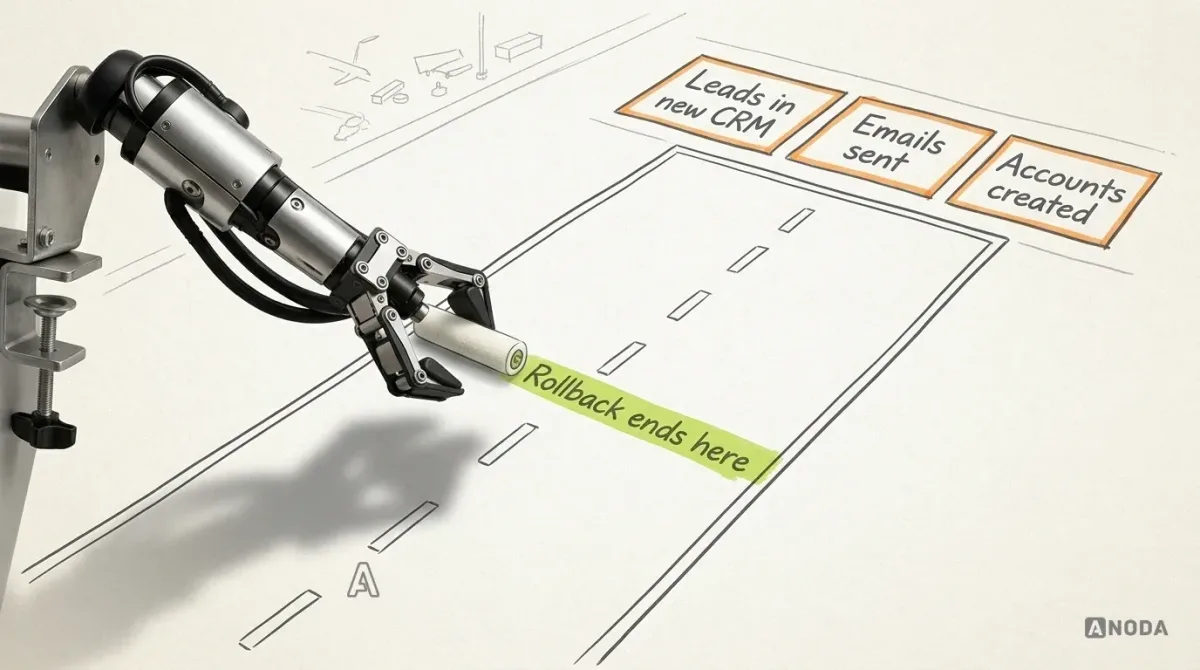
So split the plan in two. The interface is reversible: as long as the old platform keeps running, you can point traffic back at it. Customer-data effects are not. Leads created by the new form, auto-replies already sent, newsletter sign-ups, any account a visitor created: rolling back the site doesn’t unsend an email or delete a lead from someone’s CRM.
In our illustrative case, that means three decisions before cutover. The old site and its hosting stay alive and untouched for an agreed period. Leads submitted to the new form during that window are clearly tagged, so sales can find them if the site is switched back. And the rollback owner knows exactly which evidence pulls the lever: for example, the form failing to create leads for more than an agreed time. Don’t burn the bridge you came over until you are sure you won’t need to cross back.
Verify the live site, then watch the recrawl
After cutover, run the same evidence checks on production. Staging proved the plan. Production proves the site.
On the first day:
- Run the full old-URL list against production and compare each response with the map: redirect target, one hop, correct status for removed pages.
- Submit a real-path test lead and find it in the CRM, the sales inbox and analytics.
- Check rendered titles, descriptions, canonicals and the absence of
noindexon a sample of every template. - Inspect a few key URLs with Search Console’s URL Inspection tool.
- Ask the editor to publish one small real change.
In the following weeks, check daily, then weekly: 404s and redirect errors in server logs and Search Console, form submissions against the usual volume, and how indexed pages shift from the old sitemap to the new one.
What not to do is promise anyone stable rankings. Google says to expect temporary ranking fluctuation during a move, and notes that for a medium-sized site it can take a few weeks or more before the new URLs show up. Checking rankings every morning in that period is like checking a newly sown lawn every morning: the bare patches tell you nothing yet, and stamping about on it doesn’t help. Watch the trend, fix the errors the reports actually show, and keep the redirects in place.
What to take into your own migration
For platform specifics, see our WordPress migration, Webflow migration and Framer migration pages; the checklist above stays the same whichever way you go.
Every step you skip still gets done eventually. Just later, by a customer, at your expense.

Website migration
Move the platform. Check the URLs, forms and publishing workflow.
Bring us the current site and the platform you are moving to. We help you inventory what it does, map every URL and function with an owner and a check, and plan the switch so the old site stays ready as the way back.
Written by