
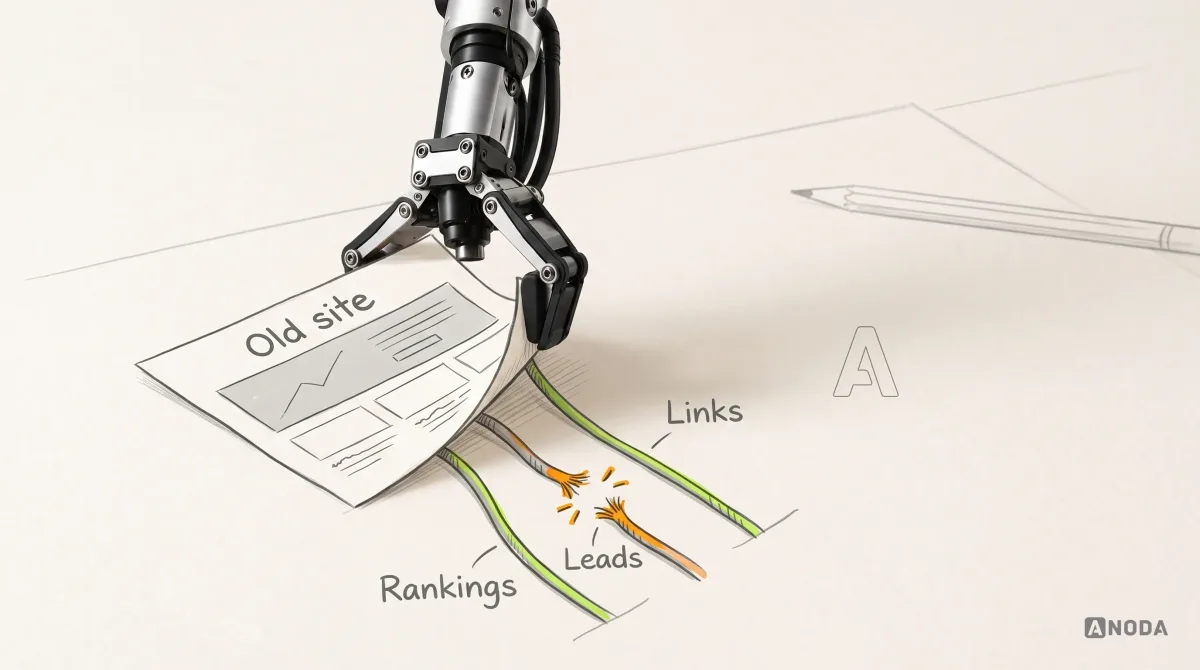
How to Build a Website Redesign Strategy That Protects What Works
Plan a website redesign around evidence, business goals, user journeys, content, SEO migration, testing, launch, and post-launch measurement.
Get a WordPress site built on a clean custom theme — reusable blocks, the content types your editors need, only the plugins that earn their place, and a plan for keeping it updated.

A WordPress site on a clean custom theme, that editors can run without breaking it.
Builds the site in Webflow's visual editor, on Webflow's hosting.
WordPress Development
Builds a custom WordPress theme your editors run, on hosting you choose.
Not included
Everything you keep, from the theme plan to the update routine.
Page types, content types, fields, plugins and integrations mapped and agreed before the build.
A theme built from the approved design, with reusable blocks and patterns editors can combine.
Custom post types and fields, the few plugins the site needs, and forms connected to your tools.
The checked site live on your hosting, an update and backup routine, and an editor guide.
You receive
As a WordPress development agency we write down who owns the theme, the plugins, the hosting and the updates before the first template — because on WordPress, upkeep is where sites go wrong.
Content types, fields and plugins agreed; the theme scaffold, design tokens and a staging site set up. Needs Approved layouts for each page type, and hosting access or a hosting choice.
Done when The build plan is signed off, and staging runs on the agreed WordPress and PHP versions.
Each page type and its blocks built with real content and checked at every breakpoint. Needs Launch copy and images, and a reviewer for each page type.
Done when Editors assemble each page type from blocks without breaking the layout, on every agreed device.
Post types, fields and the needed plugins configured; forms and tools connected; existing content moved in. Needs An export of the current content, and access or test accounts for each tool.
Done when Forms reach the right inbox and tools, and item counts match the old site.
Speed, accessibility, security and redirects checked; backups scheduled; a restorable copy taken before go-live. Needs Every live URL that has to survive the rebuild, and the one person who signs off launch.
Done when Keyboard and contrast checks pass, old URLs redirect, a backup has been restored once, and you sign off the switch.
Editors walked through publishing; theme code, admin access and the update routine handed over. Needs Admin accounts for your team, and your repository or one we transfer to you.
Done when Your editors publish a page from blocks, and your team runs an update on staging first.
ANODA builds
Your team owns
Platforms and tools provide
It fits when editors publish often and the site leans on a mature ecosystem. Four signs it fits now.
Retraining a newsroom or marketing team would cost more than a new platform saves.
Many authors, categories and post types, and a long archive to keep.
Languages, memberships or a shop that proven plugins already handle.
Updates, backups and security checks have a named owner, on your side or ours.
A different starting point
Tell us who edits the site, what it publishes and which plugins it runs today. We will come back with a build plan and a realistic next step.
Page types, content types, plugins, integrations and the review rhythm are agreed before the build.
Tell us about the content and who edits it, the plugins you rely on, and the tools the site must connect to.
Message received.
Within 15 minutes, we’ll email you initial feedback and follow-up questions.
Plan a website redesign around evidence, business goals, user journeys, content, SEO migration, testing, launch, and post-launch measurement.
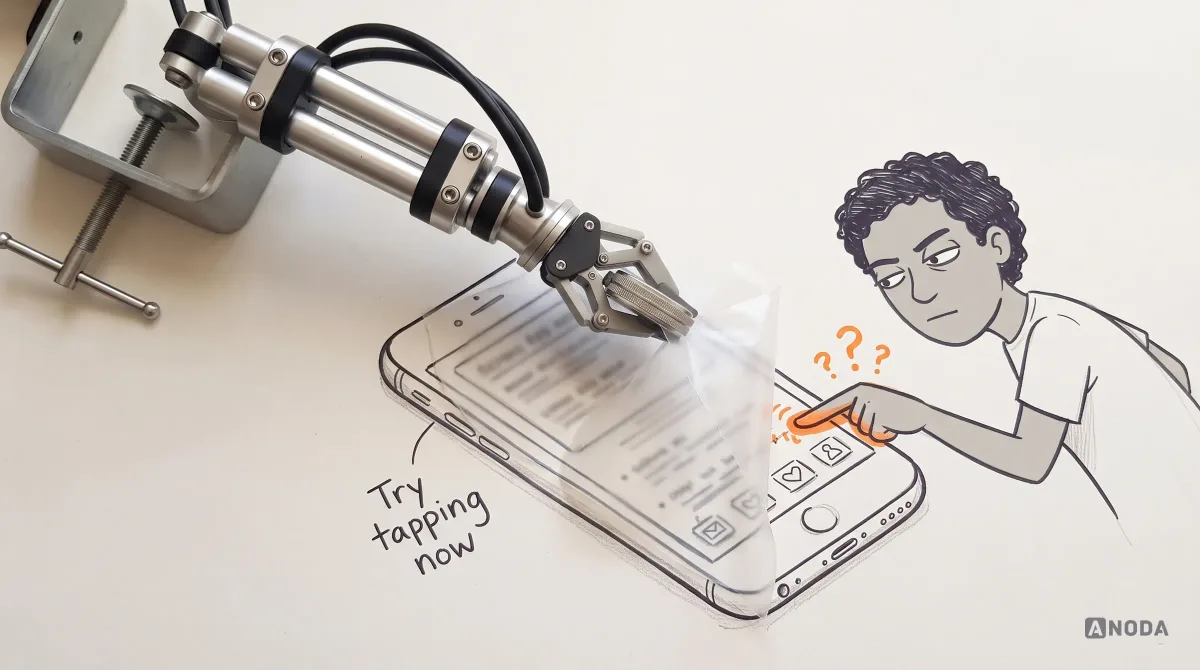
Learn how accessibility fits UX research, interaction design, content, handoff and testing—and how product teams can prioritize and verify barriers.
Ask whether they write a custom theme or stack a page builder and thirty plugins on a bought one. Ask how they choose plugins, whether updates run on staging first, how they harden security, and whether a backup has ever been restored rather than only taken. Ask who will own the hosting account. And ask to see WordPress sites they built, not only designs. We hold no WordPress certification or partner badge.
A build plan; a custom theme built from the approved design, with reusable blocks and patterns; custom post types, fields and editor roles; the plugins the site needs, set up and documented; forms and integrations with your tools; moving existing content; metadata, redirects, caching and security hardening; checks across browsers and devices; launch on your hosting with backups scheduled; and an editor guide with a walkthrough.
Build on WordPress when your editors already know it, the content is large and varied, and you need what its ecosystem offers: many authors, languages, memberships or a shop. Choose Webflow if marketing wants to design pages visually without a developer, Framer for a design-led site the design team maintains, or Astro if speed matters most and you want less upkeep. WordPress can also stay as the editing back end while the public site is built elsewhere. We say which fits before the build.
A custom theme on the native block editor, by default. Editors still build pages visually from blocks and patterns, but the design stays consistent and the site does not depend on a heavy builder. If your team relies on a page builder and does not want to change, we discuss the trade-offs and agree the approach in the plan. Custom blocks also keep editors inside the brand: they choose the content and its order, while spacing, type and colour stay as designed.
Yes. We start with a short review of the theme, plugins, versions, hosting and security, then agree what to keep, repair or rebuild. A rebuild keeps every URL that matters working through redirects, and content moves by script, not by hand. If you want to leave WordPress altogether, Migrate from WordPress covers that move as its own scope. Where a plugin is abandoned or insecure, we replace it with a maintained one or a few lines of theme code.
Approved layouts for each page type, or a view of where the design stands — if there is no design yet, start with Website Design. Then launch copy and images or a plan for them, hosting access or a hosting choice, a WordPress export with the current plugin list, test logins for each connected tool, and a named approver for each stage. If the design or content is not quite ready, the build plan and theme foundation can start while they are finished.
Against criteria fixed in writing before the build: page caching and image sizes that keep key templates inside a speed budget, keyboard use and contrast on every page type, alt text fields for editors, limited admin roles, strong sign-in rules, no unused plugins, scheduled backups with one test restore, and redirects for every old URL. We check the site against them before launch. WordPress sites slow down mostly through plugins and oversized images, so both are part of the checks.
The theme code in your repository, the site on your hosting, admin accounts for your team, an editor guide, a note of every plugin and why it is there, and an update routine: staging first, then live, with a backup before each change. After launch your team can run that routine, or updates, backups, fixes and new templates continue with us on an upkeep scope.
The number of page types and blocks, content types and fields, how much content moves and how clean it is, the plugins and integrations, shop or membership features, the URLs to preserve, and how ready the design is. We set a custom scope and estimate in the proposal, fixed or phased, and agree the timeline once scope, access, dependencies and acceptance criteria are clear. A phased scope often suits: the theme and key templates first, then the archive move and further templates.
Designing the site from scratch, copywriting, brand work, custom apps beyond WordPress, and hosting, domains, plugin licences and third-party fees, which stay in your accounts. Plugin vendors ship their own updates and fixes. Traffic and rankings are not promised, and speed, security and uptime go only as far as the written acceptance criteria.