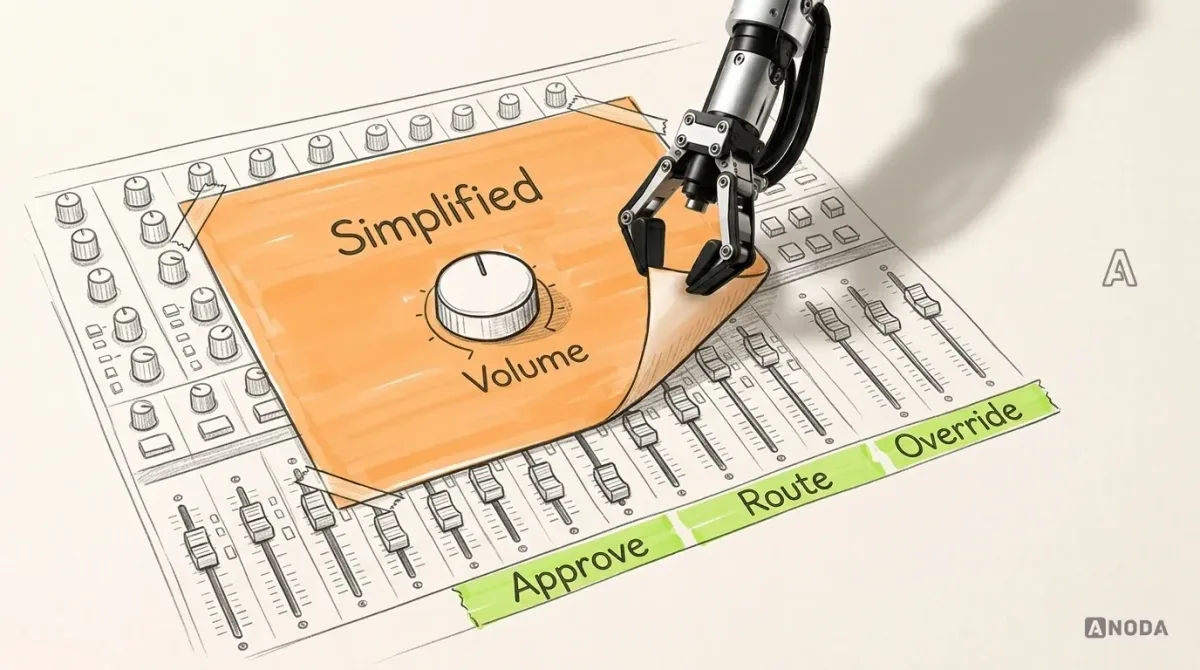
In short
An inspection app fails the day a defect and its evidence come apart: a photo nobody can place, a record stuck on a phone with no signal, two copies of one defect after sync, a manager's question that overwrites the inspector's answer. Follow one illustrative defect, D17, from capture to the final report review, and see which states keep the inspector, the quality manager and the evidence on the same record.
In this article
- Give the defect an identity before anyone takes a photo
- What Qarma confirms, and where our example takes over
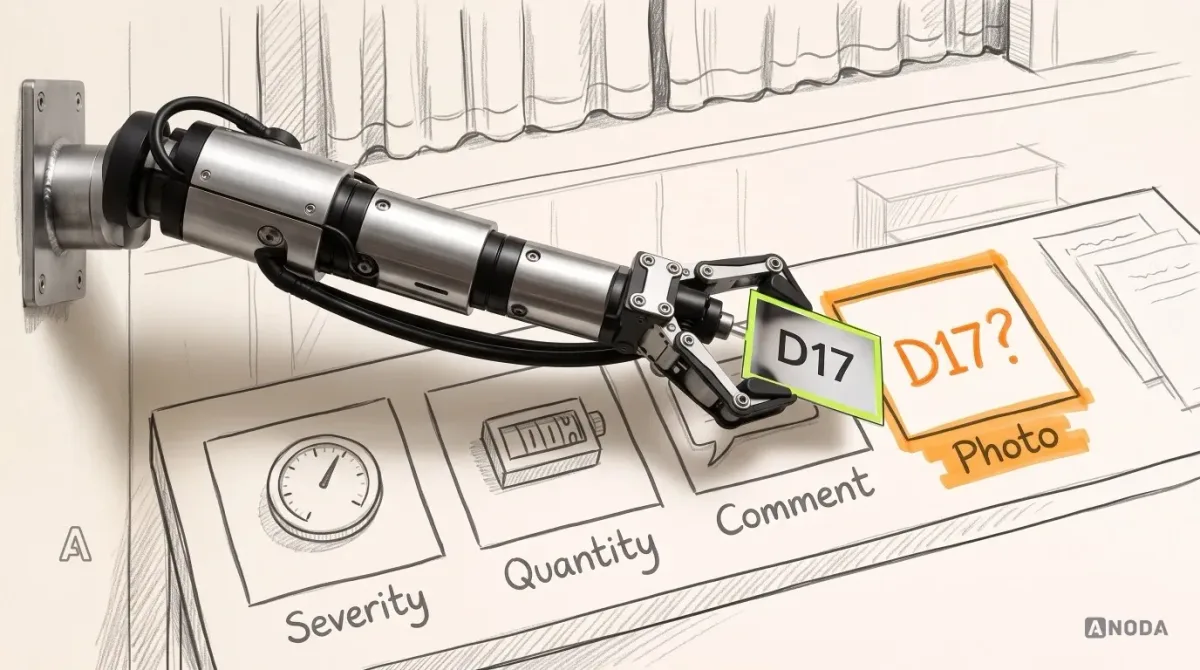
- Capture on the floor: the defect, the required photo and when it was taken
- Saved on this phone is not the same as sent
- A duplicate after sync: keep both until someone with the right to decide decides
- Clarification requests that say what is missing and who must act
- Correction and final report review: one current version, one name, one next step
- Test D17 on a phone, a desktop and in another language
- Where to start
Quality inspection app UX is the job of keeping one defect record intact from the factory floor to the quality manager’s decision: the checklist item it belongs to, its severity and quantity, the photos the client’s rules require, when they were taken and who has to act next. Every state the inspector meets on the phone (missing photo, saved offline, possible duplicate, clarification requested) has to protect that same record, not spawn a second version of the truth.
A defect without its photo is an opinion. A photo without its defect is a holiday snapshot of a sleeve.
Here is how the money can leak, in an illustrative but familiar case. An inspector travels to a supplier’s factory, works through the checklist, logs a dozen defects and leaves. Two days later a quality manager at head office opens the report, finds an open seam marked “major” with no picture, or a picture of a seam nobody can tie to an item, and the decision stalls. The shipment waits. The supplier disputes a finding you can’t prove. Somebody books a second trip. In tools like this, the second trip often costs more than anything on the software invoice.
Field tools are often designed for the happy path, and the record can fall apart the first time the signal drops.
Give the defect an identity before anyone takes a photo
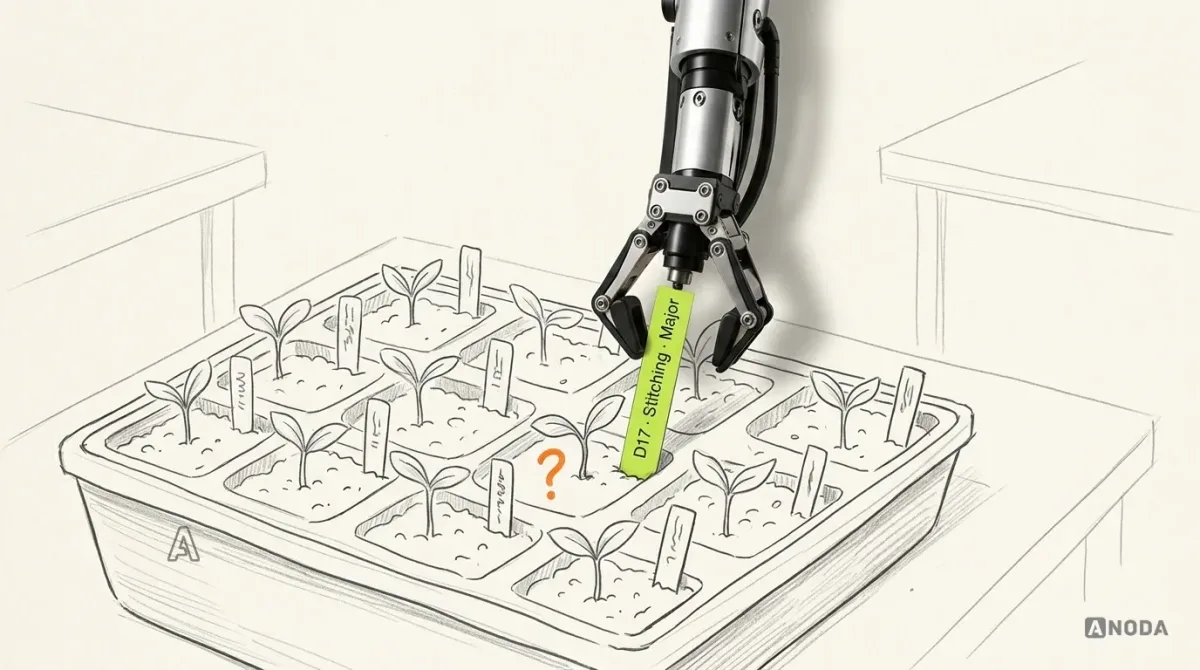
Most inspection apps are designed camera-first: snap now, sort later. Later arrives as a gallery of forty identical sleeves.
It is a seed tray with no plant labels. Everything comes up green, and you find out what you planted when it flowers, which in inspection means when the supplier disputes the report.
So the structure comes first. In our illustrative model, every piece of evidence sits inside a chain:
- Inspection. One order, one supplier, one inspector, one date.
- Checklist. The category-specific list for that product: jackets are not socks.
- Checklist item. The point being checked, with its result.
- Defect. An ID, severity, quantity and comment, attached to the item that produced it.
- Evidence. Photos taken from inside the defect, each with the time it was captured.
The photo is taken from the defect, never the other way round, so it can’t be born an orphan.
The rules that fill this structure are not ours, and they are not your designer’s. The severity scale, the sampling and acceptance plan, which defects need which photos and who signs off belong to your quality team and, often, to your customer. Design makes those rules visible and hard to break on a phone. It does not invent them. If evidence and sign-off are the main job of your product rather than one screen in it, that is compliance software design territory: findings, review and corrective actions as one traceable journey.
What Qarma confirms, and where our example takes over
On Qarma, a quality and compliance platform for brands, retailers and suppliers, ANODA designed the information architecture, the web product for quality teams, one mobile app for inspectors, the style guide and UI kit, and later the marketing site. The documented design scope covers planning, category-specific checklists, inspections, photographed defects, reports and corrective actions across web and mobile. The detailed severity, quantity and acceptance rules below belong to our illustrative example. Development was outside our engagement. For the wider enterprise picture around that case, see our guide to enterprise software design.
Everything below beyond that list is an illustrative example: the offline queue, the duplicate check, the clarification loop, every state name, rule and number. It is how we would design the sequence, not what Qarma built.
Our illustrative specimen: an inspector checks an order of jackets at a supplier’s factory. Checklist item “Stitching”, defect D17, open seam on the left sleeve, severity major, quantity 3. The client’s illustrative rule says a major defect needs two photos: a close-up and a context shot that shows where on the garment it is.
Capture on the floor: the defect, the required photo and when it was taken
The inspector takes the close-up, moves on and forgets the context shot. Normal: a supplier rep is watching and sixty items are left.
The bad version tells them at the very end: “Inspection can’t be submitted. 4 errors.” Which four? Where? The inspector scrolls back through sixty items like an actor searching the script for a line during the performance.
A good prompter whispers the line the second the actor stalls, not after the curtain falls. The good version flags it on the defect, at the moment:
- D17 shows “1 of 2 required photos” in the defect card and in the checklist summary, not only at submit.
- The message names the photo: “Add a context photo: show where the seam is on the sleeve.”
- The camera opens straight into D17, so the new shot can’t land anywhere else.
- If the photo truly can’t be taken (illustrative: the supplier restricts photography in that area), the inspector records “Can’t take photo” with a reason. Whether that reason is acceptable is the client’s rule, not the inspector’s mood. The record then shows a declared gap, never a silent one.
Then check what the photo shows. A dark, blurred close-up passes every “photo attached” check and proves nothing. Show each shot large before saving, with a one-tap retake: cheaper next to the sleeve than three time zones later.
Record two timestamps for every photo. Captured at is when the phone took it. Received at is when your system got it. Device time can be wrong and phones sit in pockets with no signal, so show both, separately. That distinction stops looking pedantic the moment a photo turns up a day after the inspection ended.
Saved on this phone is not the same as sent
Factories are full of concrete, steel and dead zones, and D17 is captured with no signal. The generic mechanics of saved, sending and sent, and why a missing receipt makes people press the button twice, are in designing an internal tool around one repeatable workflow. Inspection adds one question those states don’t answer: is the evidence travelling with the defect, or separately from it?
An illustrative answer, from the inspector’s side:
| What the phone shows | What it protects |
|---|---|
| “D17 saved here with 1 of 2 required photos. Not sent yet.” | The gap travels with the defect, so nobody mistakes a half-evidenced record for a finished one |
| “D17 and 2 photos waiting. Photos stay attached to D17.” | Photos can’t arrive later as loose files the office has to match by guesswork |
| “D17 received with 2 photos, captured 09:40 and 09:42.” | The receipt names the evidence, not just the record |
| “D18 may duplicate D17. Check after sync.” | A second copy is flagged before anyone counts it |
Evidence waiting in the wings is not on stage. The manager at head office sees “Inspection in progress, last update 09:40”, not a finished report with holes in it: an inspection that has gone quiet is not an inspection that is done. And the show must go on: the queue never stops the inspector moving to the next checklist item.
Where the line sits: keeping photos on the device, holding them in a queue and resending them are things your developers build or don’t, at a cost they estimate. Our part is to draw each of these states, mark which ones need that capability underneath, and keep “on this phone” visibly different from “with the office”.
Mobile app design
Inspectors on the floor, nothing reaching the office?
We design the phone side of field work: capture, evidence, the offline states and what the inspector sees when something fails.
A duplicate after sync: keep both until someone with the right to decide decides
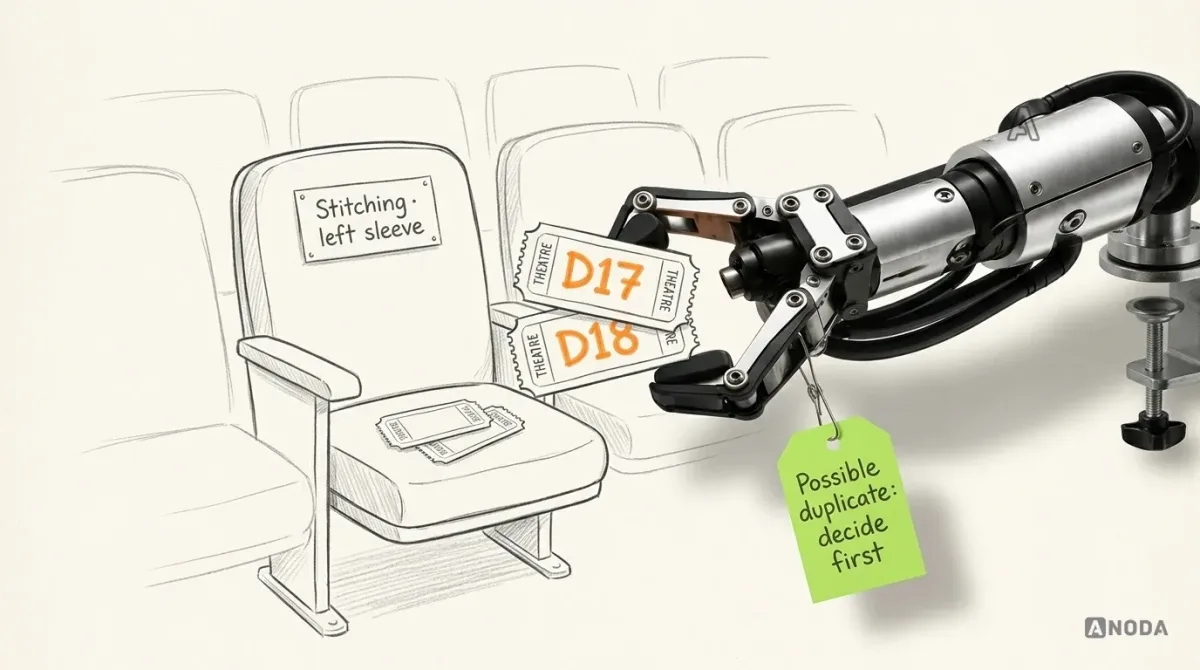
Now the illustrative mess. D17 sat in the queue from 09:40 until the signal came back just before noon. The inspector, not sure it counted, logged the open seam again as D18. The signal comes back and both arrive: same checklist item, same sleeve, major, minutes apart.
The tempting fix is to let the system delete one. That is weeding in a hurry. Two seedlings look identical, you pull one, and it turns out both were the plants you meant to keep. Three jackets with open seams could easily be two separate defects on two separate sleeves.
So in our example:
- Both records are kept. D18 is marked “Possible duplicate of D17”, visible to the inspector and the manager, never hidden.
- Neither record is automatically authoritative while the duplicate decision is unresolved. Keep both eligible for review, flag their relationship, and do not count the same defect twice; if they are distinct findings, retain both.
- A side-by-side view shows both: photos, captured times, quantities and comments.
- The resolution choices are the ones your client approved, for example: “Same defect: move D18’s photos into D17 and close D18 as a duplicate”, “Different defects: keep both”, or “Ask the inspector”.
- Who may choose is a rule too. Illustratively, the inspector resolves it before the inspection is submitted, and the manager after.
- A closed duplicate stays in the record’s history, with who closed it and when.
Why bother? Quantity feeds the acceptance decision. Count the seam twice and you can reject a shipment that should have passed: a fight with the supplier. Merge two real defects and a bad shipment slips through: a fight with your customer. Either way, a silent merge made someone’s expensive decision for them.
Clarification requests that say what is missing and who must act
In this illustrative continuation, the inspector confirms that both records describe the same defect. They keep D17, associate D18’s photos with it, close D18 as a duplicate with its history retained, and submit the inspection.
The manager reviews D17 and isn’t satisfied: the context shot shows a sleeve, but not which jacket in the sample it came from. Sending a record back with a reason is covered in the same internal-tool article. What inspection adds is a question about one piece of evidence on one defect, and three rules follow from that.
The request attaches to the defect, not to the inspection. “Please check the report” sends the inspector up the garden path through sixty items. “D17: the context photo doesn’t show which jacket. Add the carton or sample number” sends them straight to the problem. It is the difference between a director’s note that says “act two felt flat” and one that says “scene three, you step out of your light on the line about the letter”. One produces a nervous actor, the other a fix.
It names who must act, and what they can actually do. Usually the inspector. But the inspector may have left the factory, so the request needs an honest exit: “Can’t recapture: inspection ended”, with whatever the client’s rules allow next, such as a note, a supplier photo marked as supplier-provided, or a re-inspection.
Nobody silently overwrites anybody. The inspector’s observation stays the inspector’s. If the manager disagrees with the severity, that is a separate, attributed decision: “Severity changed from major to minor by the quality manager, reason: …”, shown next to the original, not instead of it. A report where the office quietly rewrote the floor’s findings is worthless in exactly the dispute it was supposed to settle.
Evidence that anyone can quietly edit is not evidence. It is a draft with a signature on it.
Correction and final report review: one current version, one name, one next step
The inspector is still on site. They take a context shot showing the carton number and add it to D17. The record becomes version 2. What the manager sees now decides whether the review takes a minute or another round of emails.
The review view, in our illustrative design, answers four questions before the manager touches a button:
- What changed since I asked? “Photo added. Captured 13:05, received 13:06”, with the new photo highlighted and the old ones still there.
- Is anything odd about it? A photo captured after the inspection ended is flagged “captured after inspection closed”. It can still be accepted. It just can’t pretend to be something it isn’t.
- Who holds it now? “Waiting for: Quality manager.” One name, not “pending”.
- What happens next? Approve the report, or ask another specific question. If the report opens a corrective action, D17’s evidence travels with it.
The report itself is built from the current version only, with the history one click away. Printing the programme before the final cast change gives the audience a name nobody on stage answers to. A report generated from version 1 does the same to your supplier.
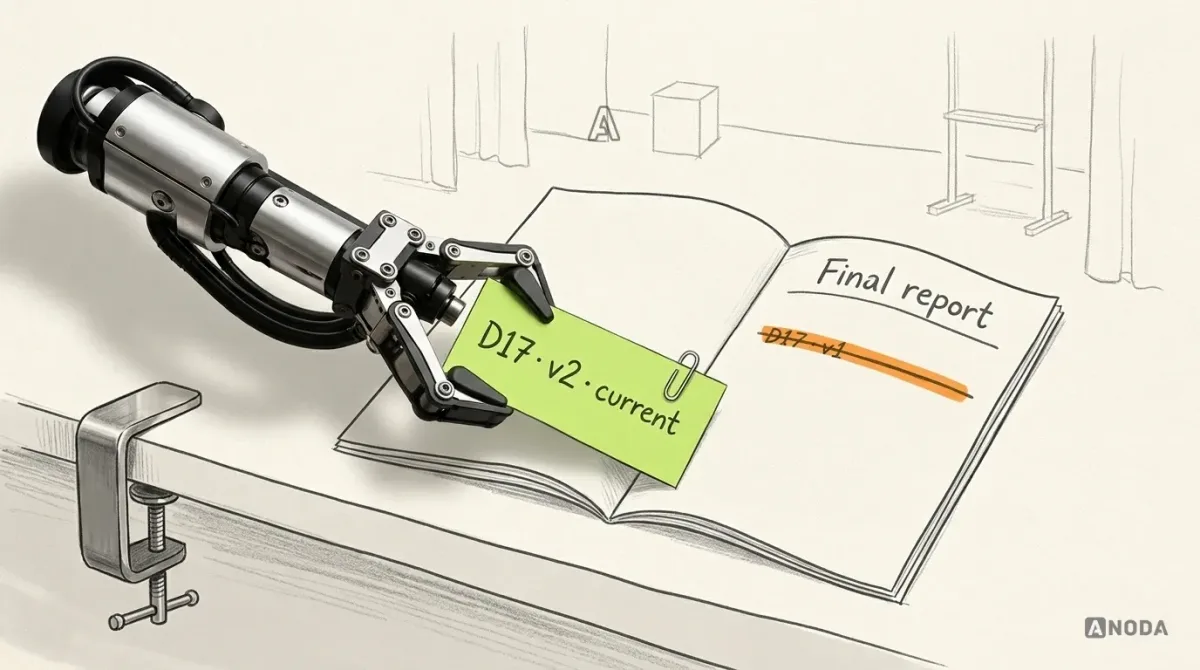
Here is D17’s whole journey, every state illustrative:
| Step | Inspector sees | Manager sees | Who acts next | Record |
|---|---|---|---|---|
| Capture | “1 of 2 required photos” | Nothing yet | Inspector | D17, local |
| Offline | “Saved on this phone. Not sent yet.” | “Last update 09:40” | Inspector keeps working | D17, queued |
| Sync | “Received 11:58. Receipt 4F2A.” | D17 with photos and times | — | D17, v1 |
| Duplicate | “D18 may duplicate D17. Decide before submit.” | “Possible duplicate” flag | Inspector | D17 and D18 retained; resolution pending |
| Duplicate resolved | “D18 closed as duplicate; photos attached to D17.” | Resolution, evidence and history retained | Quality manager | D17, v1; D18 retained in history |
| Clarification | “D17: show which jacket. From: Quality manager” | “Waiting for: Inspector” | Inspector | D17, v1, question attached |
| Correction | “Photo added. Sent.” | Change highlighted, both times shown | Quality manager | D17, v2 |
| Final review | “Report under review” | Current version, history, next step | Quality manager | D17, v2 in report |
The phone and the desktop show the same record with different jobs on top: one helps finish the inspection, the web app helps someone decide. Design them as one screen and both get slower.
Test D17 on a phone, a desktop and in another language
A tidy prototype tested on the happy path is a fire safety officer who checks that the front door opens and signs off the building. Test the specimen instead, with the people who will use it:
- Inspector, on the phone they actually carry: log D17, miss the required photo and notice it before submit; work offline and find the receipt afterwards; resolve the D18 duplicate; answer the clarification.
- Quality manager, on a desktop: say in your own words what changed in D17, who holds it now and what you would approve.
- Both, in every language you ship: long translations break the defect card first, and a comment written in one language and read in another needs its original kept beside any translation. The translation itself, and its accuracy, stays with your team.
- Denied paths: a manager trying to edit a photo, an inspector trying to submit with a declared gap the rules don’t allow.
Note every point where a tester stops to ask a colleague what the screen means, or opens a chat to check whether the office got D17. That question is your next design task. And a passed session certifies nothing and predicts no defect rate. Those depend on your rules, your build and your suppliers.
Where to start
Bring one real inspection, anonymised if needed, that went wrong: a missing photo, a disputed defect, a report the office sent back twice. Add your severity scale, your acceptance plan, the photo rules per defect type and who may sign off.
We turn it into a specimen like D17 and design every state it passes through, on the phone and the desktop. You get the designed screens, a connected prototype tested with inspectors and managers, and a handoff that lists every open technical question: device storage, retry, how duplicates are detected, version history. ANODA does the design. Development, integrations, translation and certification stay with you and your partners.
A photo that knows its defect settles the argument. A photo that doesn’t starts one, usually at the supplier’s factory, usually at your expense.
Manufacturing and quality software design
Make the evidence survive the trip from the floor to the report
Show us your checklists, defect rules and the report your managers keep sending back. We design the inspector’s app and the quality team’s review so every finding arrives whole.
Written by