In short
A feature list (pipeline, contacts, reports, integrations) cannot be estimated, because it hides the expensive part: who does what to which record, where the data comes from and what happens when it goes wrong. Before commissioning a custom CRM, define roles, records, sources of truth, migration and one complete first scenario. You don't need the whole system designed. You need the questions answered well enough to scope it honestly.
In this article
- Start with the problem, not the product
- The example we will follow
- Roles: who touches the record, and who answers for it
- Records, relationships and the rules between them
- Integrations: agree who owns the truth
- Migration: decide what moves, and who vouches for it
- The first release: one complete scenario
- Acceptance and launch: how you will know it’s done
- What to bring to the first scoping conversation
- What we do with it
Before you commission custom CRM development, the team you hire needs more than a feature list. It needs to know who works in the system, which records they handle, who owns each action, which data arrives from other systems, what has to be migrated and how you will decide the first release is done. Those answers turn “we need a CRM” into something an engineering team can scope, estimate and build without guessing at your expense.
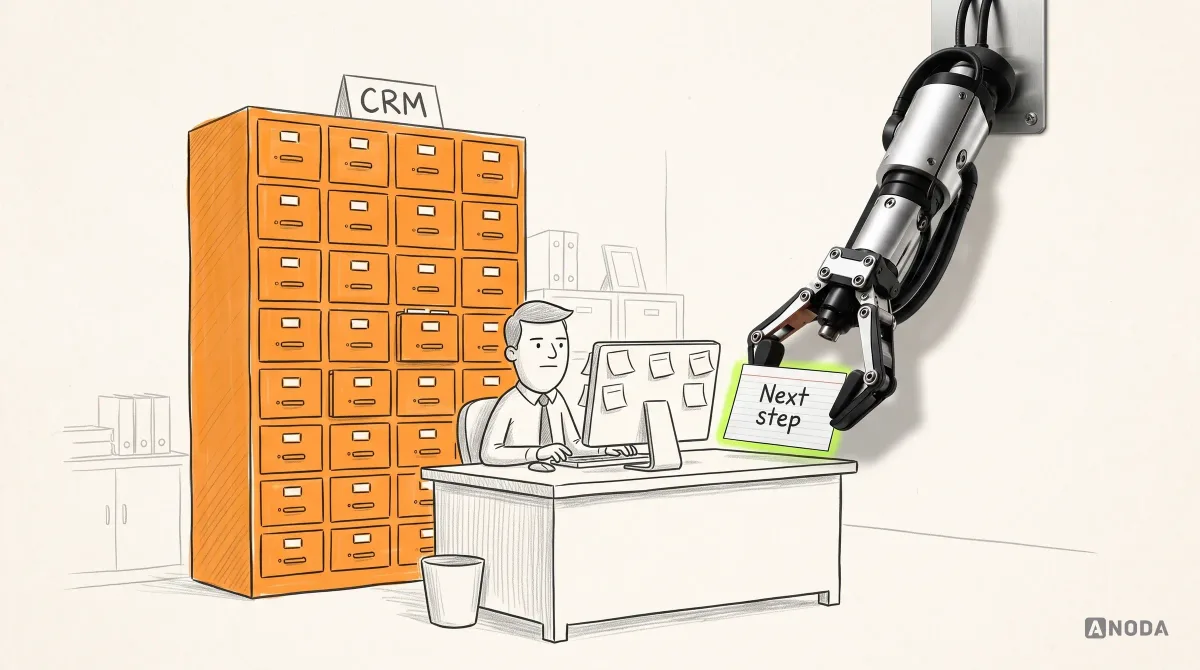
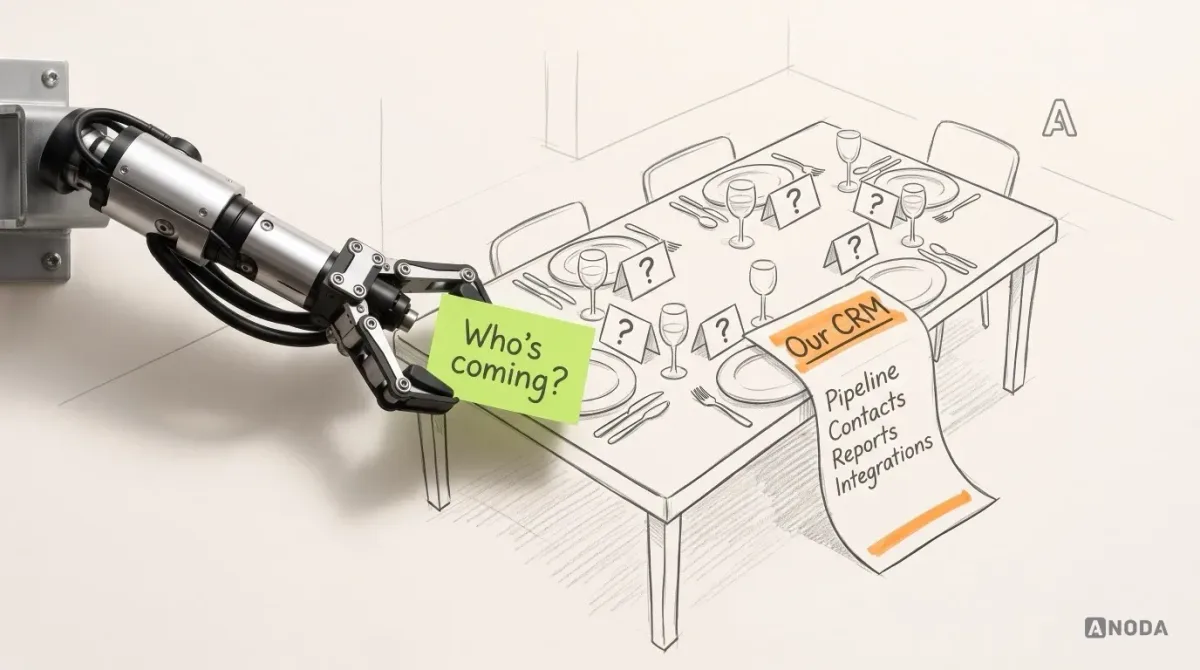
A typical CRM request looks like this. Pipeline. Contacts. Reports. “Integrations with our tools.” Maybe a mobile app. It reads like a plan and it is a shopping list for a dinner party with no guest count: you can buy everything on it and still not know whether you are feeding six people or sixty.
The list hides the part that costs money. “Pipeline” says nothing about who moves a deal between stages, what has to be true before they can, and who notices when nobody does. “Integrations” says nothing about which system wins when two of them disagree. Every unanswered question becomes either a guess in the estimate or a change request halfway through the build. Both are paid for by you. The second one is paid for at a worse rate.
Start with the problem, not the product
Here is the situation that usually starts the conversation. Contacts live in three places. A deal changes hands and the history stays in someone’s inbox. A lead gets qualified on Tuesday, handed over on Wednesday and is still waiting for a first call the following week, and nobody can say whose fault that is, because nobody was formally holding it.
That is a real problem. It is not automatically a software problem.
Some of it is process. If nobody has agreed who owns a lead after qualification, a new CRM will faithfully store the same confusion in a nicer database. Buying a bigger wardrobe does not fix a household where nobody puts clothes away. Some of it is tooling: an off-the-shelf CRM that cannot model how you sell, forces your team into workarounds or cannot hold the records your business actually runs on.
Buying or configuring an existing product is a legitimate option, and it deserves a fair comparison before anyone writes code. A custom build makes sense when the limitation is in the product, not in the habits: your records and relationships don’t fit a standard model, your workflow depends on rules no configuration can express, or the CRM has to sit inside a product or operation you already run.
Write down which problems you have and which side of that line each one sits on. If every item on the list is a habit, save your budget. If the important ones are product limits, keep reading.
The example we will follow
To keep this concrete, we will use one illustrative team throughout. It is a composite, not a client.
A B2B company sells annual service contracts. Inbound leads are qualified by a business development rep, then handed to an account executive who runs the deal. A sales manager is supposed to see which deals are stuck and which have no owner at all. Today the qualification notes live in a shared spreadsheet, the account executive’s history lives in their email, and the manager finds out about orphaned deals when a customer complains.
The feature list this company would write is “pipeline, contacts, reports, email integration”. The brief it needs looks quite different.
Roles: who touches the record, and who answers for it
Start with people and the work they repeat, because every estimate eventually comes down to how many different jobs the system has to support.
For each role, answer four questions. What do they create? What do they change? What are they allowed to see? What do they fix when something is wrong?
In our example:
- The business development rep creates leads, records qualification answers and marks a lead as qualified. They nominate a receiving account executive and remain responsible while acceptance is pending. They can see the lead history but not contract values.
- The account executive accepts the nominated handoff; responsibility transfers on acceptance. They then move the deal through stages and maintain its next action.
- The sales manager sees every deal, reassigns ownership, overrides stages and resolves handoffs that remain unaccepted beyond the agreed response window. Their queue catches pending handoffs, imported legacy gaps and later owner changes, as well as missing next actions.
- An operations admin manages users, fixes duplicates and corrects data that arrived broken from other systems.
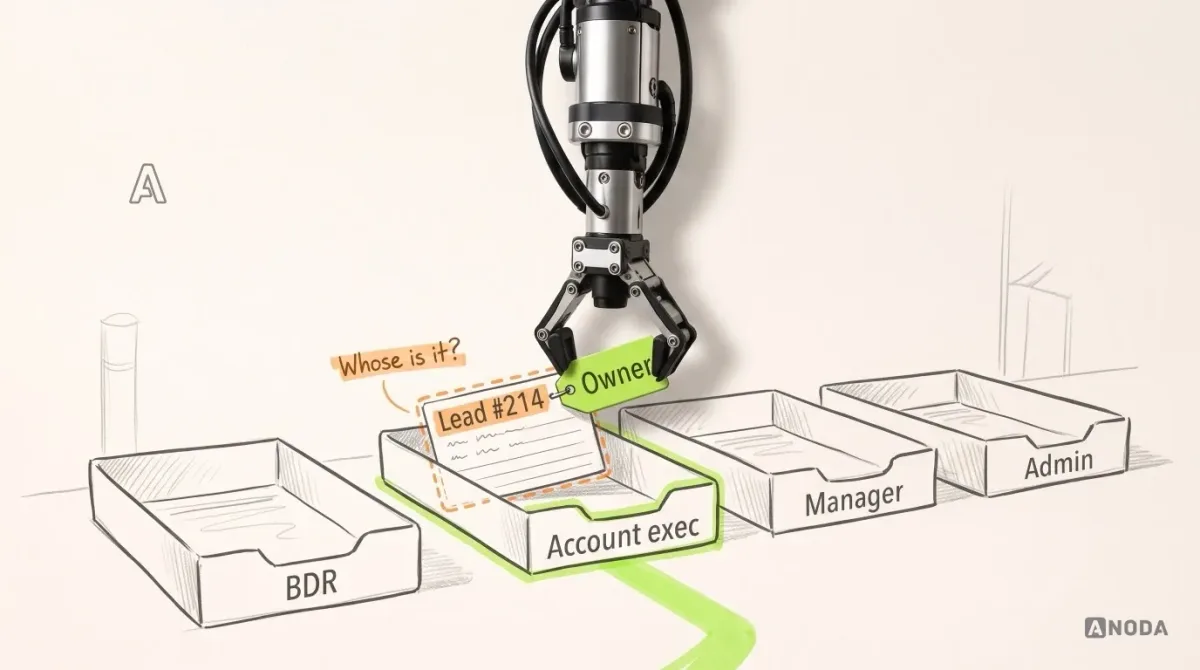
Keep three things apart: roles (what kind of person this is), access rights (what they can see and change) and responsibility (who answers when it goes wrong). Teams merge them all the time. Then the build arrives where everybody can edit everything, which is a football match where every player is allowed to pick up the ball. Fast, democratic and no longer football.
Responsibility is the piece most briefs skip. Access tells you who can reassign a deal. Responsibility tells you who must do it when the owner goes on holiday. Only the second one stops the orphaned-deal problem.
Records, relationships and the rules between them
Next, the things the system stores. Don’t write a database schema. Write the nouns your team uses and how they connect.
Our example needs a few: a company, the contacts who work there, a lead that becomes a deal when it is handed over, and activities (calls, emails, meetings, notes) attached to them. That is enough. Resist adding records because “every CRM has them”. Every record you add is something to design, build, migrate, test and keep clean forever.
For each record, three things matter more than the field list:
- Relationships. Can a contact belong to two companies? Can a deal involve several contacts? Does an activity attach to the contact, the deal or both? These answers change the data model, and changing the data model late is changing the foundations after the second floor is built.
- Required fields and when they become required. A lead can exist with an email address. A deal probably cannot reach “proposal sent” without a value and a decision-maker.
- State-transition rules. Which stages exist, who can move a record between them and what must be true first. “A lead cannot be handed over without a named owner and a next action” is one sentence in your brief and an entire category of orphaned deals that never happens.
A stage name is not a rule. “Negotiation” means nothing until someone writes down what gets a deal in and what gets it out.
Integrations: agree who owns the truth
This is where estimates go to die.
“Integrate with our email and billing” sounds like one line. In practice every connection needs its own small agreement:
| Question | Our example: email | Our example: billing |
|---|---|---|
| Which system? | Company email service | Existing billing platform |
| Direction | Email into the CRM, logged on the contact | CRM sends a won deal; billing returns invoice status |
| Who owns the data? | Email service owns the message; CRM owns the link to the deal | Billing owns invoices and payment status |
| How often? | Near real time is wanted; daily might do | When a deal is won; status checked daily |
| When it fails? | Message is missing, CRM shows “not synced” | Flag the failed or uncertain transfer, notify finance and confirm the billing result before retrying; verify duplicate protection in acceptance |
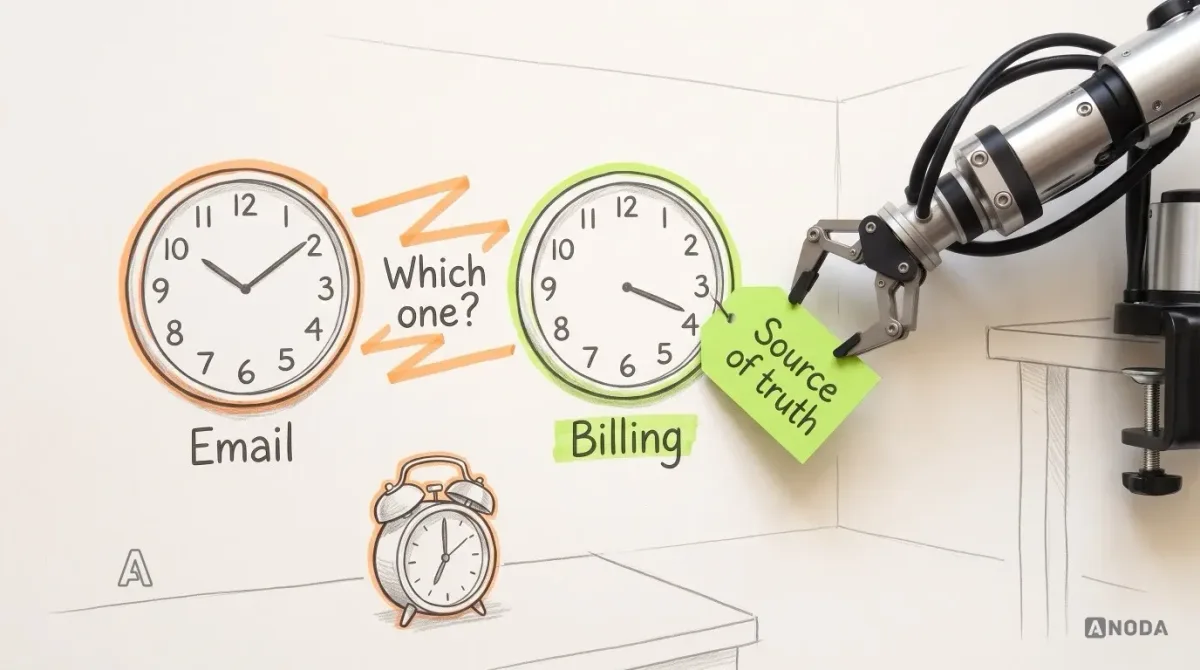
The last row is the expensive one, and the one nobody writes. When two clocks in the house show different times, the problem isn’t the clocks. It is that nobody agreed which one to set the alarm by.
One more trap: “they have an API” does not mean the integration is agreed. An API proves the door exists. It says nothing about what is allowed through it, how often, who is responsible when the other side changes the lock, or whether the vendor’s limits match what your team expects. The commissioned team can check the technical side. You need to bring the business side: who owns each piece of data and what should happen when the systems disagree.
Migration: decide what moves, and who vouches for it
A CRM replacing existing tools starts with somebody else’s data. Usually several somebodies: a spreadsheet, the old CRM, a shared inbox, a finance export.
Migration is not copying. Pouring the old tank into a new aquarium, sludge and all, gives you a very expensive new aquarium with the same sludge. Before the build, decide:
- Sources. Which systems and files hold records you need, and which are abandoned copies.
- Quality ownership. A named person on your side who decides what a correct record looks like and signs off on the cleaned data. It cannot be the development team; they don’t know which of two addresses is the real one.
- Duplicates. How you recognise one (same email? same company name spelled four ways?) and which version wins.
- History. What you keep in full, what you keep as an archive, what you leave behind. Ten years of notes from people who left is a cost decision, not a sentimental one.
- Verification. How you will check the result: sample records, counts by source, a list of known tricky accounts that must look right.
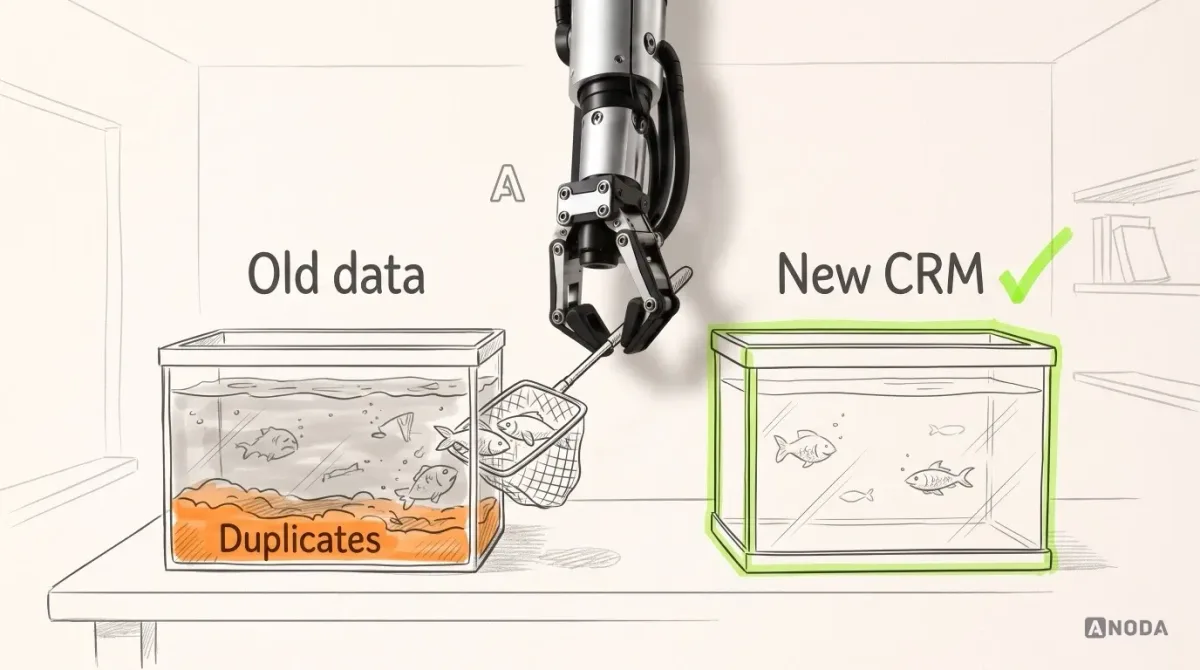
Nobody can promise a seamless migration of data they haven’t seen. Anyone who does is selling you a surprise with a delivery date. What a good team can promise is a process: a trial import, a list of problems found, decisions from your quality owner and a repeatable final run.
The first release: one complete scenario
Here is where budgets start to balloon. The team tries to ship “the CRM”: pipeline, reports, automation, every integration, mobile, all at once. Ten bus stops get built across the city and not one bus runs.
Choose one scenario that runs from start to finish for real people, and build that first. In our example:
A qualified lead reaches a nominated account executive with the agreed qualification and relevant email history, an acceptance step and a next action. The rep remains responsible until acceptance; the manager sees pending handoffs and records with missing ownership. That is a first release. “Pipeline, contacts, reports” is a wish list.
That single scenario forces the right decisions early: the lead and deal records, the handoff rule, the roles involved, the email history the account executive needs, and one manager view. It is small enough to finish and real enough to prove the foundations hold.
What can wait? Usually more than people expect:
- Most reports. One manager view that drives a decision beats twelve charts. The rest can follow once the data is trustworthy.
- Automation. Automate a rule after people have followed it by hand and agreed it is right. Automating a disputed rule just makes the dispute faster.
- Secondary integrations. If billing can be handled by exporting won deals for a few weeks, that buys time to agree the source-of-truth questions properly.
Scope is a choice too. Every feature you refuse to postpone is a feature you choose to pay for before you know whether the first one works.
Acceptance and launch: how you will know it’s done
“Done” needs a definition before the build starts, or it will be negotiated at the end, when everyone is tired and the budget is spent.
Write acceptance as tasks each role must be able to complete, not as screens that must exist:
- The business development rep qualifies a lead and nominates an account executive without leaving the CRM; responsibility stays visible while acceptance is pending.
- The account executive accepts the handoff, sees the agreed qualification notes and relevant email history, and maintains a next action.
- The manager opens one view and sees every deal with no owner or no next action, then reassigns one.
- The admin merges a duplicate company without losing either history.
Then list the errors and constraints to check. A rep cannot hand over a lead without naming an owner and a next action. An account executive cannot see contract values from another region, if that is a rule. A failed email sync shows up as a visible state, not a silent gap.
Finally, name people. Who accepts the migrated data? Who accepts the release? Who supports the system after launch, fixes data, answers questions and decides on changes? The proof of the pudding is in the eating, and somebody on your side has to be at the table, tasting.
What to bring to the first scoping conversation
You don’t need to design the system before talking to a development team. You need to answer the questions above well enough that the team can see the shape of the work. Here is the checklist, with an illustrative answer from our example for each line.
| Bring | What a useful answer looks like (illustrative) |
|---|---|
| Business problem and current process | Qualified leads wait days for a first call; history is split between a spreadsheet and inboxes; managers find orphaned deals through complaints. |
| Roles and access rights | Four roles: business development rep, account executive, sales manager, operations admin. Reps don’t see contract values. Only managers reassign. |
| Main records and states | Company, contact, lead, deal, activity. Lead: new → qualifying → qualified → handoff pending → accepted. No handoff without a nominated recipient and a next action; the rep remains responsible until acceptance. |
| Integrations and data owners | Email (logged on contacts, email service owns messages). Billing (owns invoices, receives won deals). Failure must be visible, never silent. |
| Migration sources | One spreadsheet of leads, the old CRM export, email history for open deals only. Sales operations lead owns data quality. |
| First-release boundaries | Lead handoff with history, next action and owner, plus one manager view. Reports, automation and billing sync wait. |
| Acceptance criteria | Each role completes its tasks above; listed errors are blocked or visible; migrated sample of named accounts checks out. |
| Decision owners | Head of sales decides process rules; sales ops lead accepts data; product owner accepts the release; IT owns integrations access. |
The general part of briefing an agency (goals, audience, constraints) is covered in our guide to writing a brief that gets you useful results. This table is the CRM-specific layer on top.
Half-answers are fine. “We don’t know how billing should handle cancelled contracts” is a useful line in a brief, because it tells the team where discovery time is needed. What is not useful is silence, because silence gets filled with assumptions, and assumptions get filled with invoices.
A good commissioned team will help with the unknowns. Discovery workshops, a look at the current tools, interviews with the people who will use the system, and a prototype of the first scenario can resolve many open questions before engineering commits to an estimate. Your job is to bring the people who know the answers and the authority to decide.
If you want the interface side in depth (roles, pipelines, record pages, next actions and interface states), our guide to CRM system design goes through it step by step. This article stops where that one starts.
CRM design only
Need the interface designed before you choose who builds it?
We design CRM workflows, records and screens and hand over a specification your engineers can build from.
What we do with it
We design digital products and build them within an agreed scope, so a brief like this is where our work starts, not where it ends. On Sail, the mortgage-agent CRM Ark Mortgage’s loan officers work in, the system was already built and in use; our part was the redesign of leads and pipeline, loans and long applications, pricing scenarios, documents and lead routing, on desktop and phone. Every one of those screens started from the same questions this article asks. From it we can tell which parts need discovery, which need a prototype and which are ready for engineering, and we can propose a first release that is honest about what it includes.
What we can’t do is turn a feature list into a reliable estimate. Nobody can. Anyone who quotes you a fixed price for “pipeline, contacts, reports, integrations” is either padding it heavily or planning to discuss the difference later.

Custom CRM development
Bring the process, not the feature list
Show us how work moves today, who does it, which systems are involved and the one scenario that hurts most. We will tell you what a sensible first release looks like and what we would need to estimate it.
Written by